INTERACTIVE AI AVATARS

AI Kiosks That Understand the Visitor Journey

Use an AI kiosk or self-service kiosk to combine touchscreen interaction, conversational AI and approved workflows for reception, information, wayfinding and visitor assistance.

VOICE + TOUCHNatural visitor interaction
BRANDEDAvatar, content and UI configured for your organisation
KNOWLEDGE + GUIDANCEExplain, educate and guide from approved content
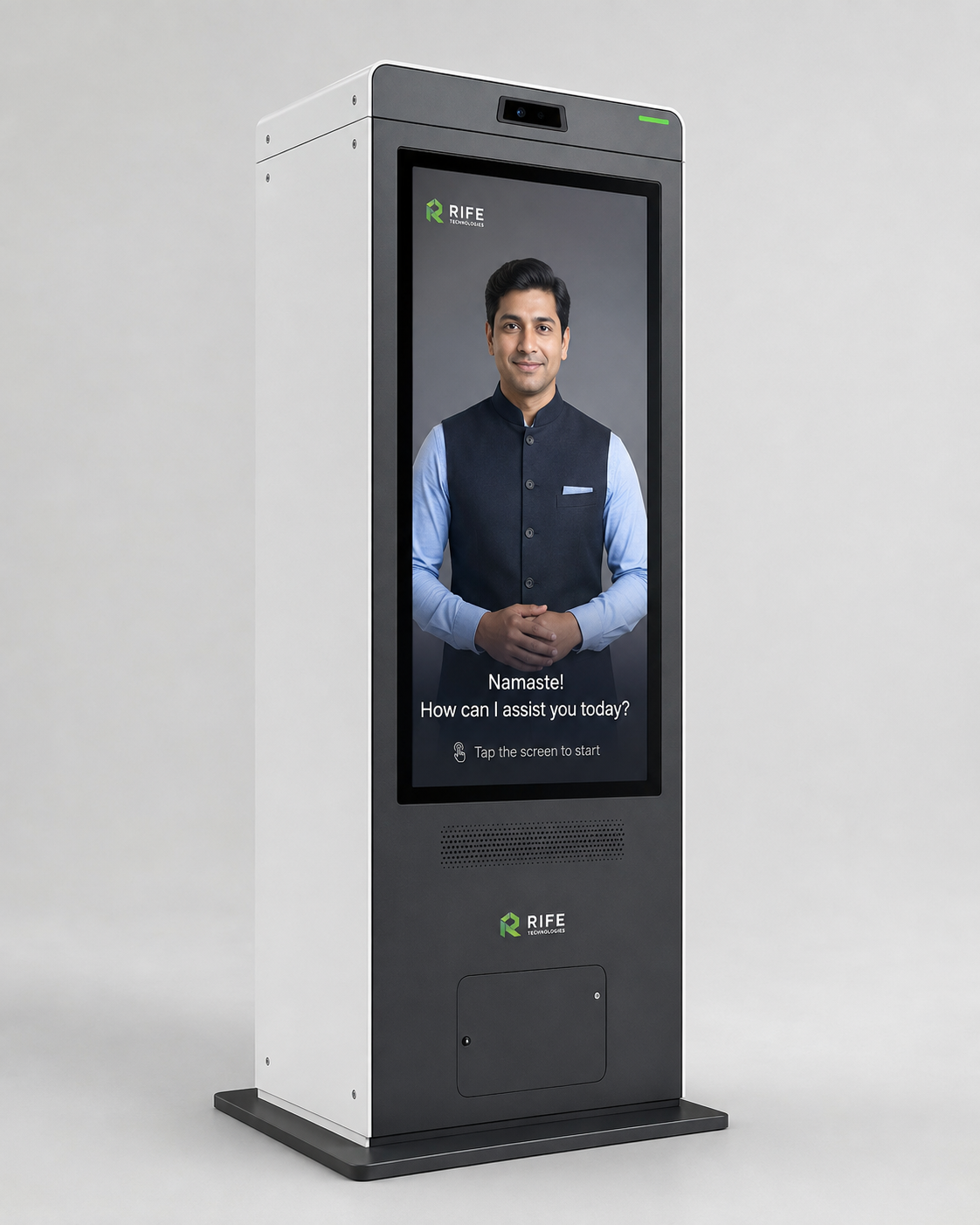
AI KIOSKSRIFE enterprise AI kiosk
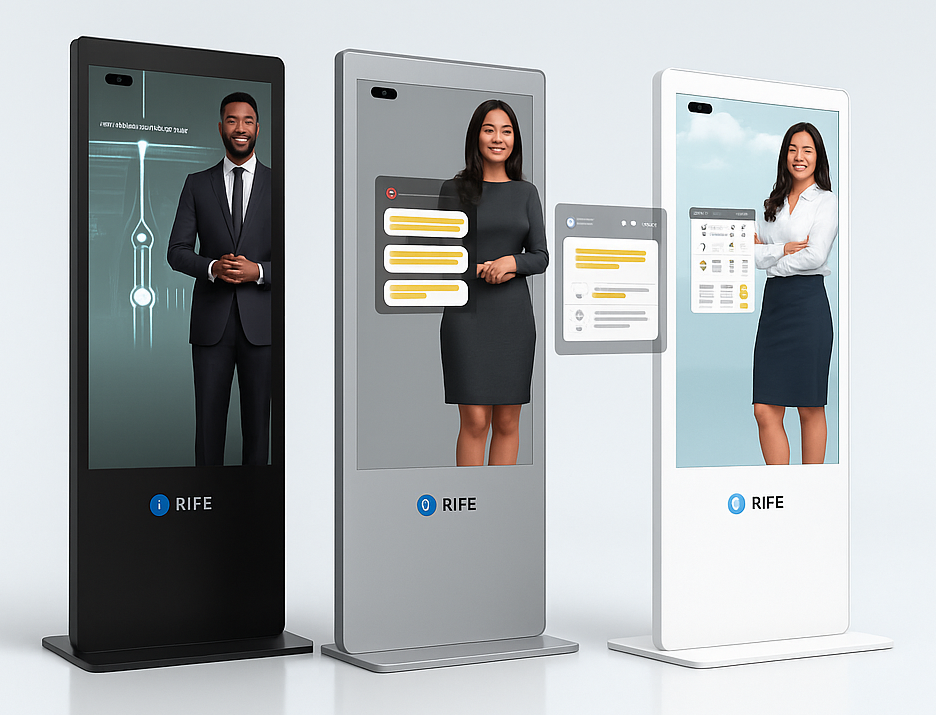
RIFE AI Avatars
INTERACTIVE DIGITAL HUMAN

A conversational face for information, explanation, orientation and guided learning.

Use an AI kiosk or self-service kiosk to combine touchscreen interaction, conversational AI and approved workflows for reception, information, wayfinding and visitor assistance.

APPLICATIONS

Designed around the visitor journey

The value is the interaction behind the face: approved knowledge, conversational explanation, visual guidance, repeatable orientation or training content, clear actions and human escalation when needed.

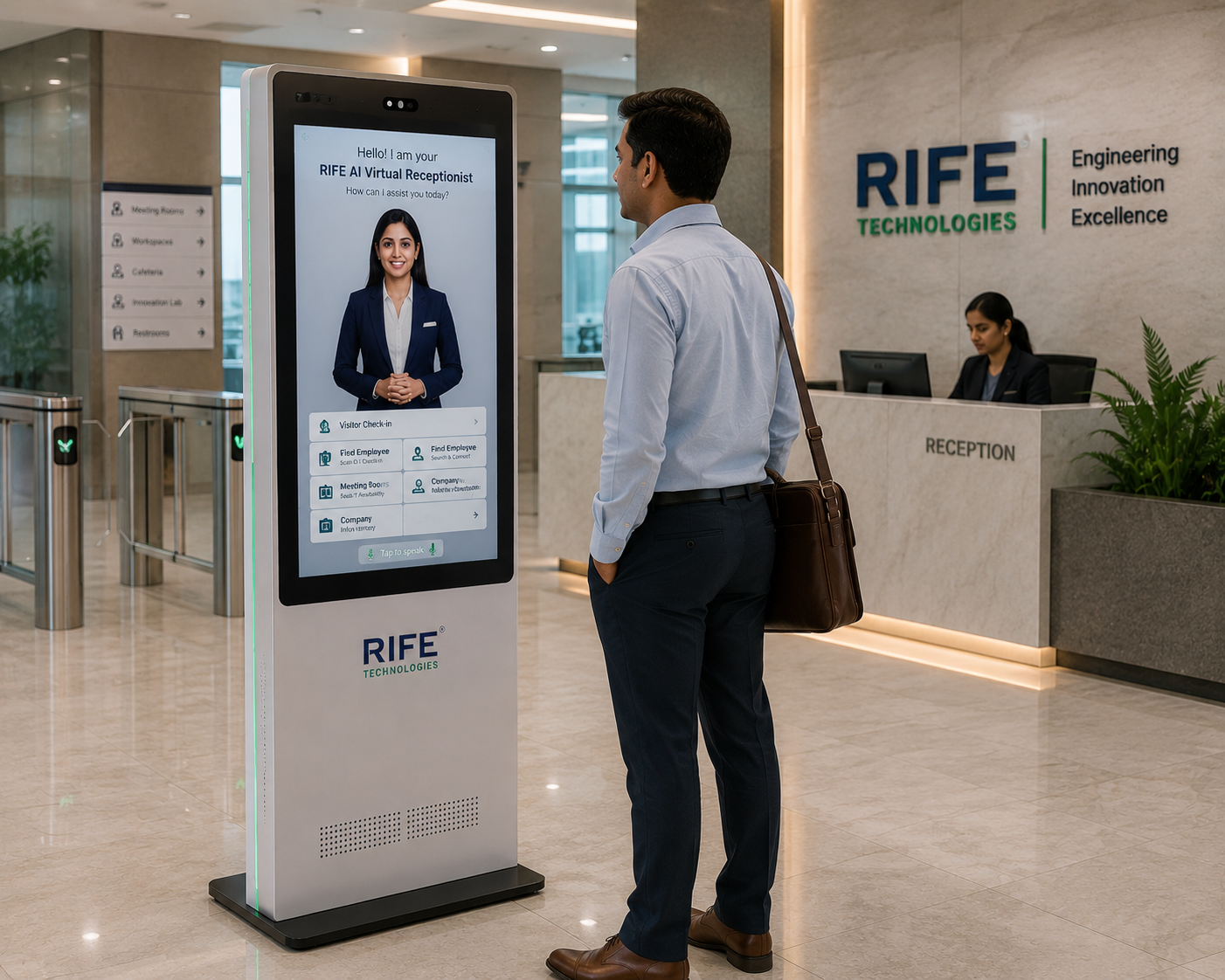
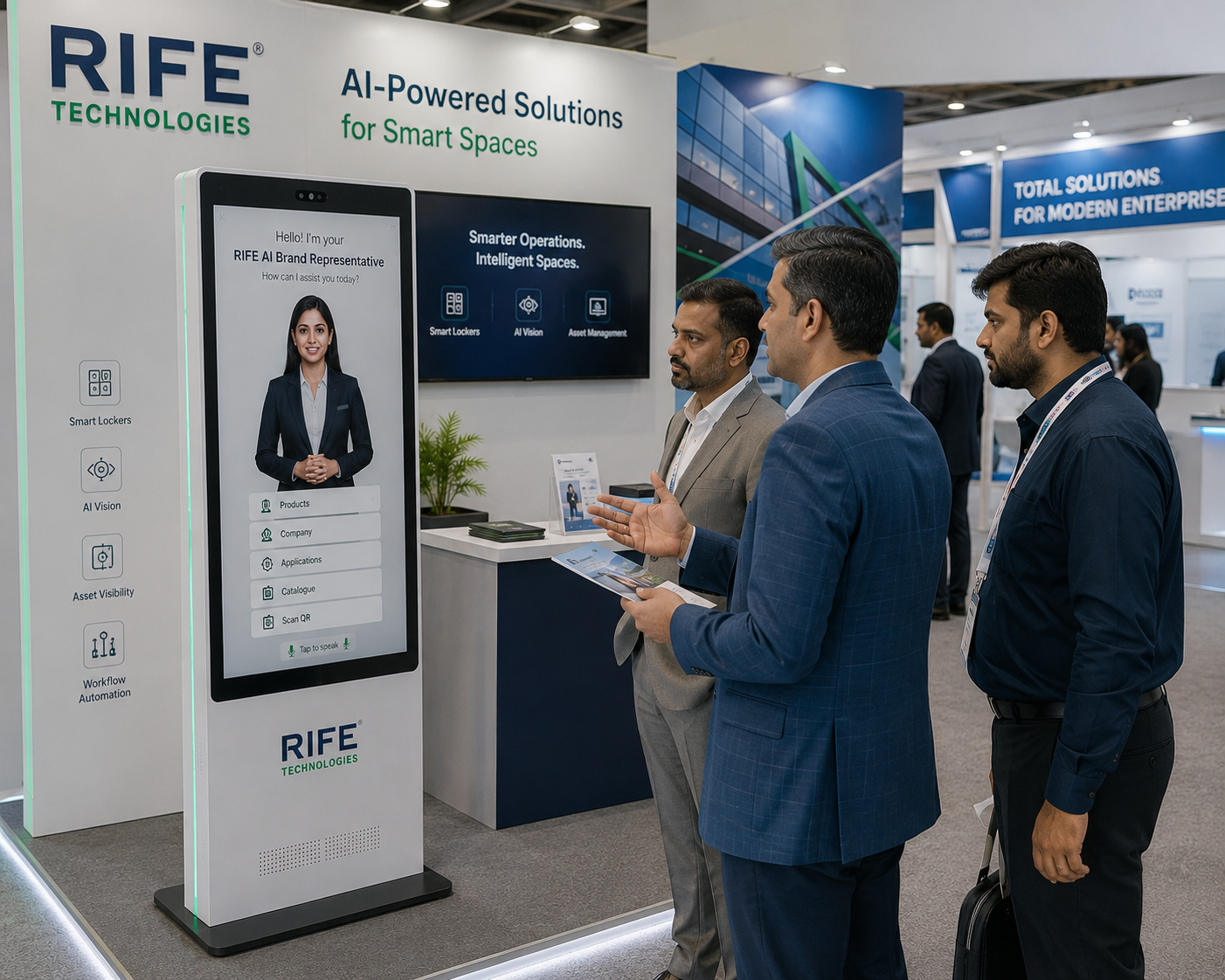
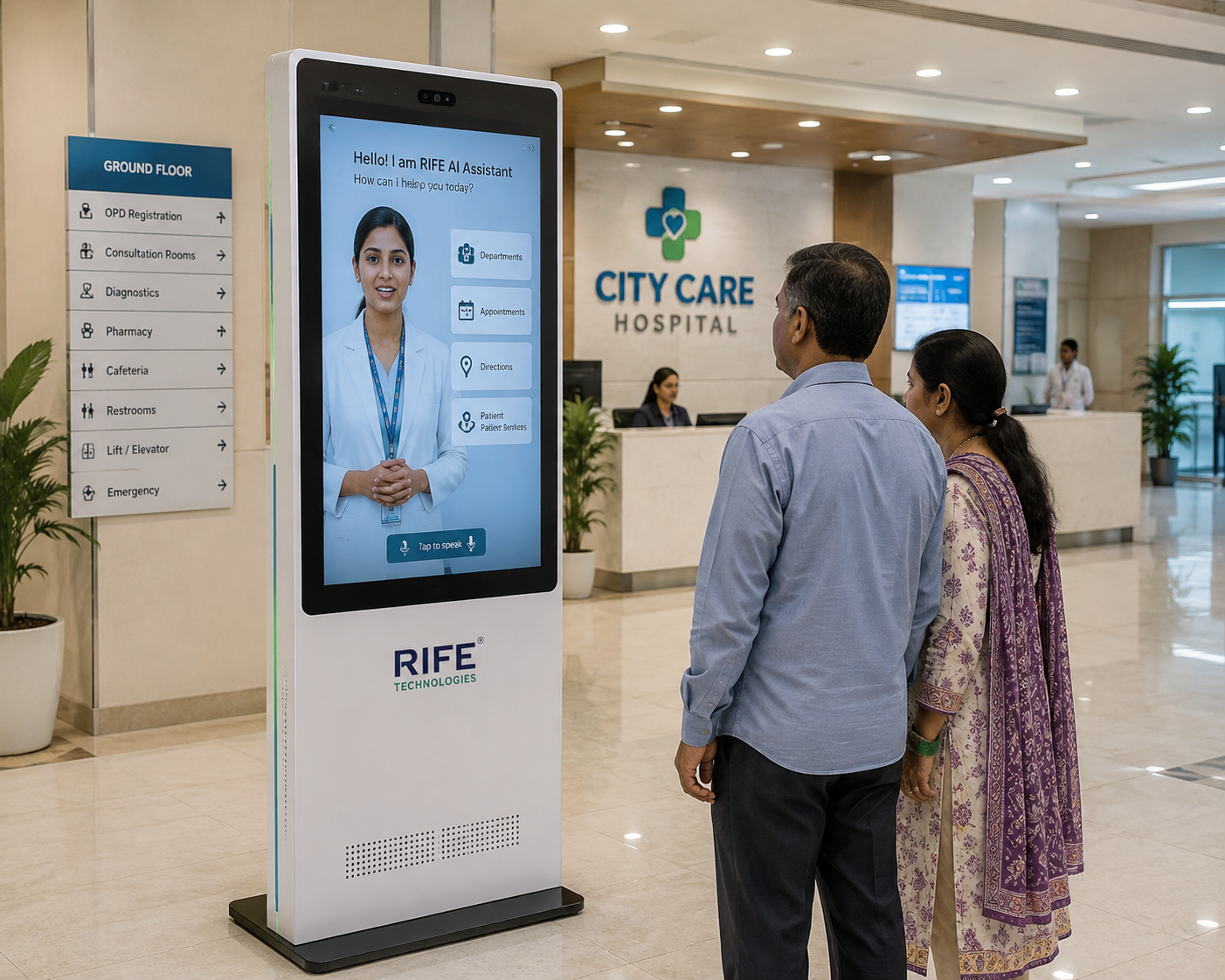
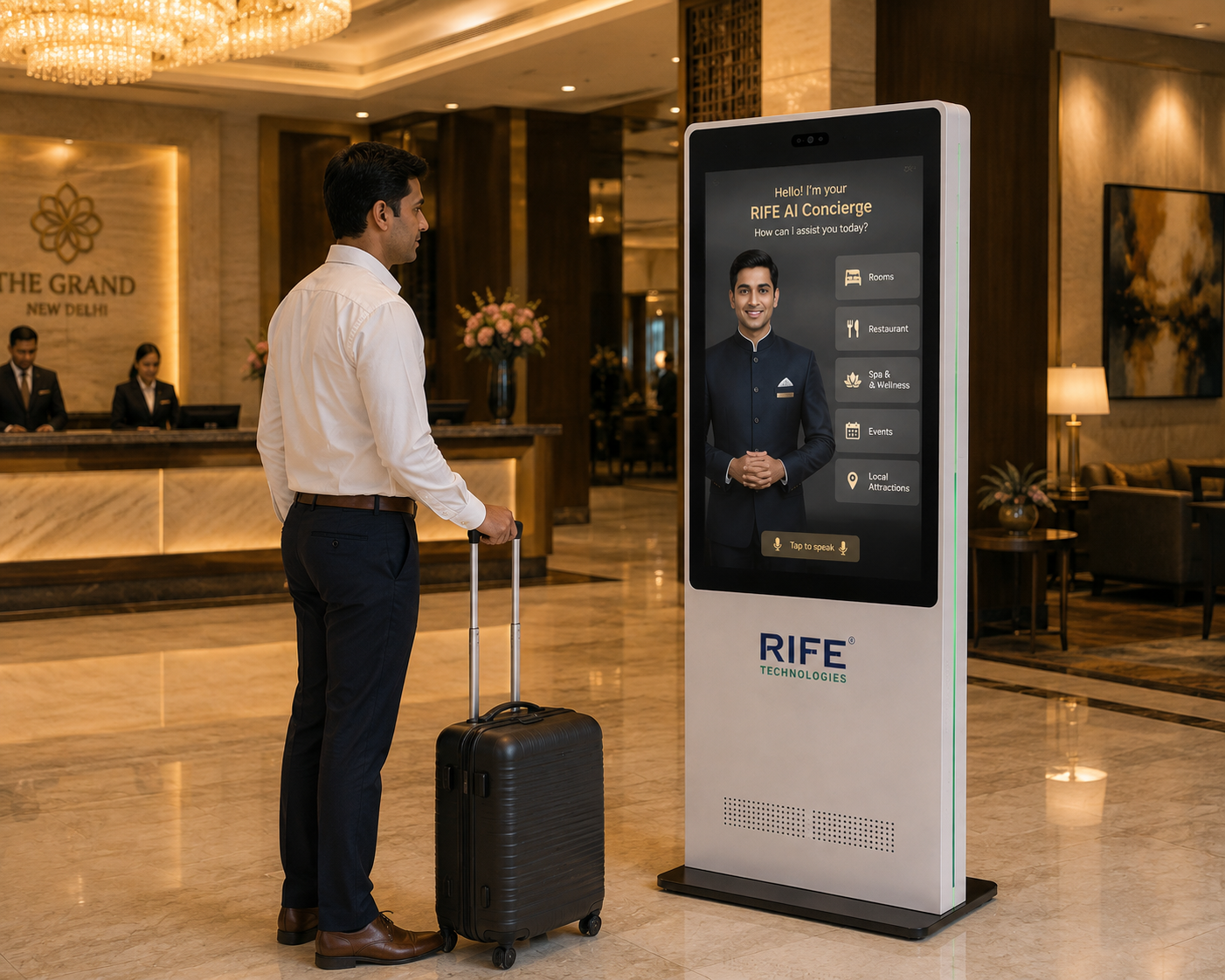
AI reception kiosk
RECEPTION

Reception

Visitor welcome, information and staff hand-off.

AI wayfinding kiosk
WAYFINDING

Wayfinding

Maps, directories and destination guidance.

AI information kiosk
INFORMATION

Information

Approved FAQs, services and organisation content.

AI self-service kiosk
SELF-SERVICE

Self-Service

Configured forms, QR journeys and approved connected workflows.

Conversational AI kiosk
CONVERSATIONAL KIOSK

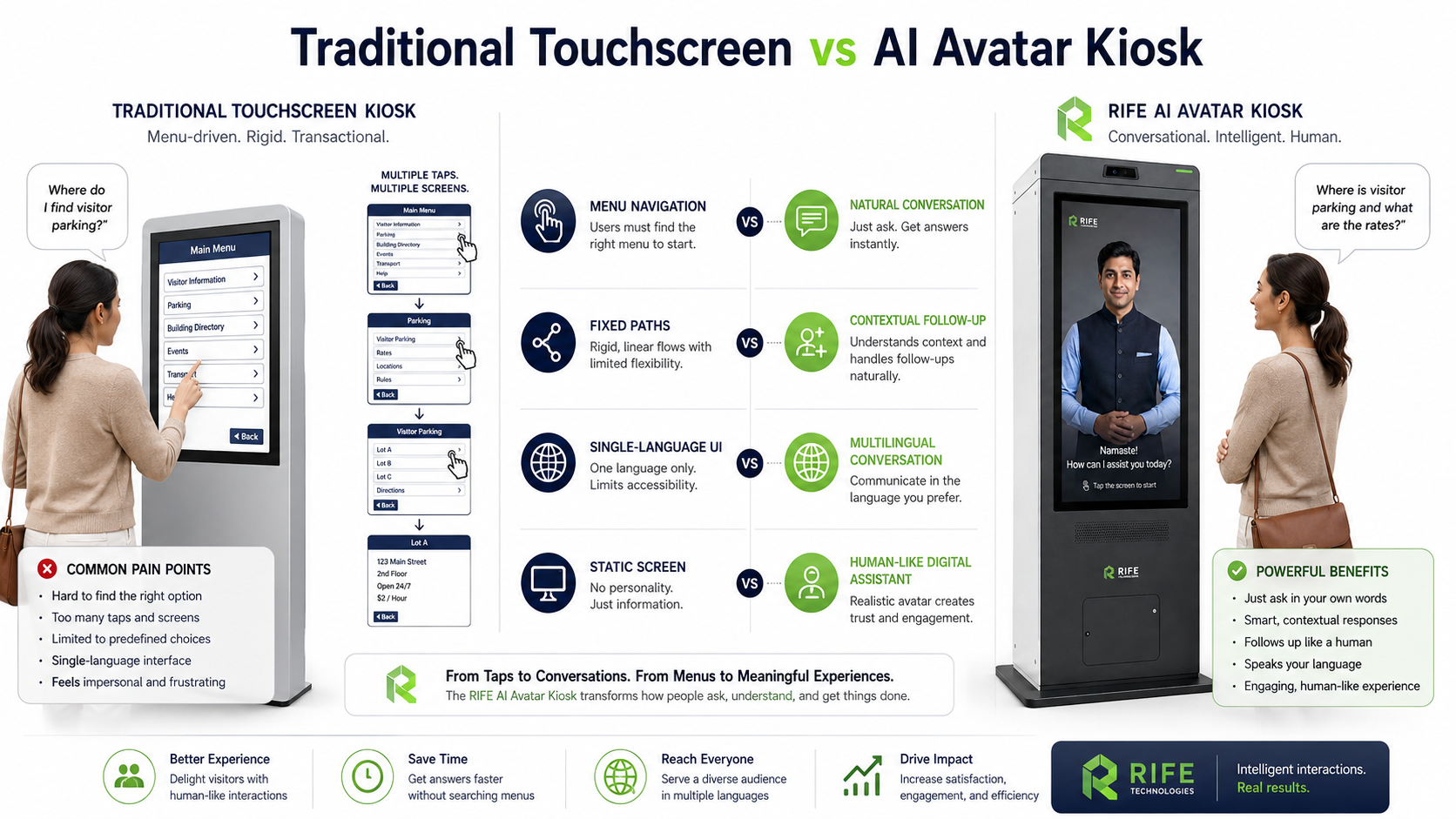
Move beyond static touch menus

Add a human-like conversational layer to the touchscreen so users can ask questions naturally as well as browse structured options.

  • Voice and touch interaction
  • Avatar or guided visual interface
  • Approved knowledge sources
  • Staff escalation
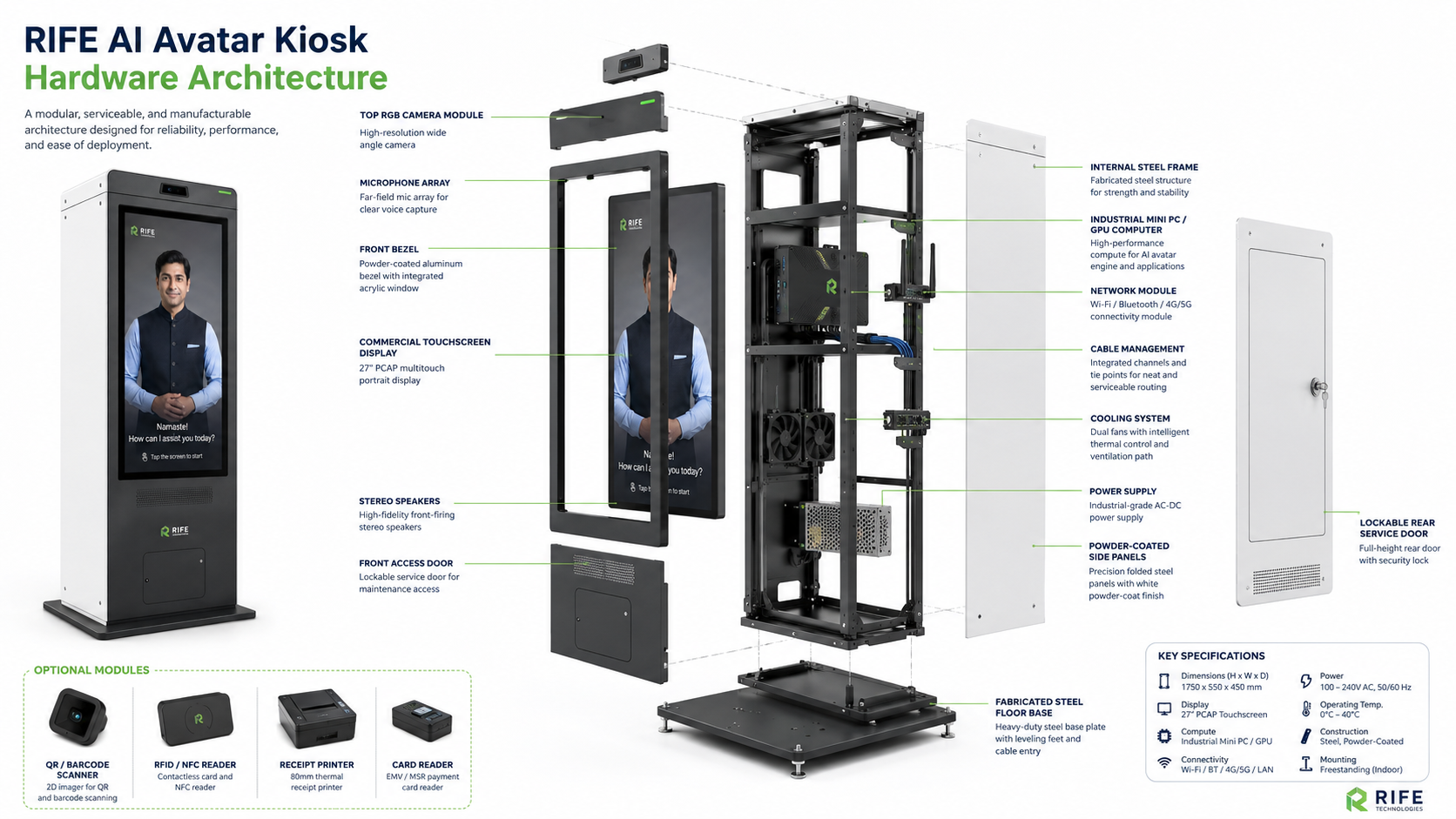
Modular AI kiosk
MODULAR WORKFLOW

Configure the kiosk for the task

The same physical kiosk family can support different information, reception and self-service experiences depending on the approved software and peripherals.

  • Reception workflows
  • Forms and lead capture
  • Maps and directories
  • Optional connected peripherals subject to review
HOW IT WORKS

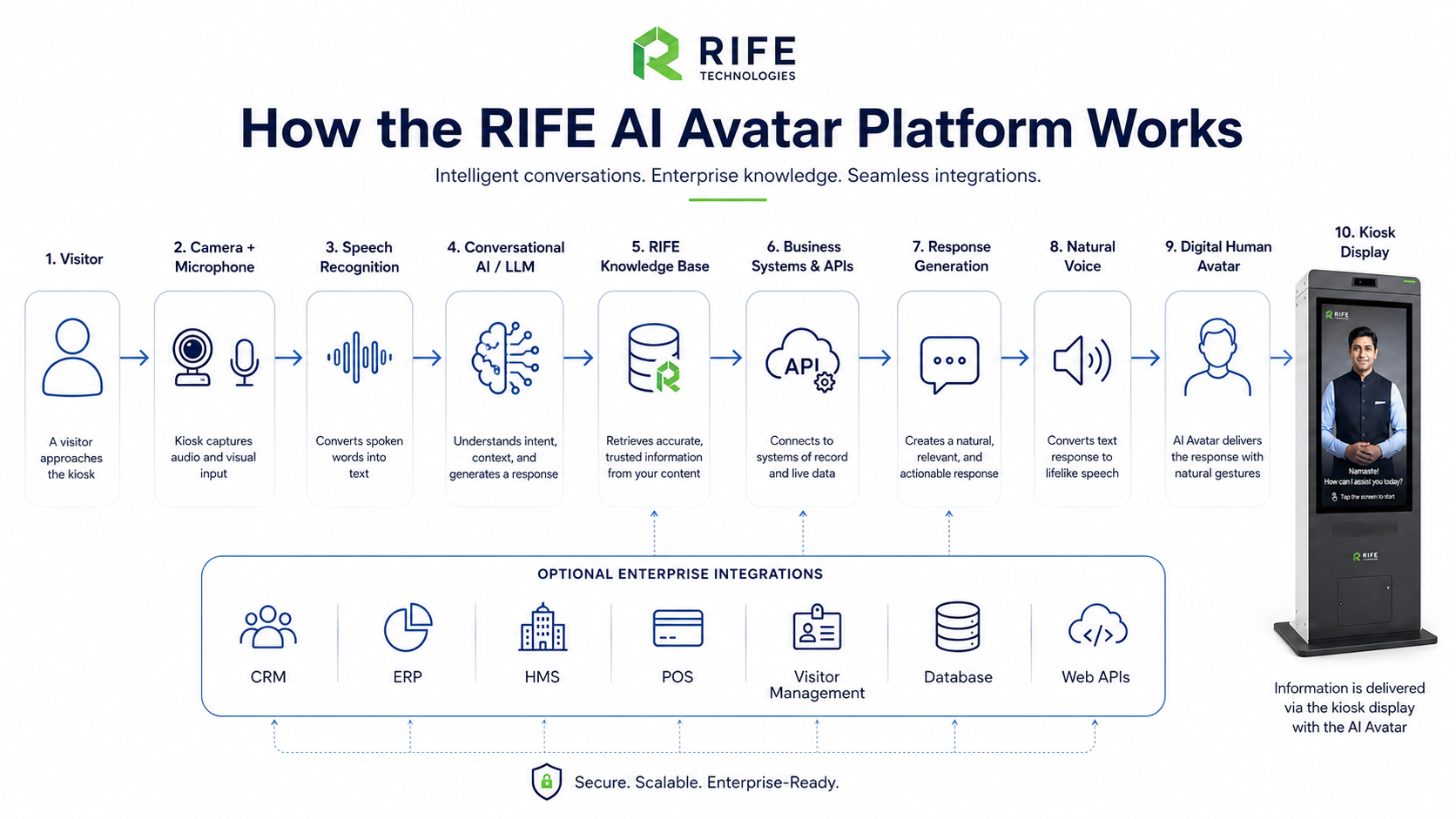
From conversation to understanding and useful action

01

Define

Choose the visitor problem the kiosk should solve.

02

Design

Create the interaction, knowledge and screen journey.

03

Integrate

Connect approved systems or peripherals where required.

04

Operate

Deploy with content ownership and support responsibilities defined.

USE CASES

Where interactive digital humans can explain, guide and engage

Corporate AI kiosk

Corporate

Reception and workplace information.

Healthcare AI kiosk

Healthcare

Administrative reception and wayfinding.

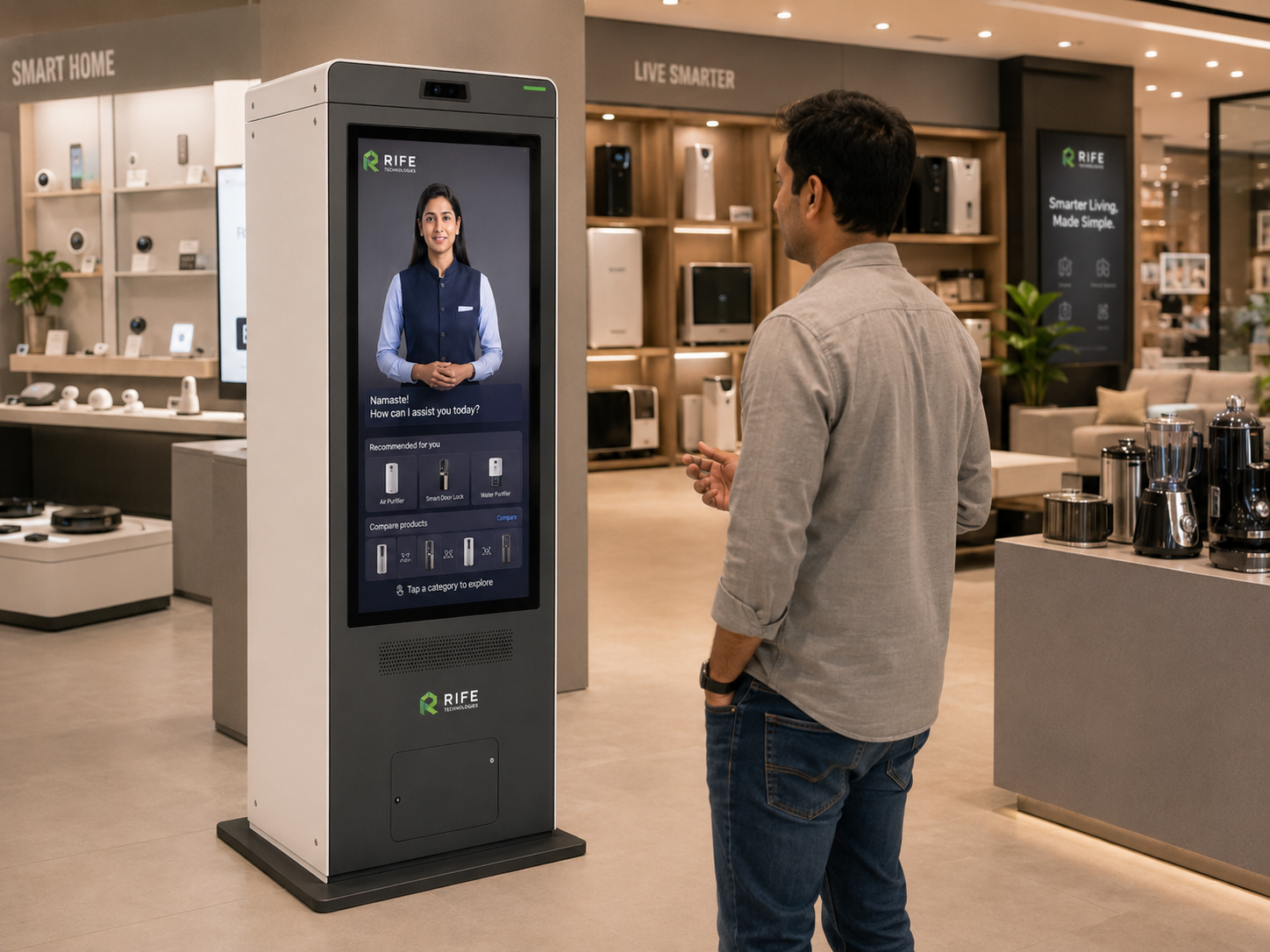
Retail AI kiosk

Retail

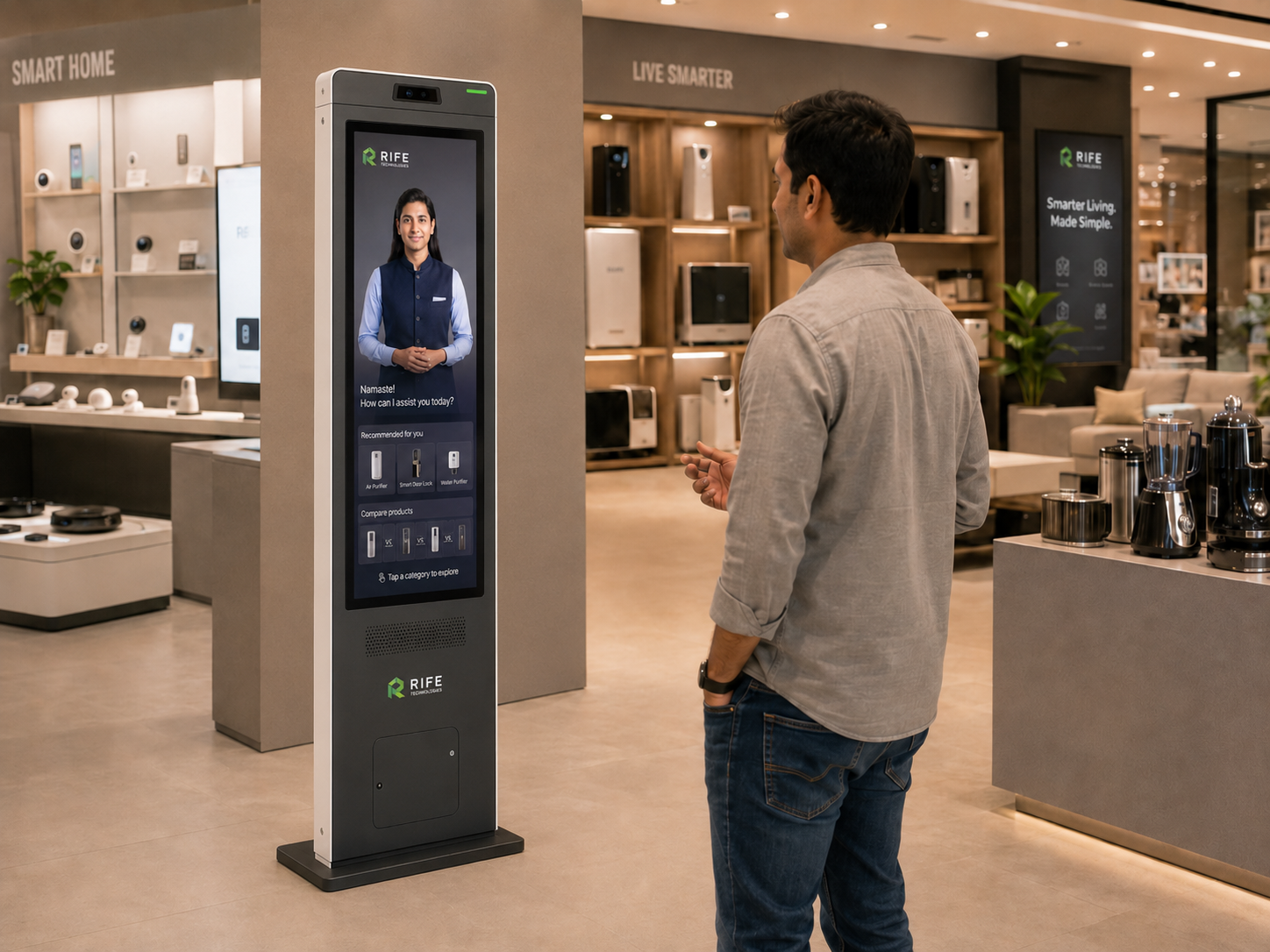
Product information and customer assistance.

Public AI kiosk

Public Spaces

Directions and public information.

PROJECT CONFIGURATION

Configure the avatar, kiosk and workflow for the site

Avatar persona, approved knowledge, visual learning content, language coverage, screen format, optional peripherals, integrations and deployment architecture are confirmed during project review.

InterfaceTouchscreen, voice and visual content
AI layerGrounded conversational experience
Content managementManaged approved information
PeripheralsSelected per workflow and hardware review
IntegrationsApproved APIs and business systems
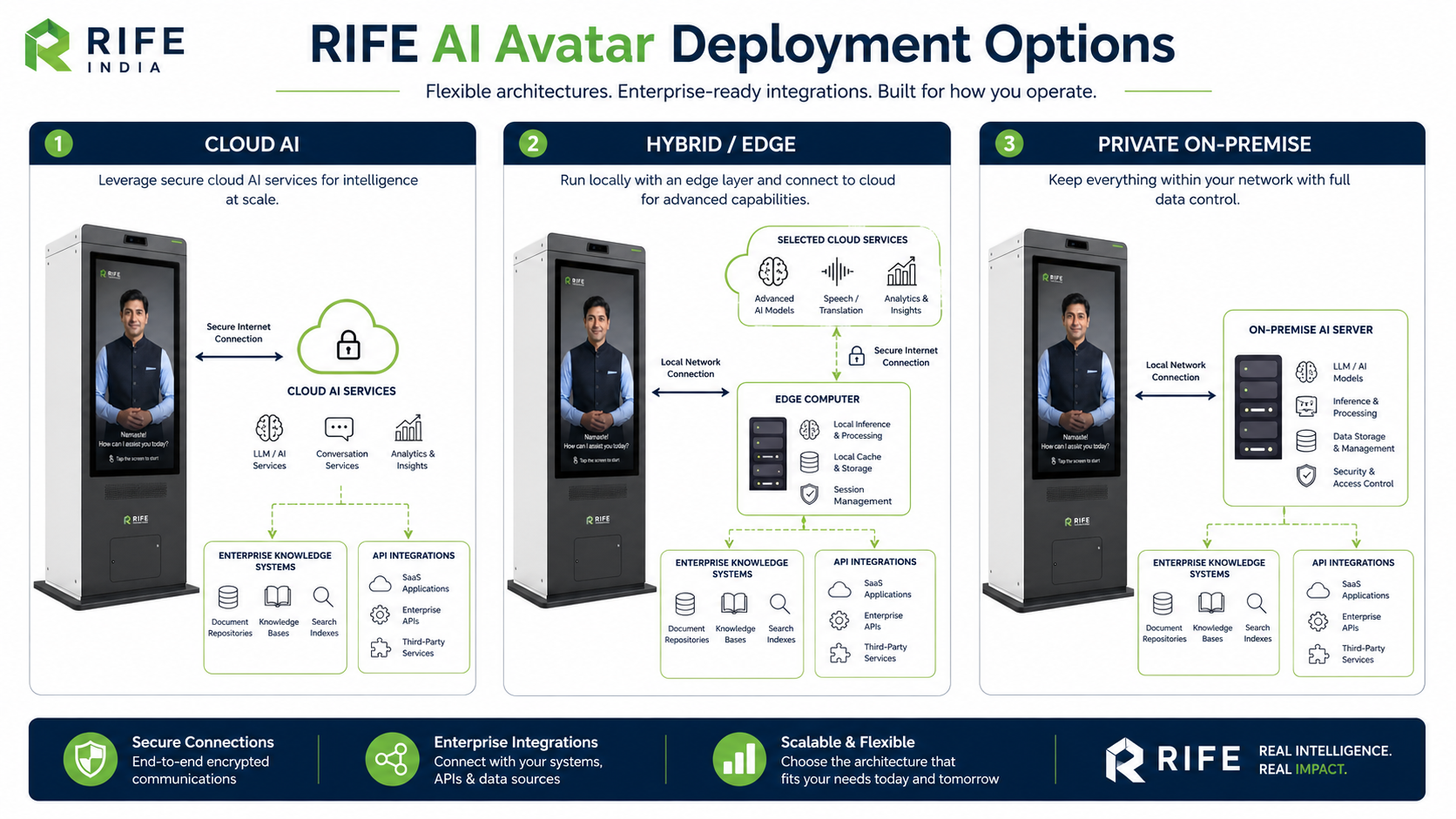
DeploymentCloud, edge or hybrid architecture subject to technical review
FAQ

Questions before you plan a deployment

What is the difference between an AI kiosk and an AI avatar?

The kiosk is the physical self-service interface and workflow platform. An AI avatar is the human-like conversational presentation layer that can run on the kiosk.

Can a kiosk work without an avatar?

Yes. The interface can be designed around standard touch flows, conversational AI, an avatar, or a combination depending on the project.

Can the kiosk connect to business systems?

Approved integrations can be implemented when the target system exposes a suitable interface and the project requirements are defined.

Can the kiosk be customised?

Hardware format, branding, screen journey, content and selected peripherals can be configured for the deployment.

REQUEST A DEMO

Turn approved knowledge into an interactive human-like experience.

Tell us the audience, questions, training or orientation topics, preferred languages, avatar style, visitor journey and any approved systems that should be connected.

RIFE enterprise AI kiosk

Discuss Your AI Avatar Kiosk