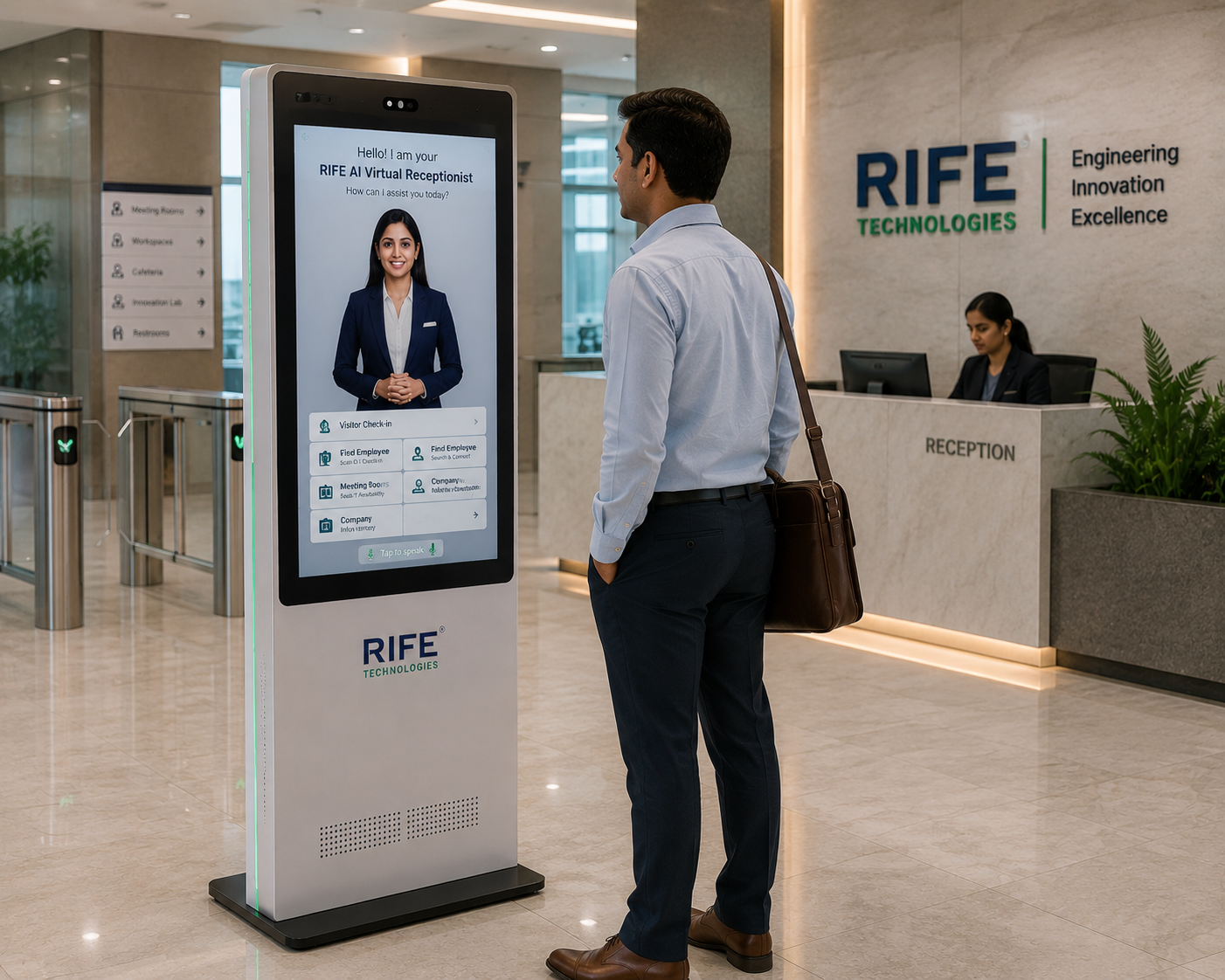
RECEPTION
Citizen Guidance
Explain approved services and the correct starting point for a citizen request.
Help citizens understand services, required documents, forms, counters, queues and approved procedures through a conversational public-information kiosk with clear staff escalation.
Help citizens understand services, required documents, forms, counters, queues and approved procedures through a conversational public-information kiosk with clear staff escalation.
The value is the interaction behind the face: approved knowledge, conversational explanation, visual guidance, repeatable orientation or training content, clear actions and human escalation when needed.
Explain approved services and the correct starting point for a citizen request.
Show document checklists, form guidance and approved process information.
Direct visitors to the appropriate counter, floor or department.
Provide selected-language assistance for approved information.
A conversational interface can reduce uncertainty before citizens reach staffed counters.
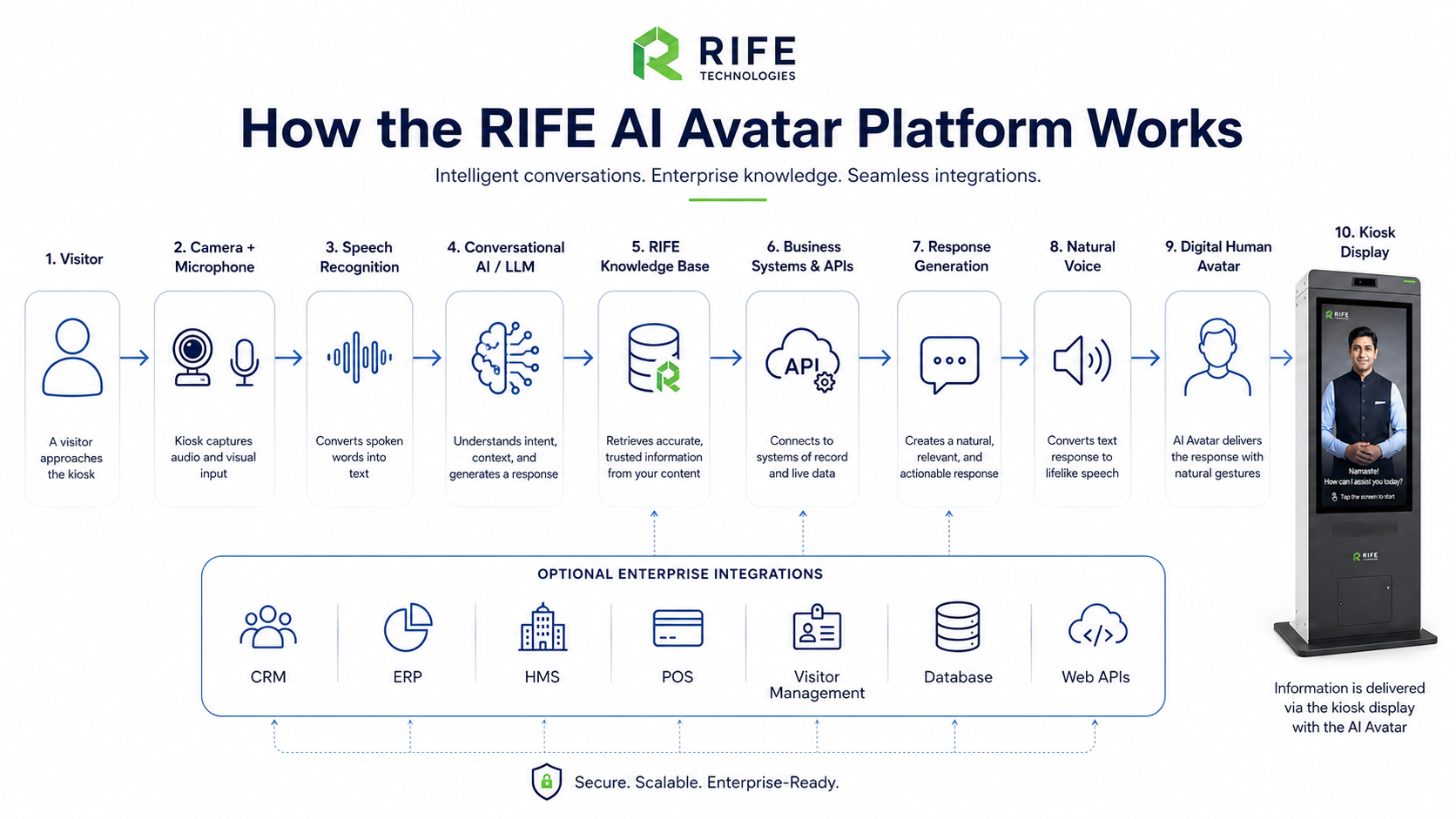
The avatar explains approved published information; official determinations and exceptional cases remain with authorised government staff.
Citizen selects a service or asks a question.
The avatar identifies the relevant service journey.
It presents approved documents, steps, location or queue guidance.
The citizen is directed to the appropriate channel or staff member.
Explain approved services and the correct starting point for a citizen request.
Show document checklists, form guidance and approved process information.
Direct visitors to the appropriate counter, floor or department.
Provide selected-language assistance for approved information.
Avatar persona, approved knowledge, visual learning content, language coverage, screen format, optional peripherals, integrations and deployment architecture are confirmed during project review.
Only configured steps supported by an approved system integration should be automated; the kiosk should not imply universal transaction capability.
Selected languages can be configured subject to approved translated content.
Yes, from the current approved document checklist for the relevant service.
Not by default. Official eligibility or entitlement decisions remain with authorised systems and personnel unless a specifically governed integration is approved.
Tell us the audience, questions, training or orientation topics, preferred languages, avatar style, visitor journey and any approved systems that should be connected.