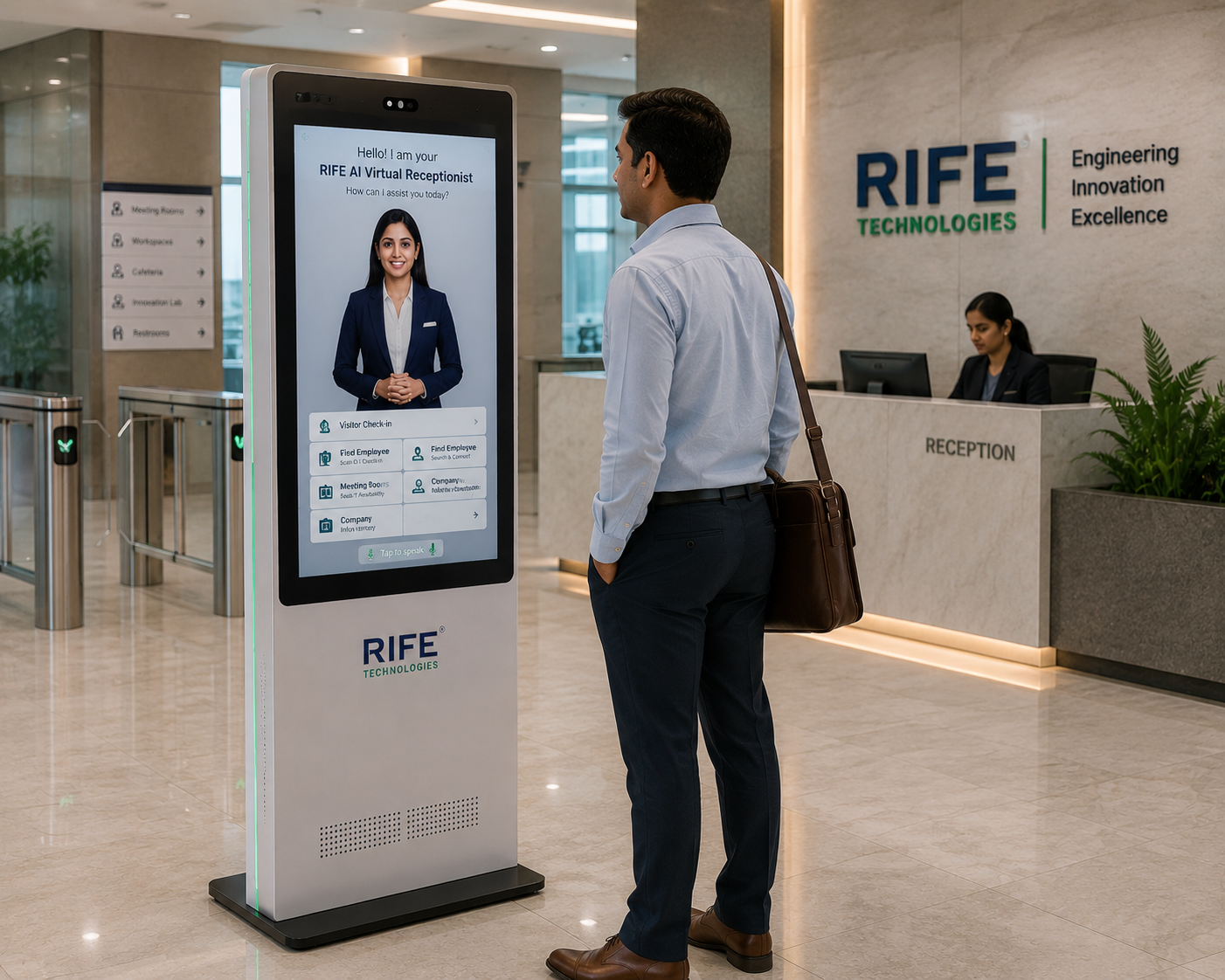
RECEPTION
Virtual Receptionist
A branded front-desk avatar for visitor welcome and information.
Design the digital human around the job: persona and voice, approved knowledge, conversational behaviour, visual explanation and training content, guided workflows, optional data capture or integrations, and a clear human hand-off.
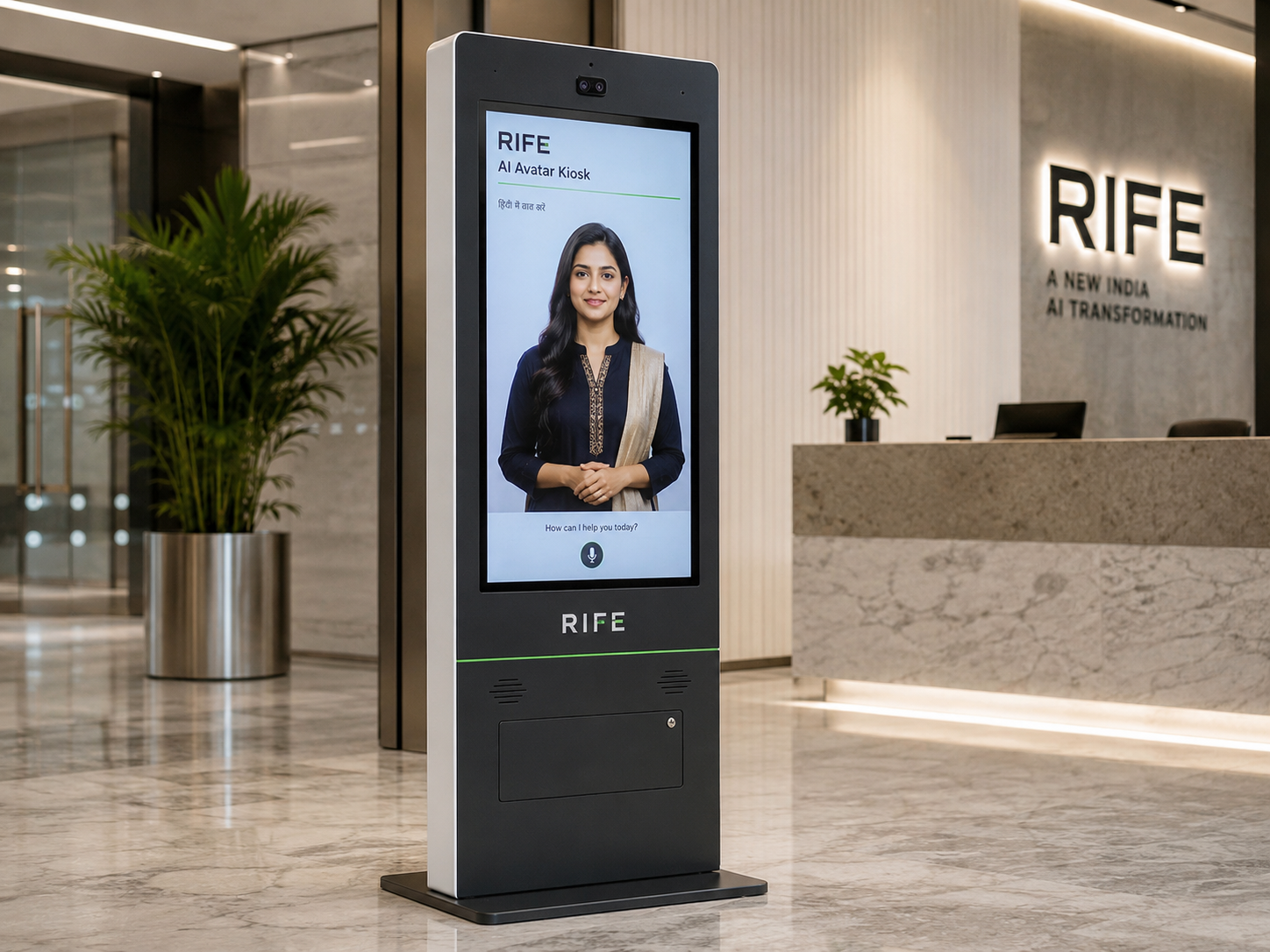
Design the digital human around the job: persona and voice, approved knowledge, conversational behaviour, visual explanation and training content, guided workflows, optional data capture or integrations, and a clear human hand-off.
The value is the interaction behind the face: approved knowledge, conversational explanation, visual guidance, repeatable orientation or training content, clear actions and human escalation when needed.
A branded front-desk avatar for visitor welcome and information.
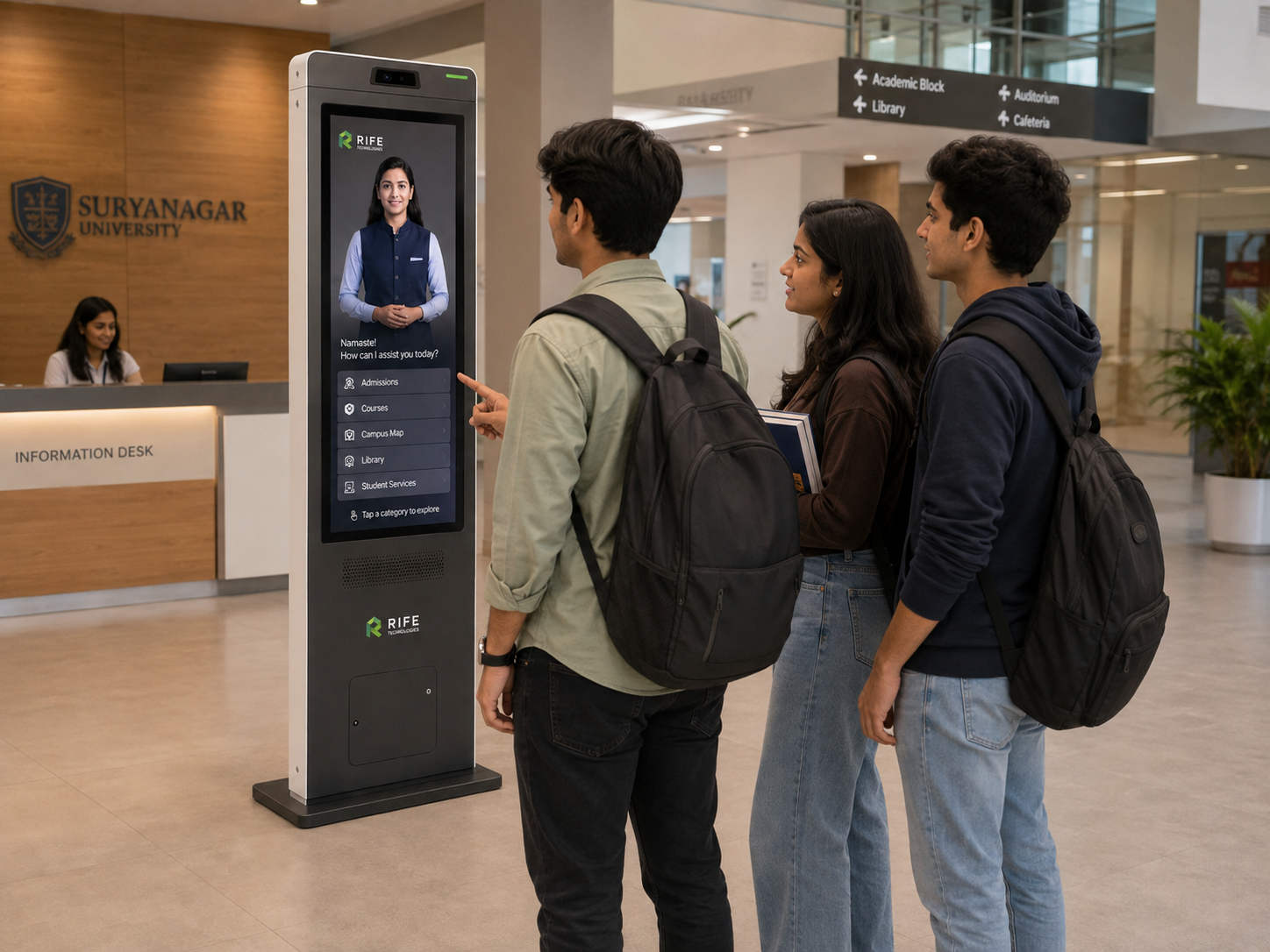
Deliver approved induction, product education, process explanation and repeatable learning journeys with conversational questions.
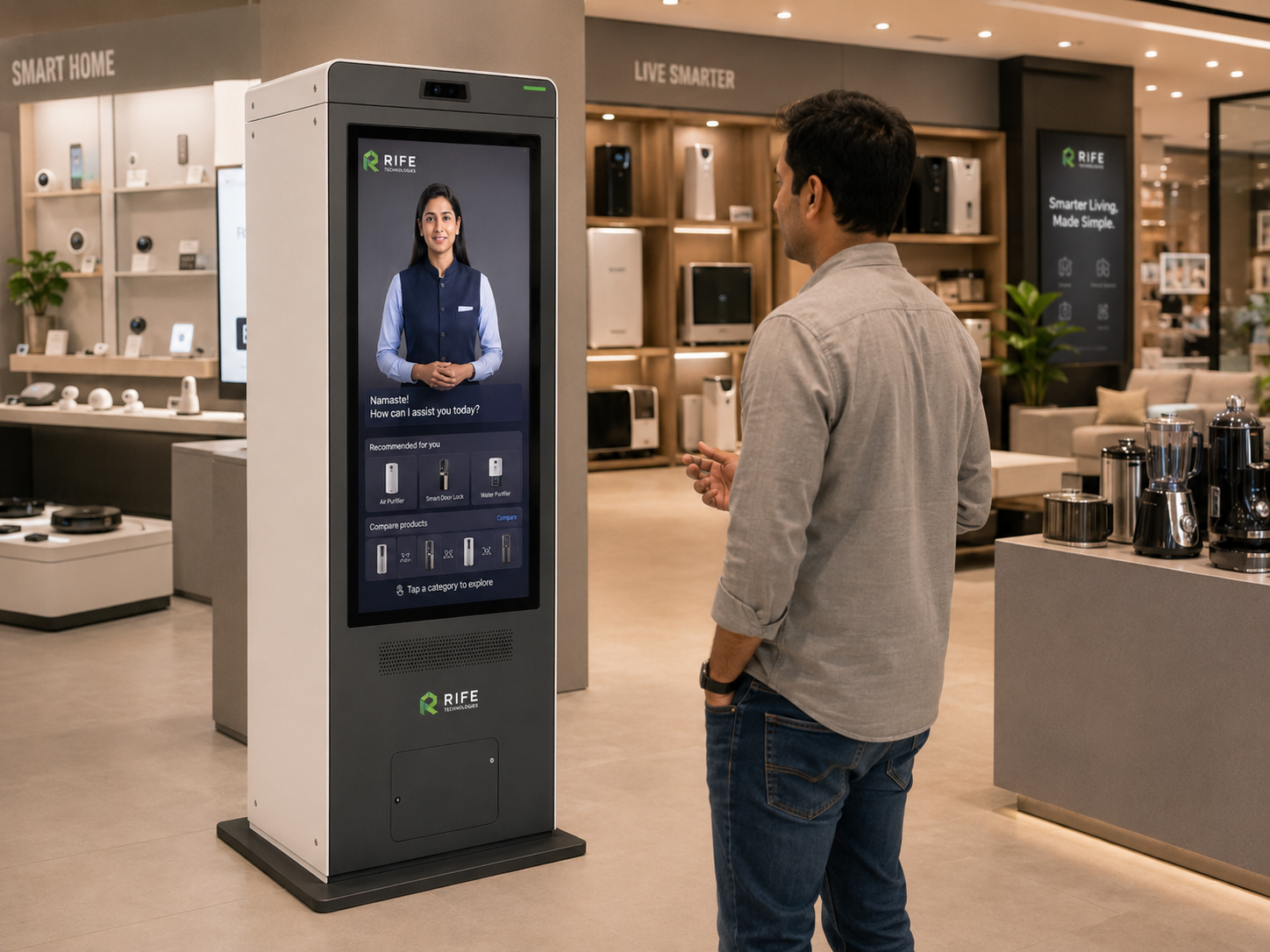
Product discovery and catalogue information.
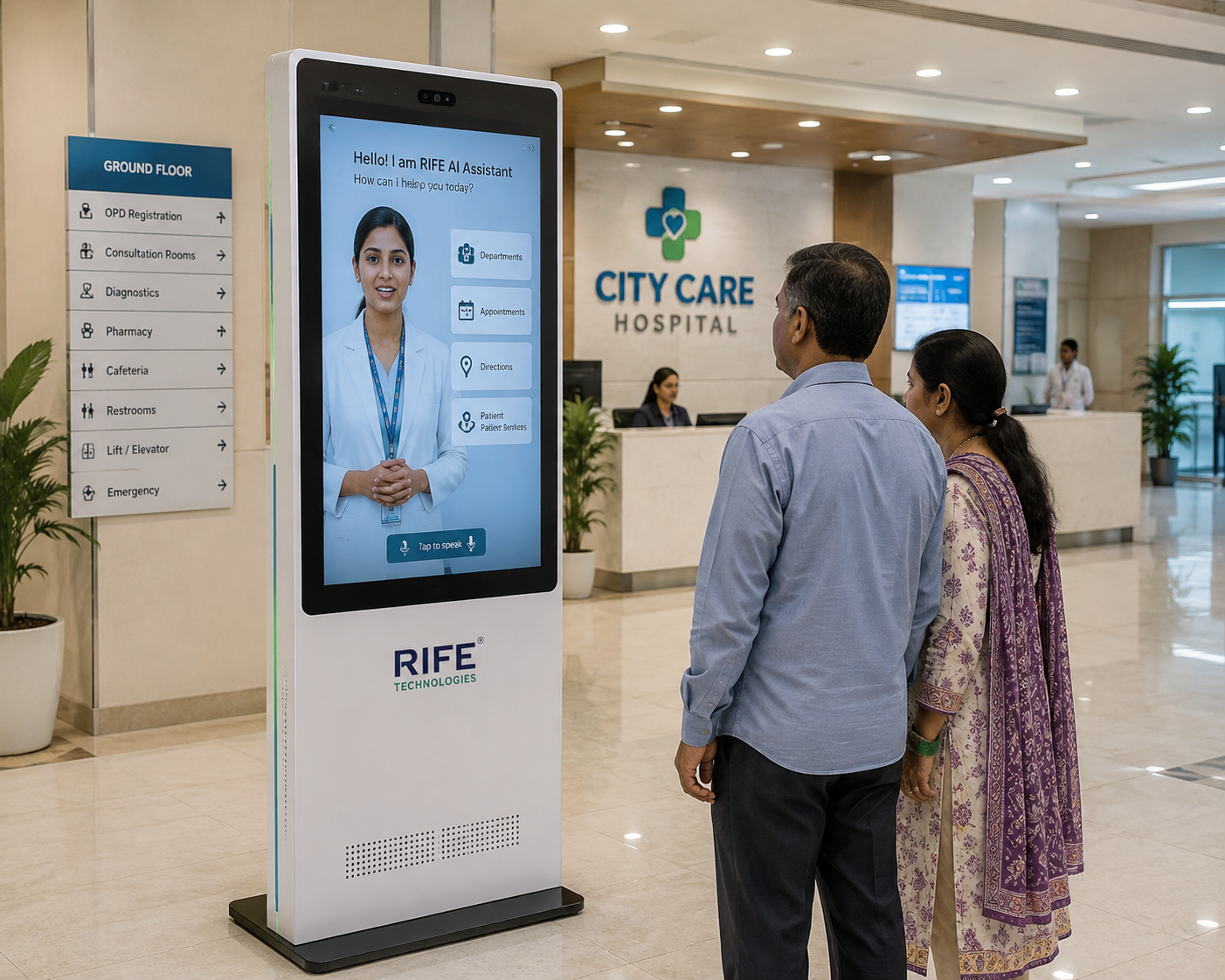
Administrative information and hospital wayfinding.
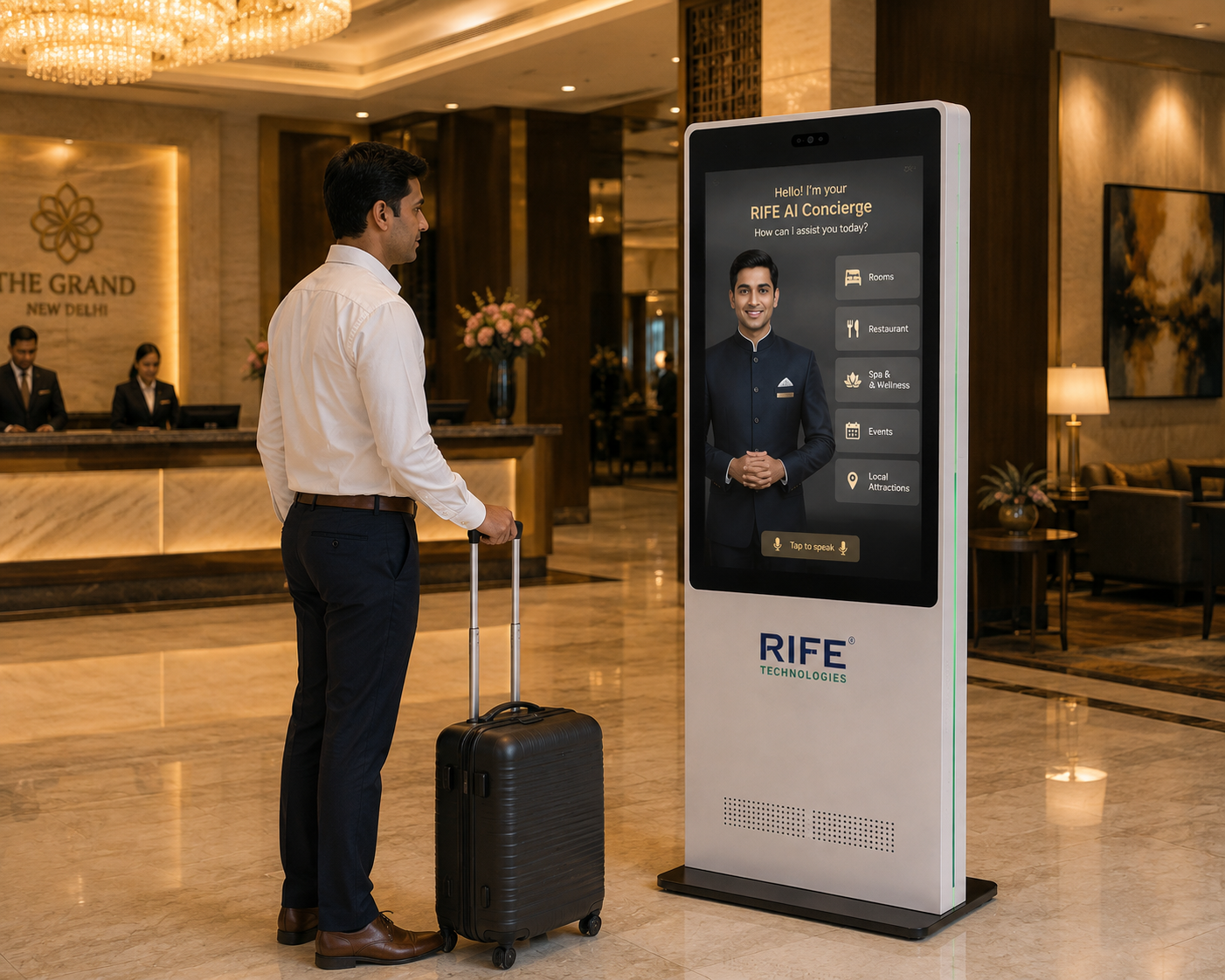
Guest information and approved property guidance.

Exhibition engagement, information and lead capture.
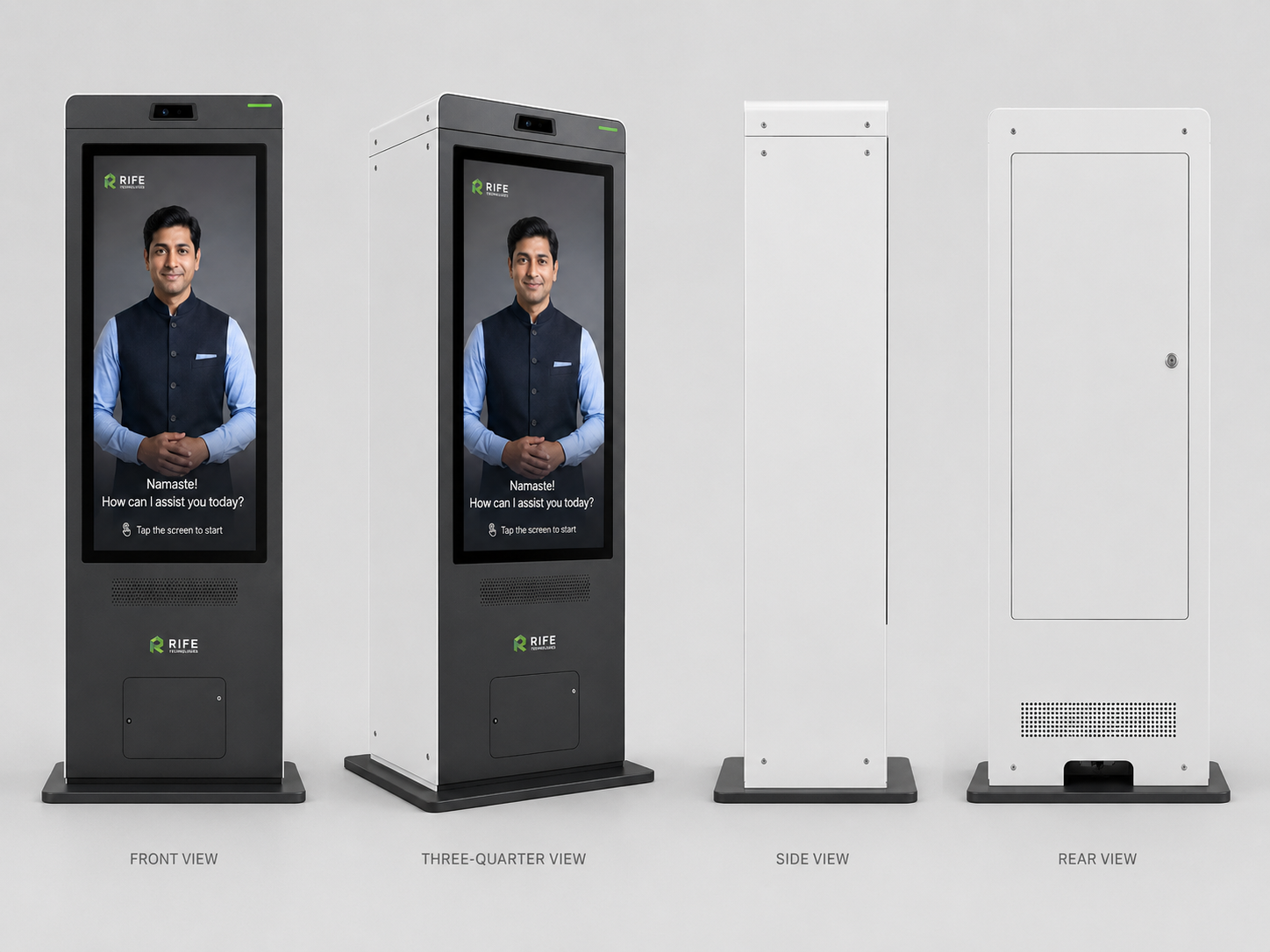
Define the avatar around the visitor context rather than using one generic character everywhere.
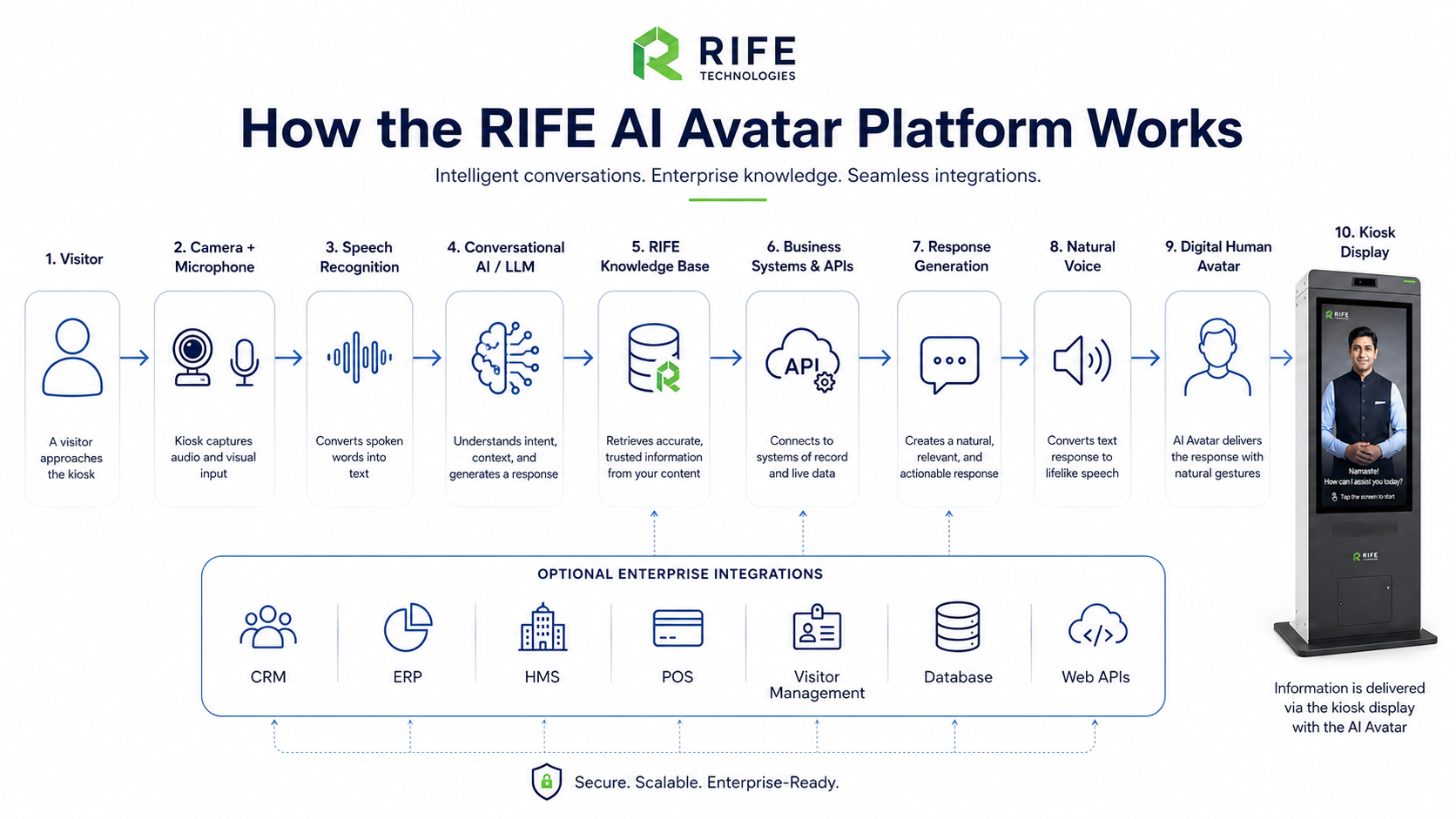
Connect only the approved knowledge needed for the role, then structure how the avatar explains it, what visual media it can show, what questions it can answer and when it should escalate.
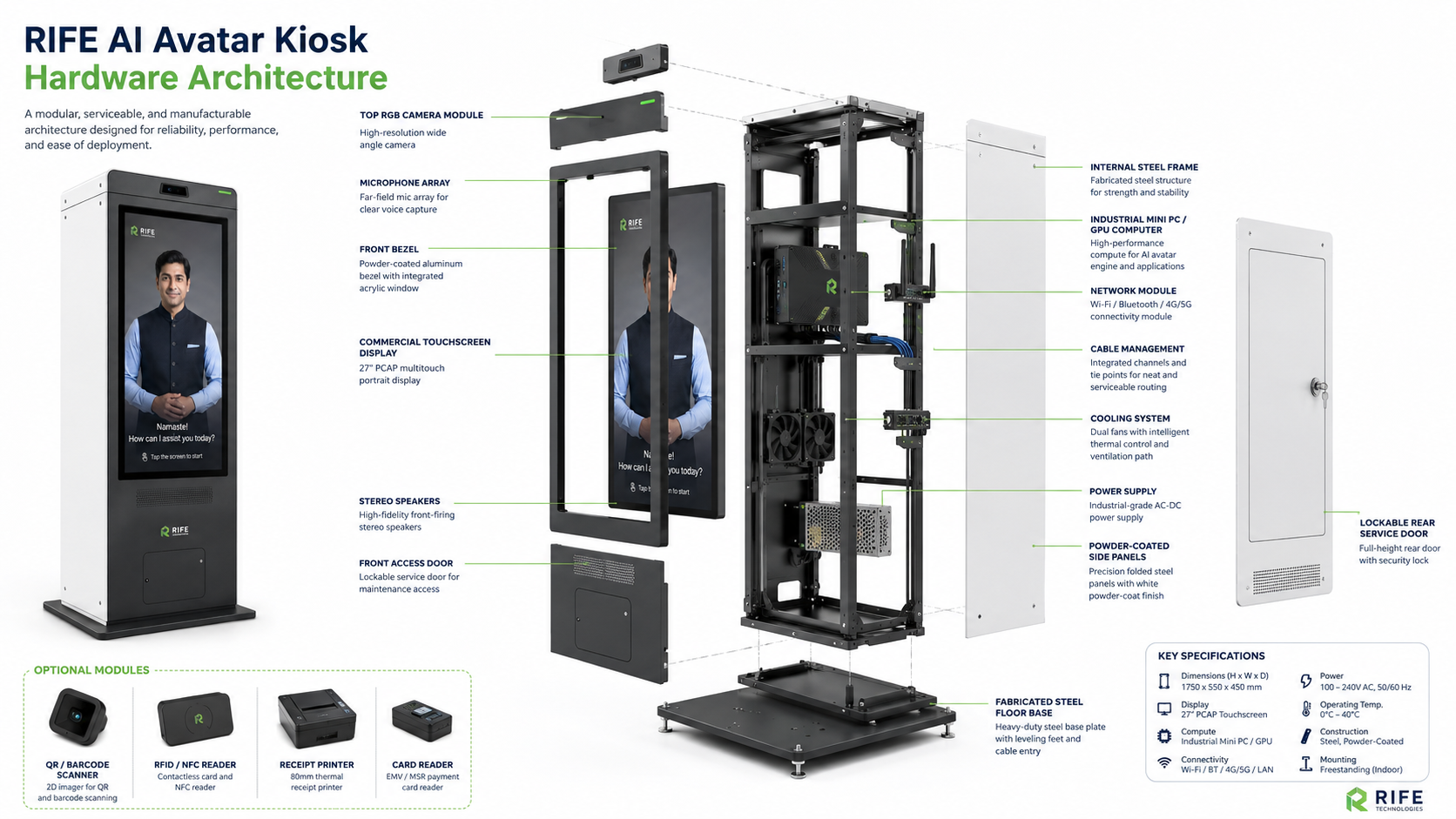
Kiosk size and optional peripherals are selected after the exact interaction and integration requirements are confirmed.
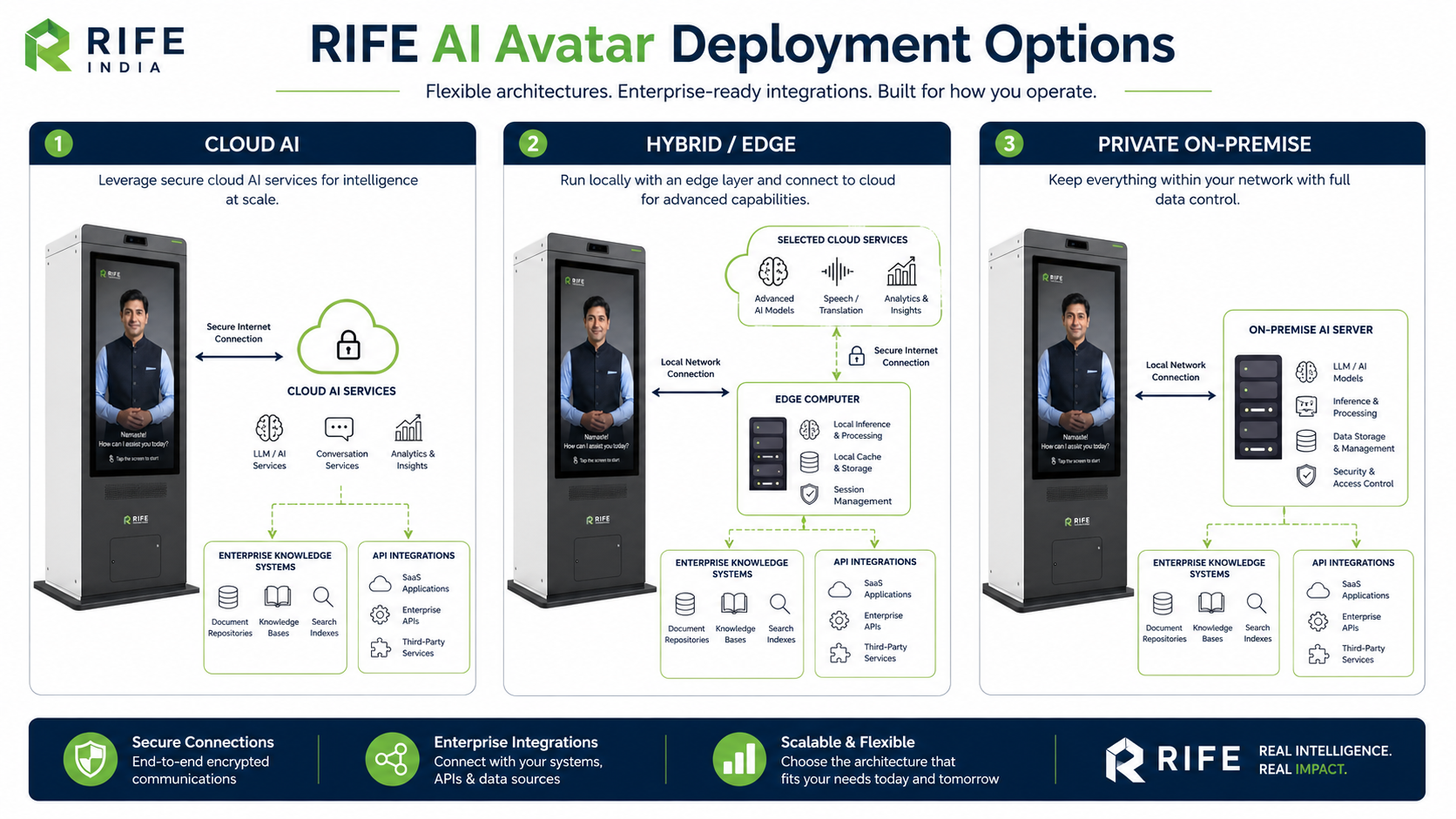
The deployment model should follow latency, connectivity, security, data-residency and integration requirements rather than forcing one architecture on every site.
Define the role, audience, tone and digital-human presentation.
Approve what it can know, explain, teach and show visually.
Design questions, learning journeys, forms, maps, QR paths, knowledge checks or integrations where required.
Define human escalation, review interactions and keep approved knowledge current.
Visitor welcome and front-desk assistance.
Guest and service information.
Product or service guidance.
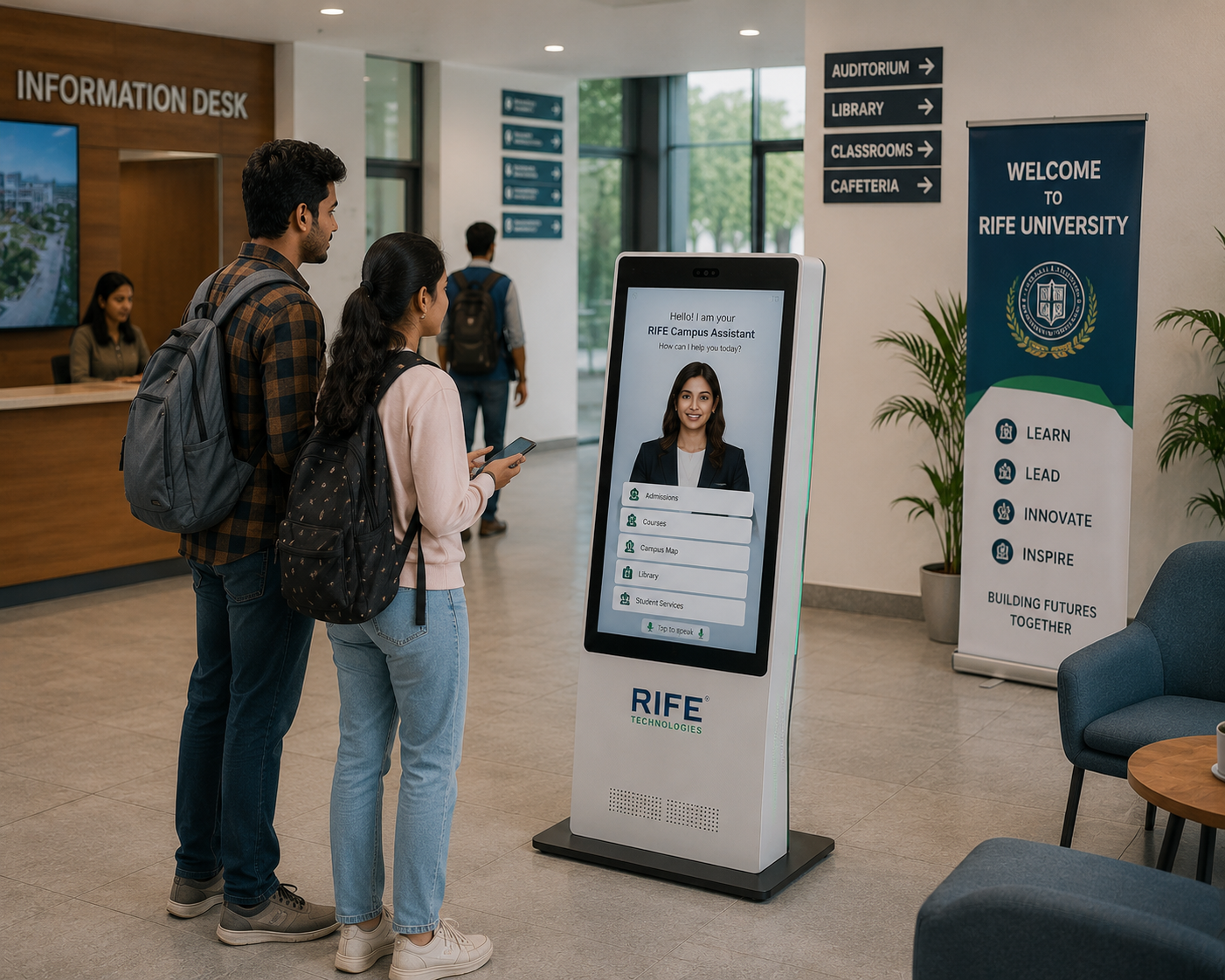
Repeatable induction, orientation, product education or process explanation from approved material.
Avatar persona, approved knowledge, visual learning content, language coverage, screen format, optional peripherals, integrations and deployment architecture are confirmed during project review.
Yes. Persona and presentation are configured for the brand and use case.
Yes. Different sites can use different roles, content and presentation while sharing a common governance model.
Yes. Approved organisational documents, procedures, FAQs, product material and learning content can form the grounded knowledge source for the deployment.
It can deliver approved learning content conversationally, show visual material, answer in-scope questions and guide configured knowledge checks or next steps. Any formal assessment, certification or employee-record integration must be separately defined and verified.
Optional peripherals can be evaluated when the workflow requires them and the selected hardware supports the integration.
Tell us the audience, questions, training or orientation topics, preferred languages, avatar style, visitor journey and any approved systems that should be connected.