SUMMARIES
Operational Briefing
Summarise approved dashboards, events and exceptions into a concise role-specific view.
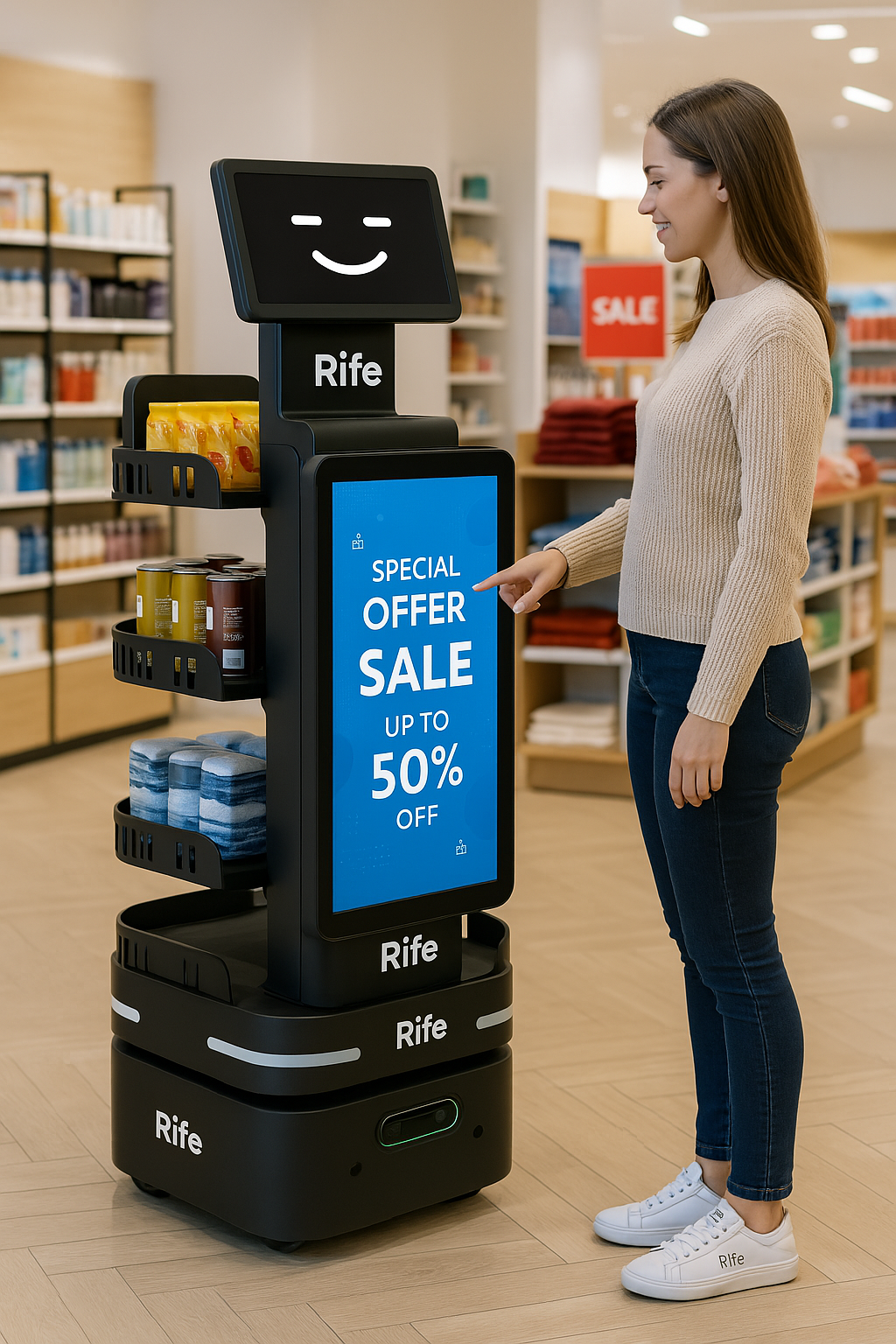
Use AI agents for robot customer service and customer service robot workflows: explain approved information, surface what changed, coordinate requests and help teams complete defined workflows without unrestricted system access.
For robot customer service and customer service robot applications, the AI layer can support approved answers, request routing and operational assistance. Each role should have its own source data, permissions, action boundaries and escalation path.
Start with a repeatable information or coordination problem, then connect only the systems and actions required for that role.
Summarise approved dashboards, events and exceptions into a concise role-specific view.
Answer from approved internal documents, procedures and service information.
Explain approved alerts and route follow-up to the responsible team.
Prepare or trigger defined actions when authentication and approval requirements are satisfied.
Separate enterprise content from the public model layer so teams know what information is authoritative and what falls outside the agent’s scope.
A facilities assistant, sales assistant and executive briefing agent should not share the same permissions simply because they use the same underlying AI technology.
Where supported, the agent can create a draft, open a task, route an alert or call an approved API rather than stopping at a text answer.
Identify the user, decisions and information needed.
Approve documents, databases or APIs the agent may access.
Define what it can answer, draft, trigger or escalate.
Monitor quality, permissions and workflow performance over time.
Summarise approved business information and exceptions.
Explain approved building, maintenance and service information.
Ground support answers in approved procedures and known issues.

Explain approved fleet status and operational events where connected.
The exact capabilities depend on the systems available, the approved role and the organisation’s security and governance requirements.
A role-specific AI assistant connected to approved knowledge and workflows, with defined permissions and action boundaries.
Possible integrations are reviewed against the system’s available interface, authentication model and approved project scope.
Only defined actions should be enabled, with authentication, approvals and audit controls appropriate to the workflow.
Yes. Different roles can use separate knowledge sources, permissions, prompts and actions while sharing a common governance framework.
Share the operating environment, current systems, users, constraints and the workflow you want to improve. RIFE can structure the appropriate technical review and deployment path.