DISCOVERY
Product Education
Explain approved features, use cases, differences and product stories conversationally with supporting visual media.
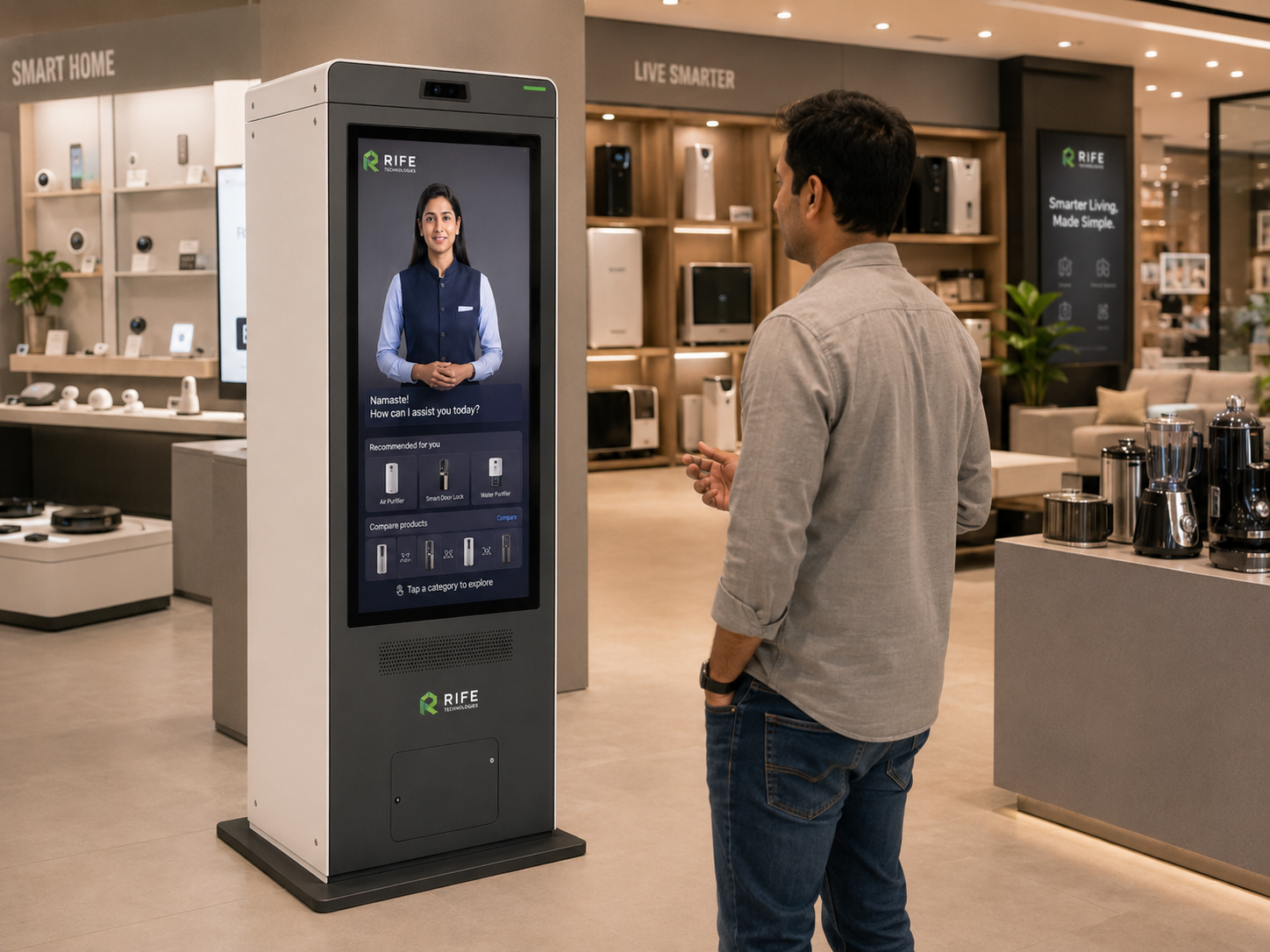
Give shoppers a conversational digital product expert that can explain approved features, demonstrate product stories with visual media, answer catalogue questions, guide comparisons and connect customers to staff or enquiry workflows.
Give shoppers a conversational digital product expert that can explain approved features, demonstrate product stories with visual media, answer catalogue questions, guide comparisons and connect customers to staff or enquiry workflows.
The value is the interaction behind the face: approved knowledge, conversational explanation, visual guidance, repeatable orientation or training content, clear actions and human escalation when needed.
Explain approved features, use cases, differences and product stories conversationally with supporting visual media.
Present current approved campaigns and promotional information.
Direct visitors toward departments, counters or selected products.

Collect approved enquiry details for follow-up.
Let shoppers ask follow-up questions while the avatar explains approved product features, use cases, comparisons and media instead of forcing them through static menus.
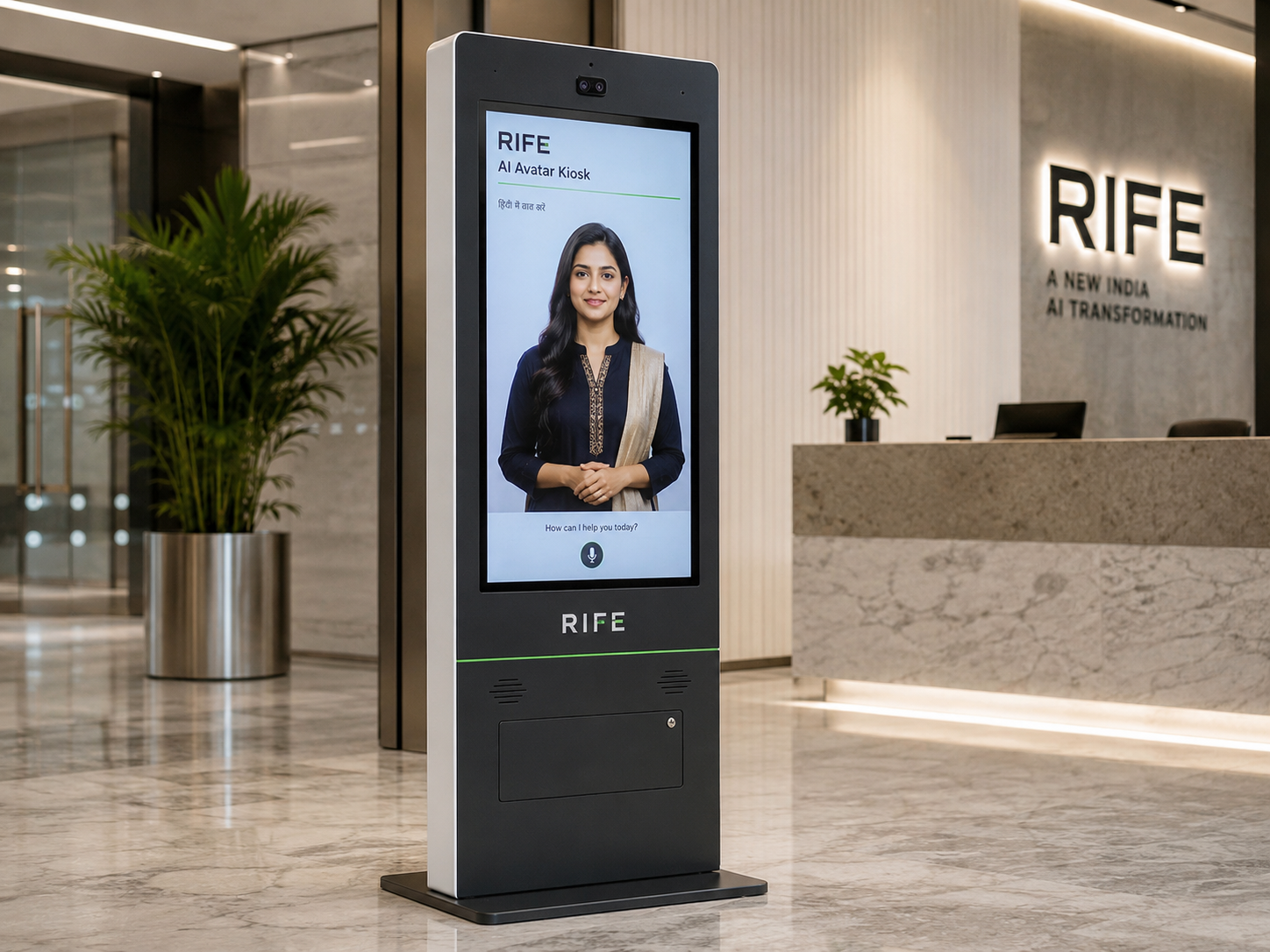
Knowledge should be grounded in approved product data, FAQs and current campaign content.
Shopper starts by touch or voice.
Select product, offer or store need.
Explain approved product information and show relevant media, comparisons or directions.
Collect an enquiry or direct to staff where configured.
Product comparison and specification discovery.
Approved model and showroom information.
Category and product guidance.
Interactive storytelling and lead capture.
Avatar persona, approved knowledge, visual learning content, language coverage, screen format, optional peripherals, integrations and deployment architecture are confirmed during project review.
Yes. When grounded in approved catalogue and service information, the avatar can answer follow-up questions and present supporting visual content or configured comparisons.
Approved promotional content can be presented through the configured content workflow.
Stock availability requires an approved connection to the relevant inventory system and is not assumed by default.
Yes, configured forms can capture approved contact and enquiry details.
Tell us the audience, questions, training or orientation topics, preferred languages, avatar style, visitor journey and any approved systems that should be connected.