Appointment Guidance
Help visitors understand where to proceed for configured appointment workflows.
Give visitors approved directions and administrative guidance while keeping clinical and sensitive questions with hospital staff.
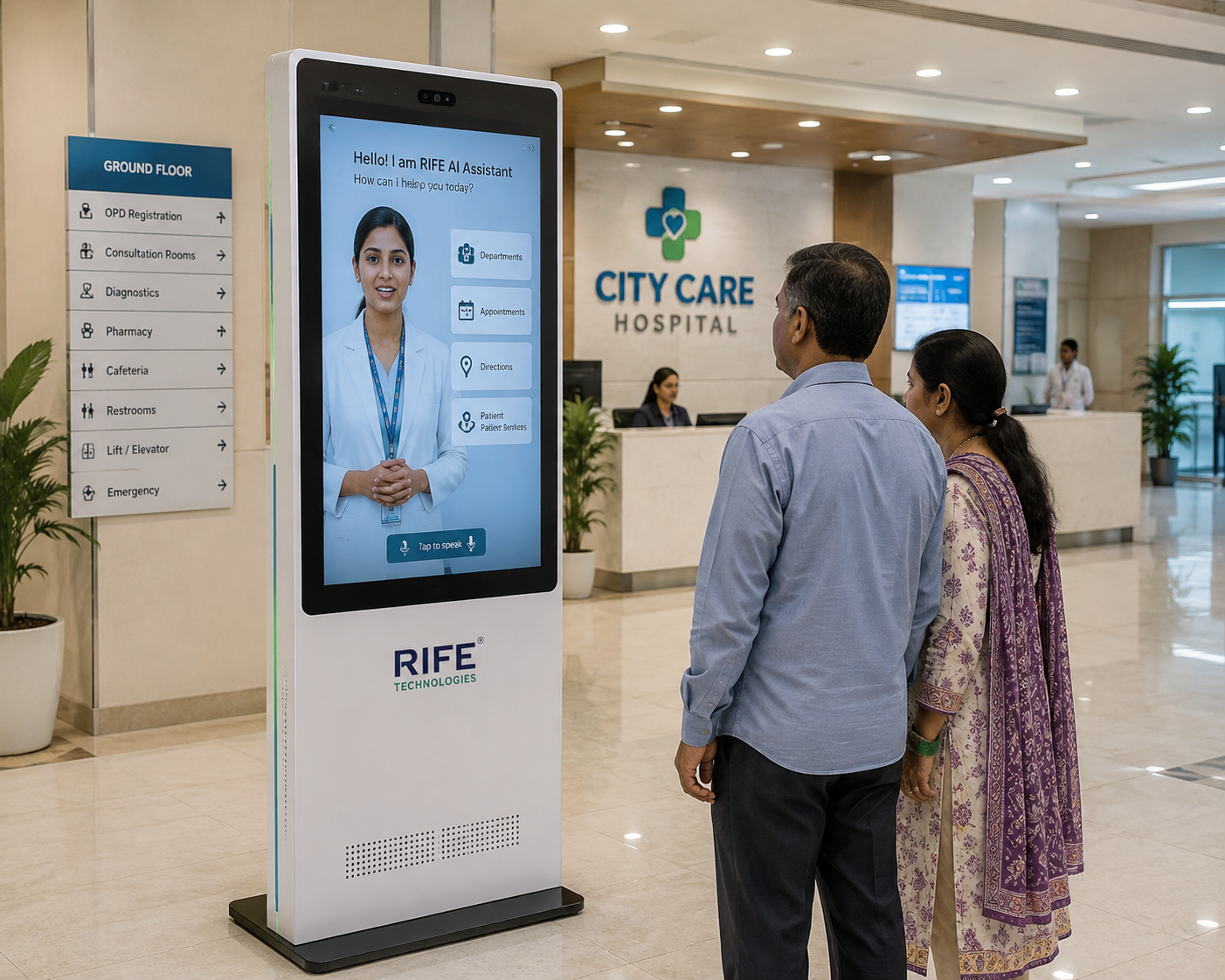
This scripted demonstration shows an approved wayfinding interaction. It is not a live AI session.
“Where is Cardiology?”
“Cardiology is on Level 3. I can show you the route.”
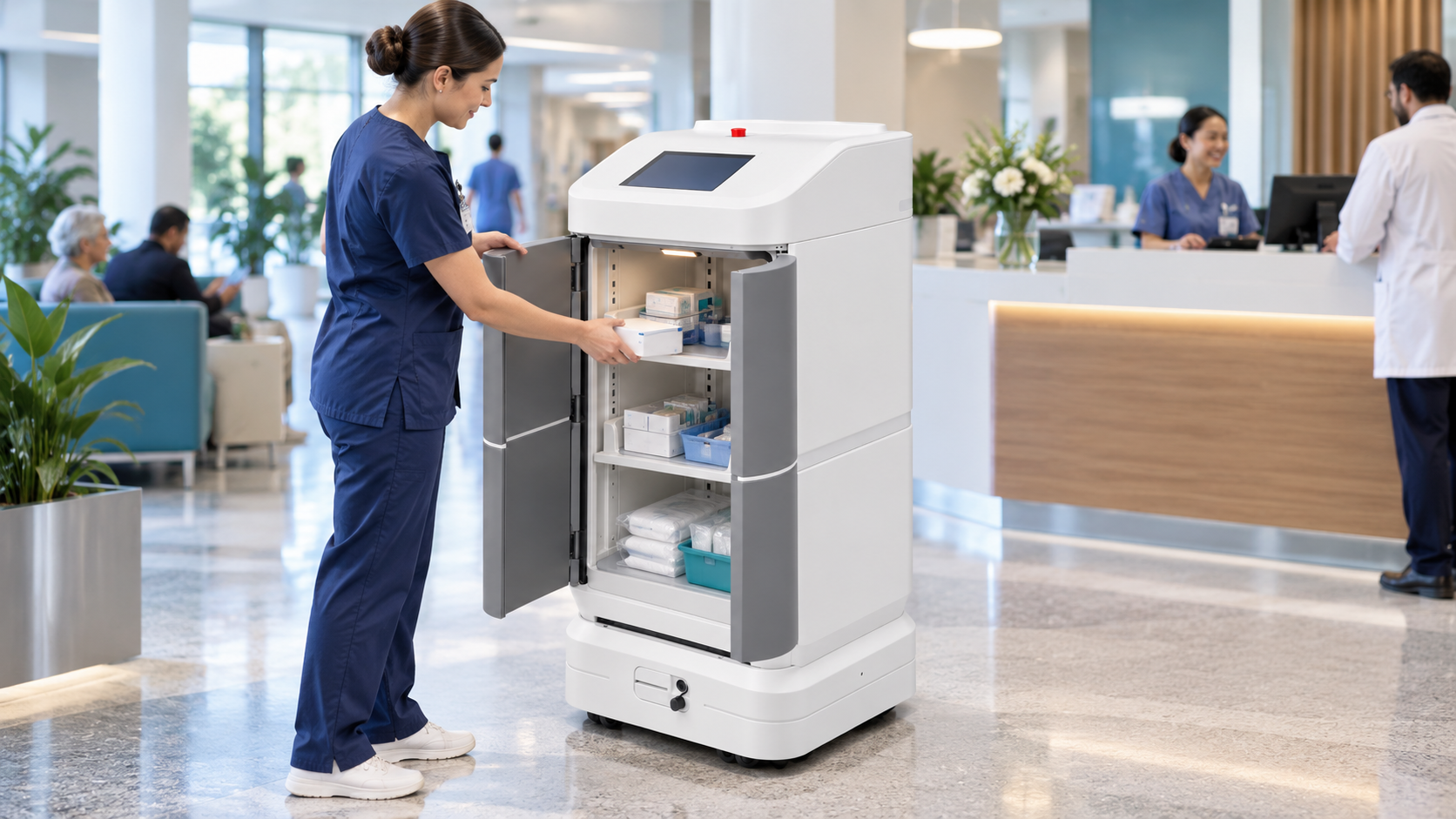
Visitors can use the avatar for approved directions and administrative information while reception and clinical teams handle exceptions and sensitive enquiries.
The avatar can use approved administrative and facility information. Clinical advice, diagnosis and treatment decisions remain with authorised healthcare professionals.
Languages, maps, check-in, privacy and escalation remain project-configured rather than assumed.
Approved reception guidance, directions and staff escalation using an interactive digital-human kiosk.
An existing approved RIFE application visual. Exact hardware, language support and deployment are subject to confirmation.
Explore solution →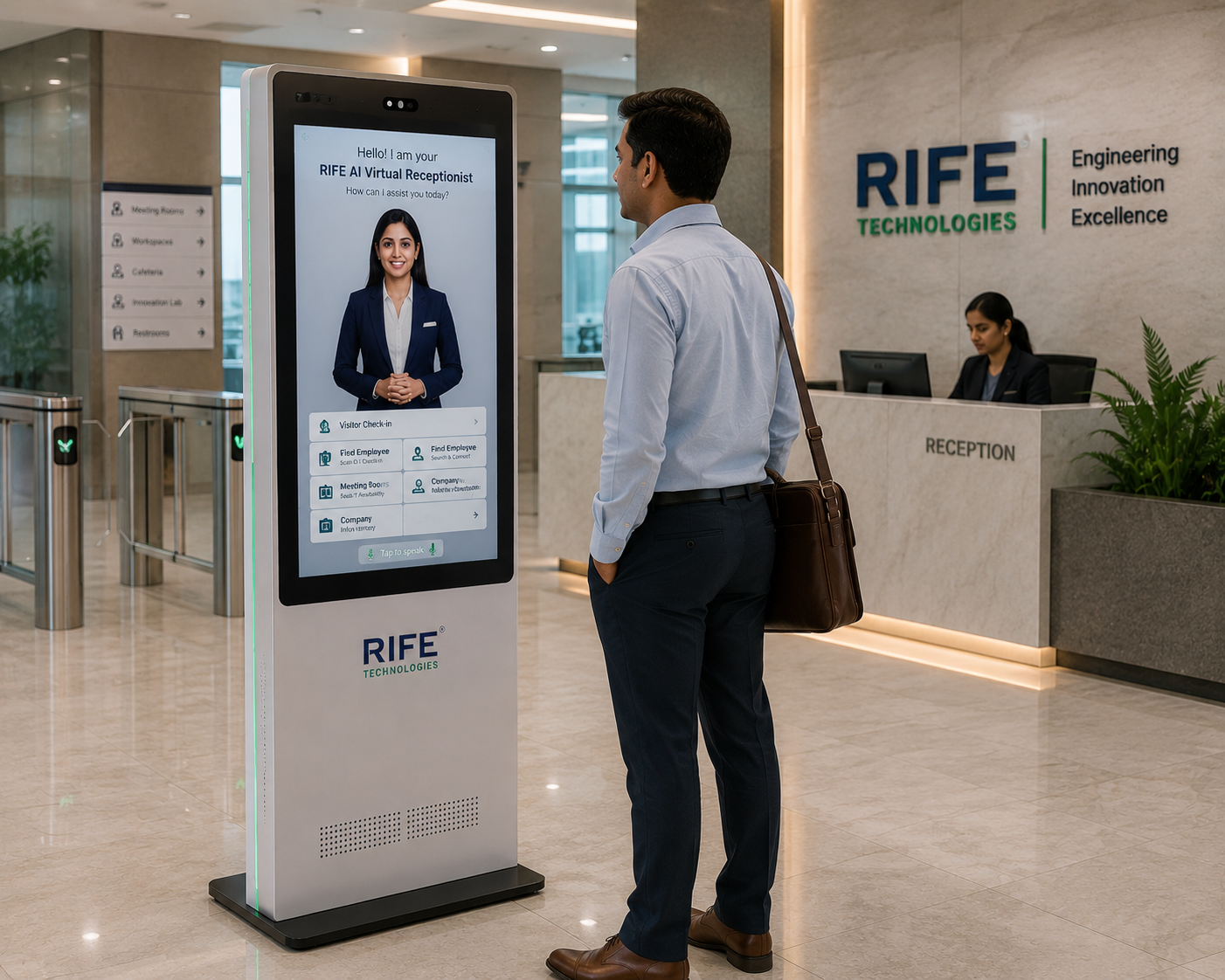
Review existing RIFE imagery to understand the presentation format without assuming an installed customer site.
Explore solution →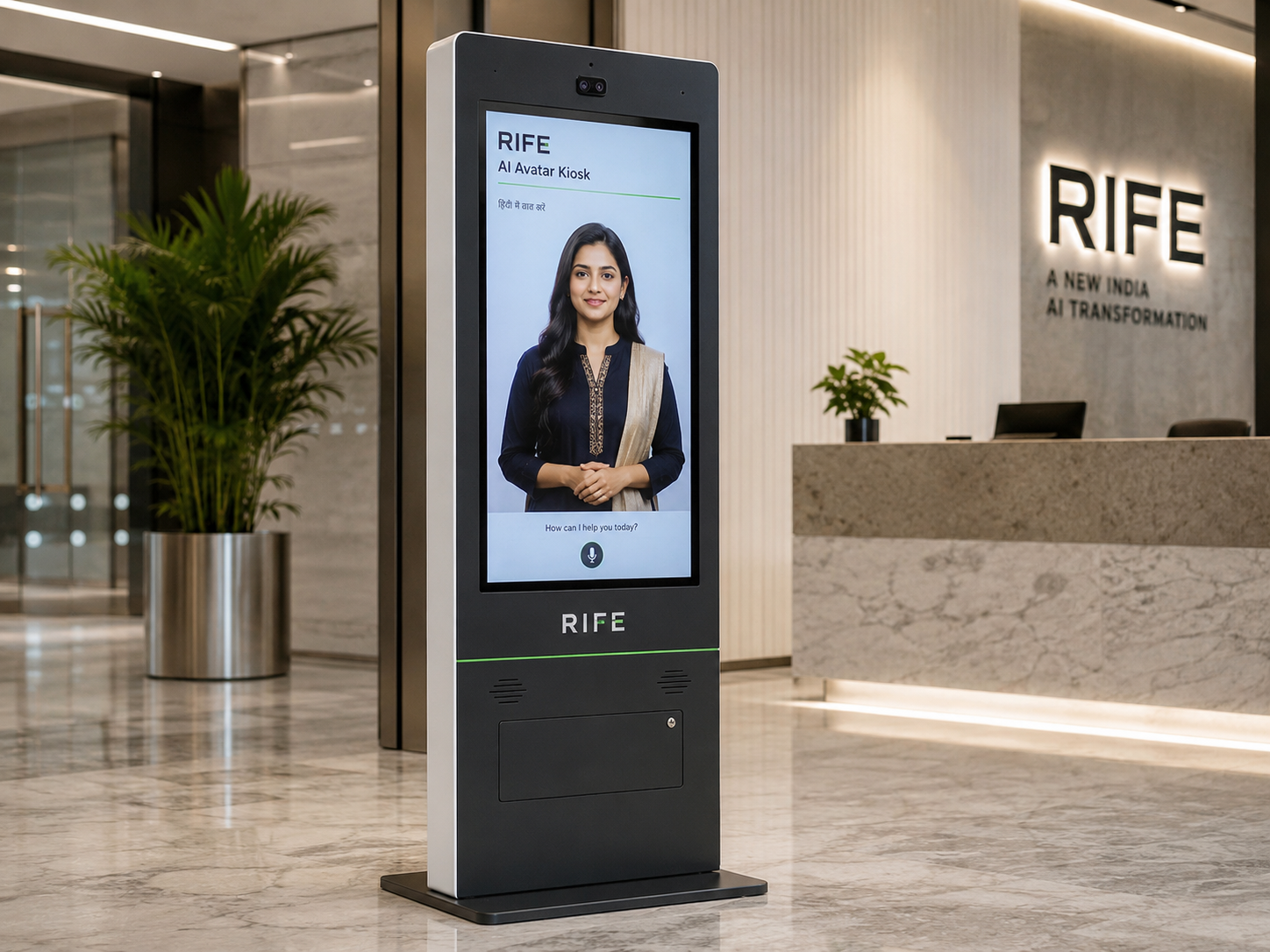
Plan approved answers, accessibility, escalation and actual equipment before deployment.
Explore solution →Help visitors understand where to proceed for configured appointment workflows.
Show approved directions to departments, counters and facilities.
Explain approved arrival procedures, facility rules, service information and what visitors should do next.
Direct exceptions and sensitive enquiries to the appropriate human team.
Use the avatar for high-frequency questions, visual orientation and repeatable visitor education while keeping clinical judgement and sensitive issues with authorised staff.
The avatar should provide approved administrative and facility information only. Clinical advice, diagnosis and treatment decisions remain outside the kiosk workflow.
Visitor begins by touch or voice.
Select appointment, department or information need.
Present approved directions, visitor instructions or the next administrative step.
Transfer exceptions to staff or approved systems.
Support common arrival and direction questions.
Guide visitors to approved diagnostic locations.
Provide approved pharmacy location and service information.
Explain approved preparation, facility and process information away from the main reception desk.
Avatar persona, approved knowledge, visual learning content, language coverage, screen format, optional peripherals, integrations and deployment architecture are confirmed during project review.
Check-in can be included only when the hospital appointment or registration system supports an approved integration.
No clinical advice is assumed. The kiosk is positioned for reception, information, wayfinding and configured administrative workflows.
Selected languages can be configured when the content and voice experience are approved for the deployment.
Yes, approved maps and department directions can be presented as part of the visitor journey.
Yes. Approved administrative procedures, facility rules, preparation information and orientation content can be explained consistently, while clinical advice remains with authorised healthcare professionals.
Tell us the audience, questions, training or orientation topics, preferred languages, avatar style, visitor journey and any approved systems that should be connected.