Reception to Department
Move approved parcels from reception to mapped destinations.
Move approved parcels, documents, supplies and selected IT accessories from reception or mailroom to mapped office destinations with a defined recipient hand-off.
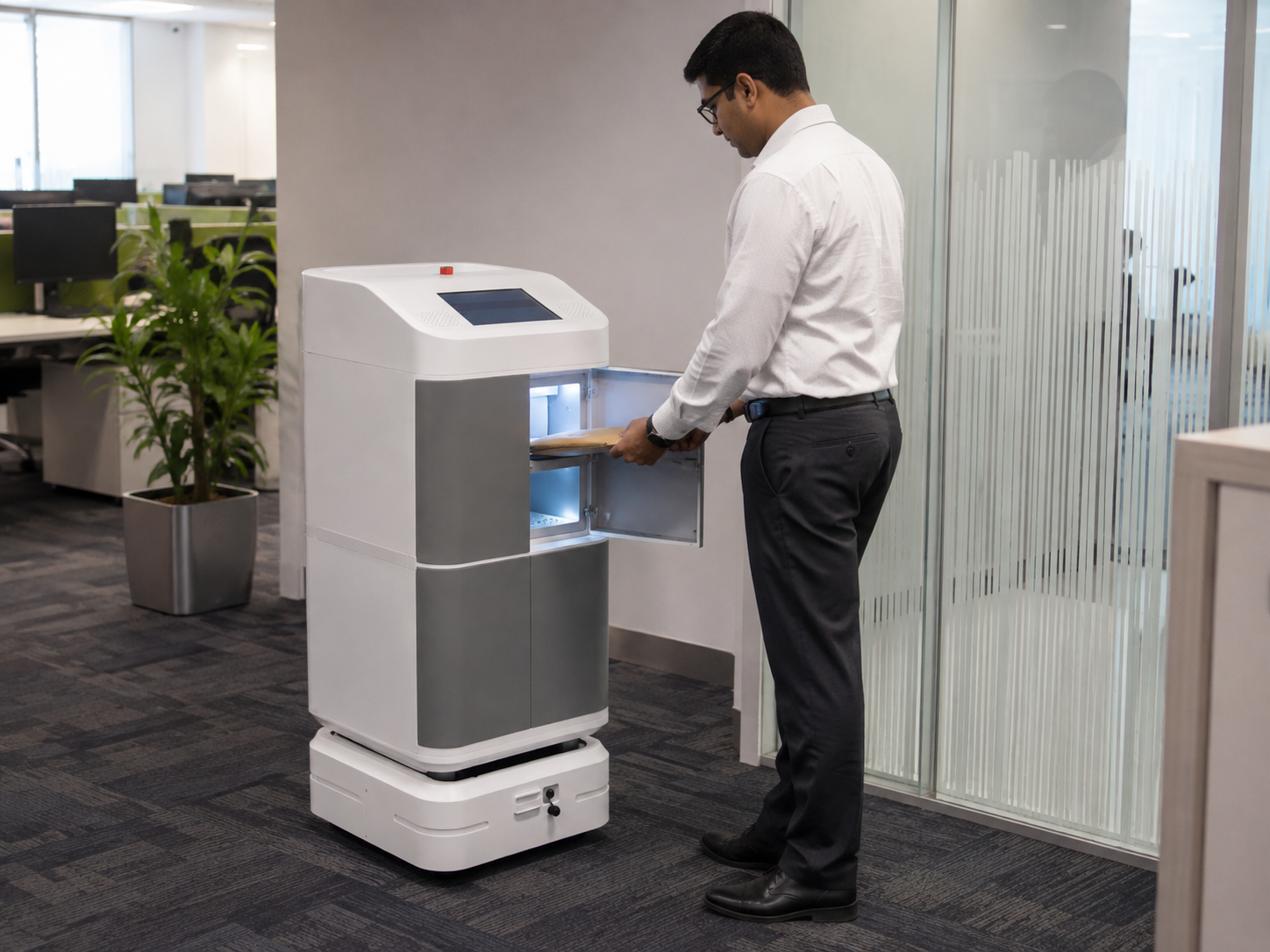
The useful workflow is the complete internal journey: intake, loading, route, building access and a defined employee hand-off.
Define what moves, where it enters the workflow, who loads it and which department or recipient should receive it.
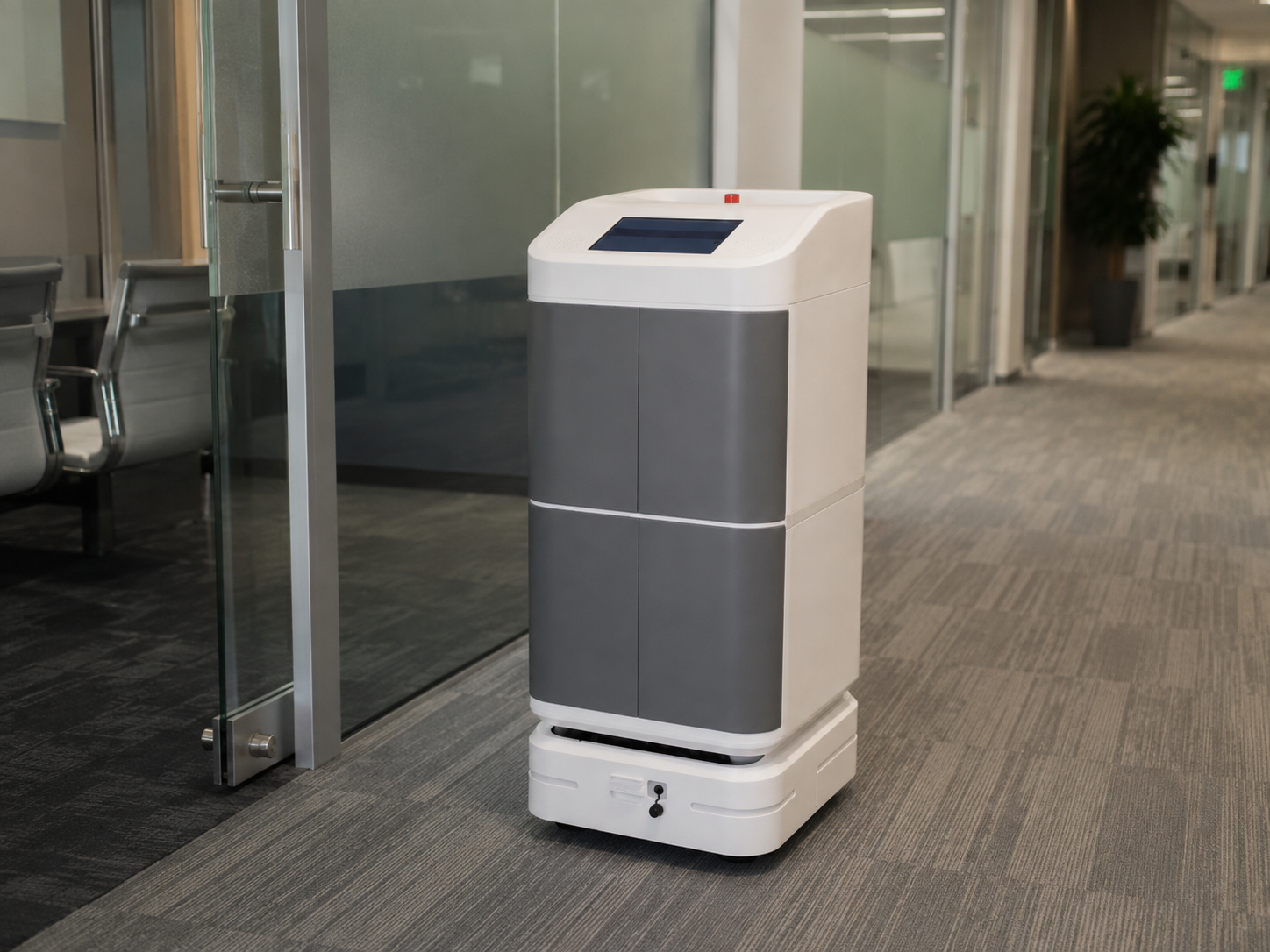
The mission follows a commissioned indoor route between approved pickup and destination points while building constraints and exceptions remain explicitly managed.
The office should define where the recipient collects the item, any access or confirmation requirements, and what happens if the recipient is unavailable.
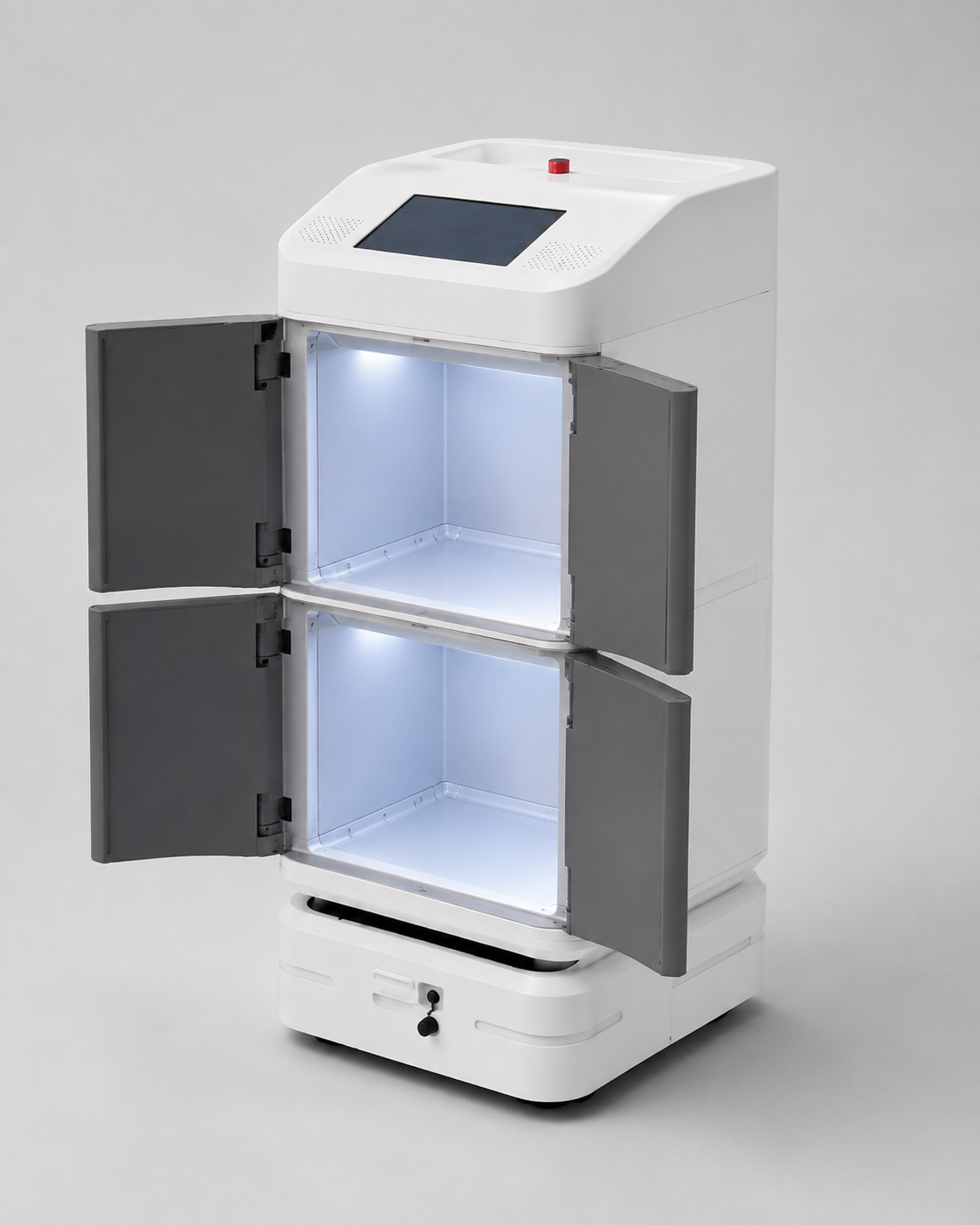
Closed storage can suit more controlled parcel and document movement, while open access may fit selected internal service tasks. Exact access functions remain project-specific.
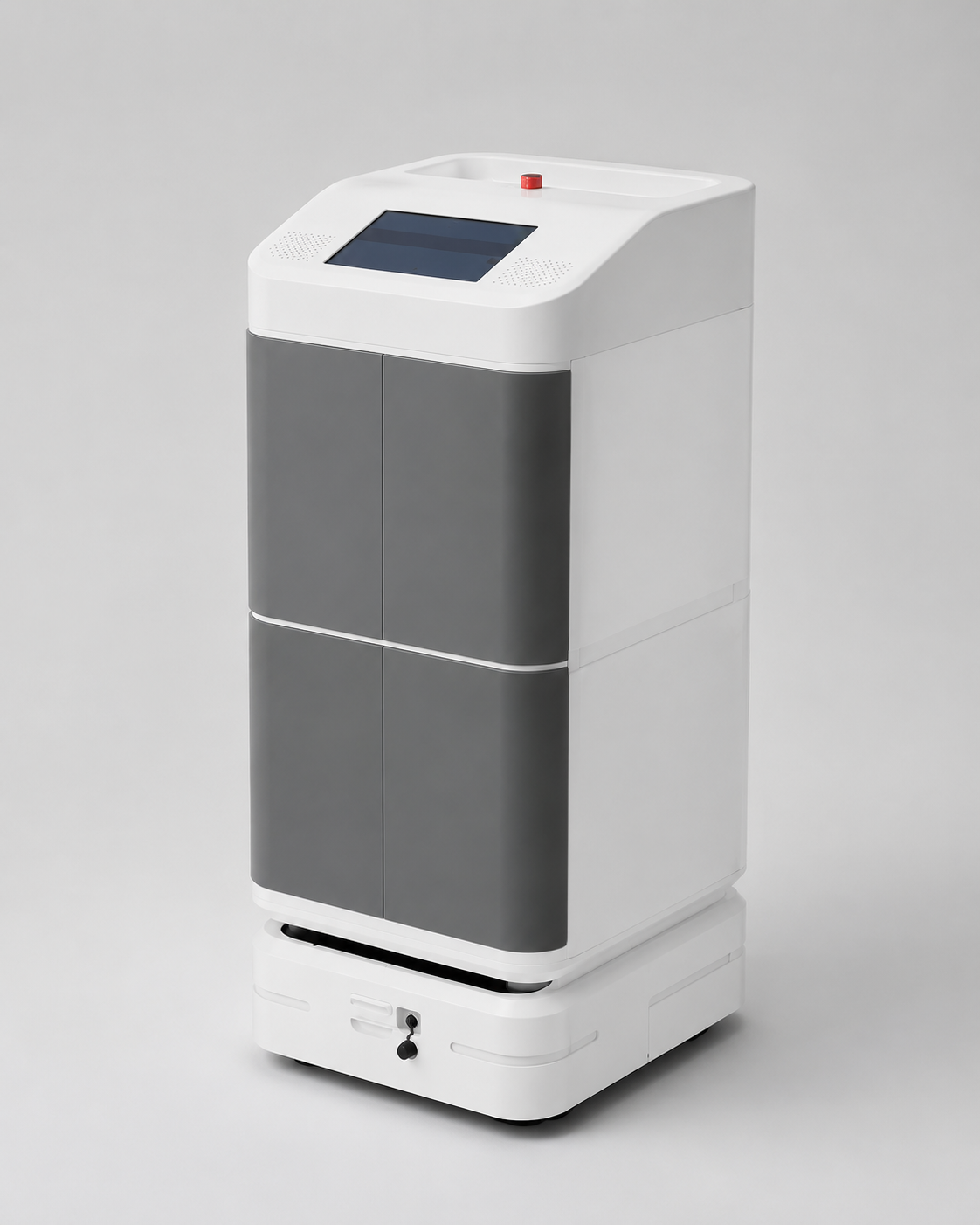
Payload, compartment arrangement, route, charging, operating hours and building interfaces are confirmed for the approved project scope.
Share the origin, destination, floors, typical items, mission frequency and hand-off expectation so the workflow can be evaluated properly.
Explore the verified RIFE office delivery video and matching RIFE imagery. Lift and access integrations remain project-specific.
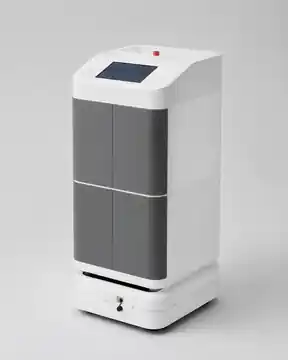
Select suitable access-controlled delivery configuration for the actual payload.
Explore related solution →
Map reception-to-department movement and the authorised recipient handoff.
Explore related solution →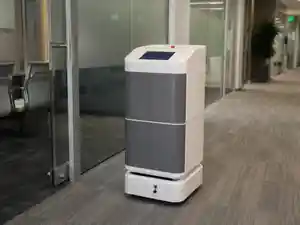
Evaluate corridors, route permissions and service support.
Explore related solution →Move approved parcels from reception to mapped destinations.
Support repeatable internal parcel and document runs.
Move approved devices or accessories between controlled points.
Support selected document-delivery workflows.
The robot configuration is selected around the application, payload, route, destination and hand-off process rather than a generic one-size-fits-all setup.
The enclosed format is suited to workflows where documents, parcels or approved items should remain inside the robot until the planned hand-off.
Define parcel intake point.
Select mapped department destination.
Robot follows the approved internal route.
Complete the defined pickup process.
Parcel intake and onward internal movement.
Scheduled internal distribution.
Approved accessories or device movement.
Defined internal hand-off destinations.
Dimensions, payload, battery profile, navigation, end-effector, authentication, software interfaces and building integrations are not assumed. They are confirmed for the selected model and approved project scope.
Yes, selected parcel-delivery workflows can be configured between mapped internal pickup and destination points.
Approved document workflows can be configured where the compartment and hand-off process are suitable.
Multi-floor operation is subject to site and lift integration review.
Selected devices or accessories can be considered after payload, protection and hand-off requirements are reviewed.
Share the site, payload, route, pickup and destination points, operating hours and any required system interfaces. RIFE Robotics will review the workflow before confirming the configuration.