
USE CASE 1
Booth information
Offer event-approved booth and exhibit information at a staffed location.
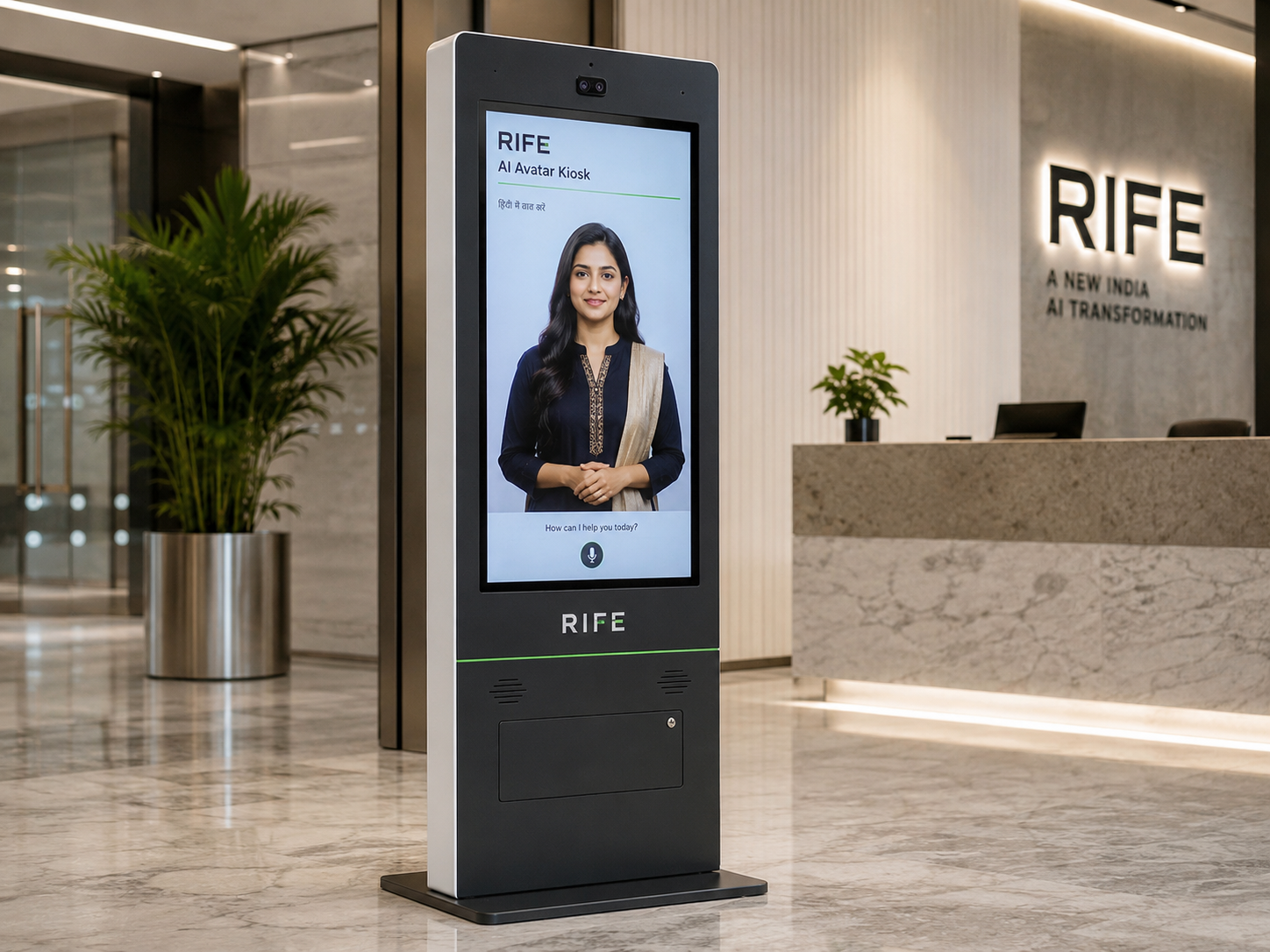
Explore interactive digital human kiosks for approved exhibition information and visitor engagement.
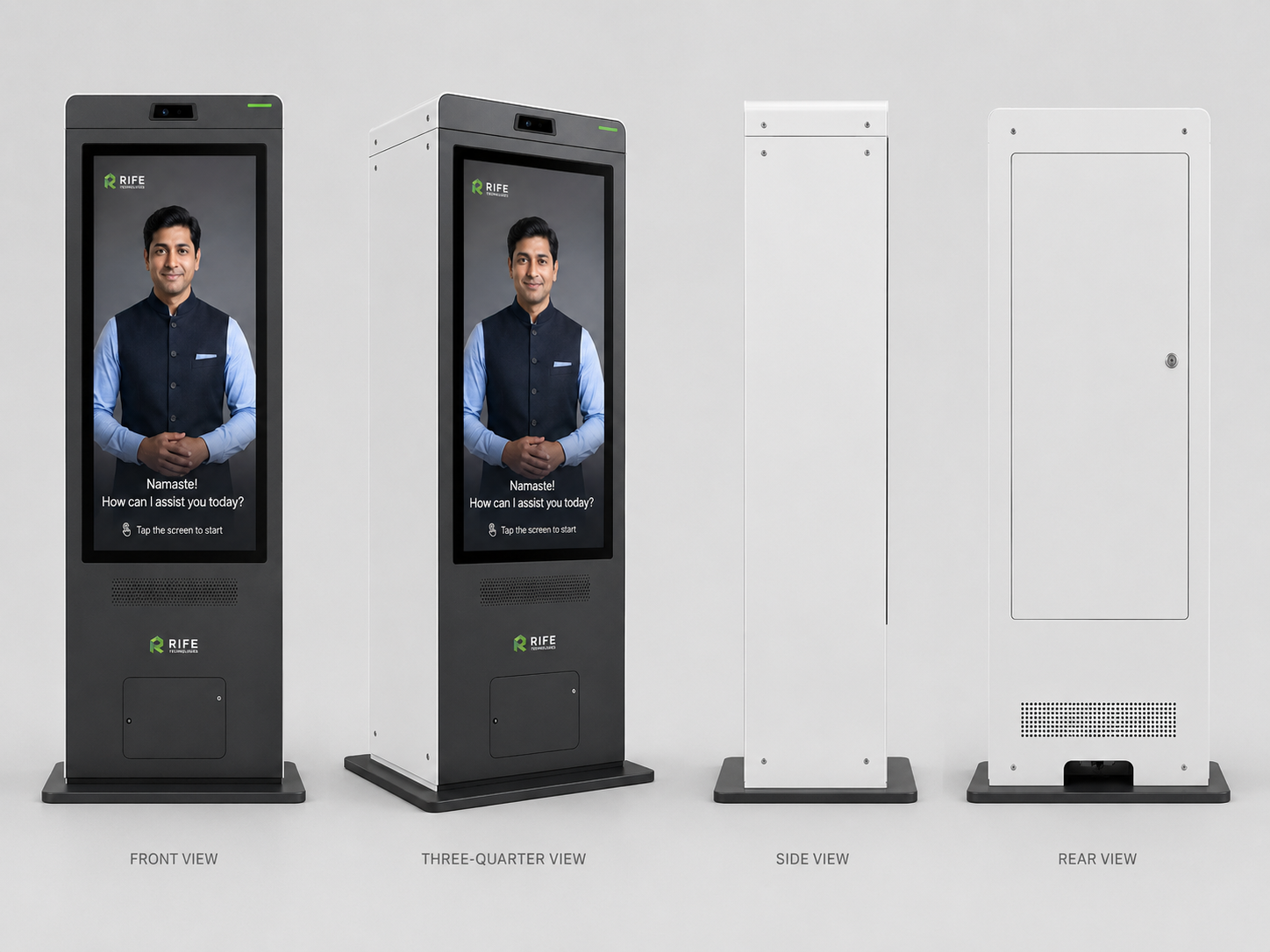
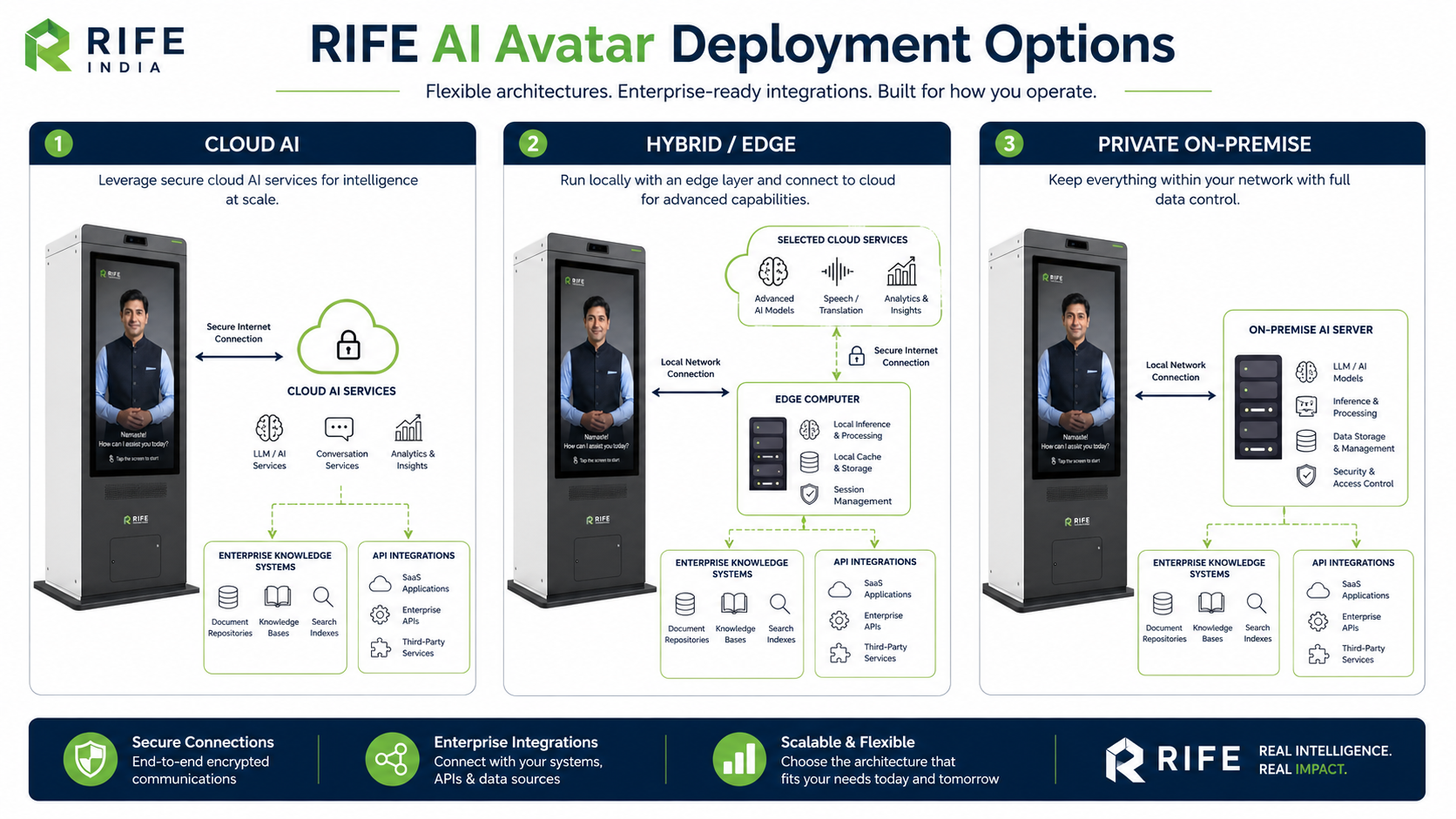
An exhibition avatar should answer only event-approved questions, explain participating products or exhibitors and hand complex enquiries to real event staff. The kiosk, digital-human presentation, content source and lead-handling workflow need advance configuration.
Product workflow example; not a claimed installation at this site.
Each scenario requires site-specific validation and an approved product configuration.
Offer event-approved booth and exhibit information at a staffed location.
Present a scripted introduction for participating exhibitors and their products.
Help visitors locate halls or sessions using approved maps and updated schedules.
Collect visitor interests only after consent and an agreed lead-routing process.
Refer to the existing RIFE product family for real imagery and configuration details. This page does not invent product models, integration features or customer installations.
Before deployment, establish approved knowledge content, language requirements, microphone and audio conditions, accessible placement, network resilience and privacy rules.
Document users, objectives and site constraints.
Review actual RIFE products and compatibility.
Approve content, routes and integration scope.
Pilot and commission agreed workflows.
Offer event-approved booth and exhibit information at a staffed location.
Present a scripted introduction for participating exhibitors and their products.
Help visitors locate halls or sessions using approved maps and updated schedules.
Collect visitor interests only after consent and an agreed lead-routing process.
Capabilities, performance, runtime and integrations are confirmed for the selected solution; no values are assumed.
It can answer questions within its approved content and configured capabilities. Updating schedules, exhibitor details and integrations requires preparation.
Lead capture depends on explicitly approved forms, consent handling and the available integration; it is not assumed by default.
Reuse may be possible with new content, branding and operating checks for each event.
Share your location, required workflow and application requirements.