HEALTHCARE
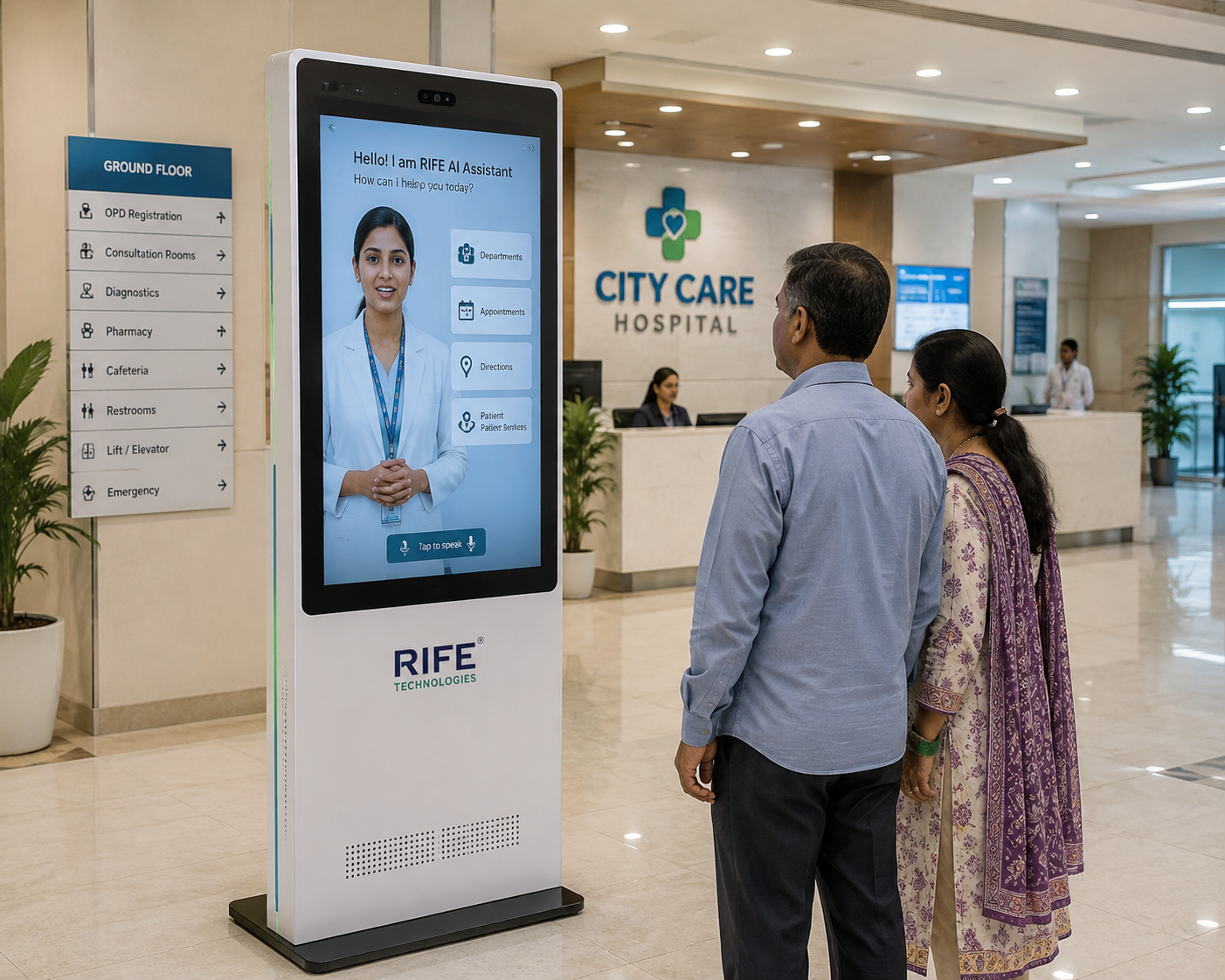
Hospital Reception
Appointment guidance, department information, wayfinding and approved patient-service information.
Use an AI avatar receptionist to greet visitors, explain approved information, support wayfinding and guide users through repeatable reception and self-service journeys.
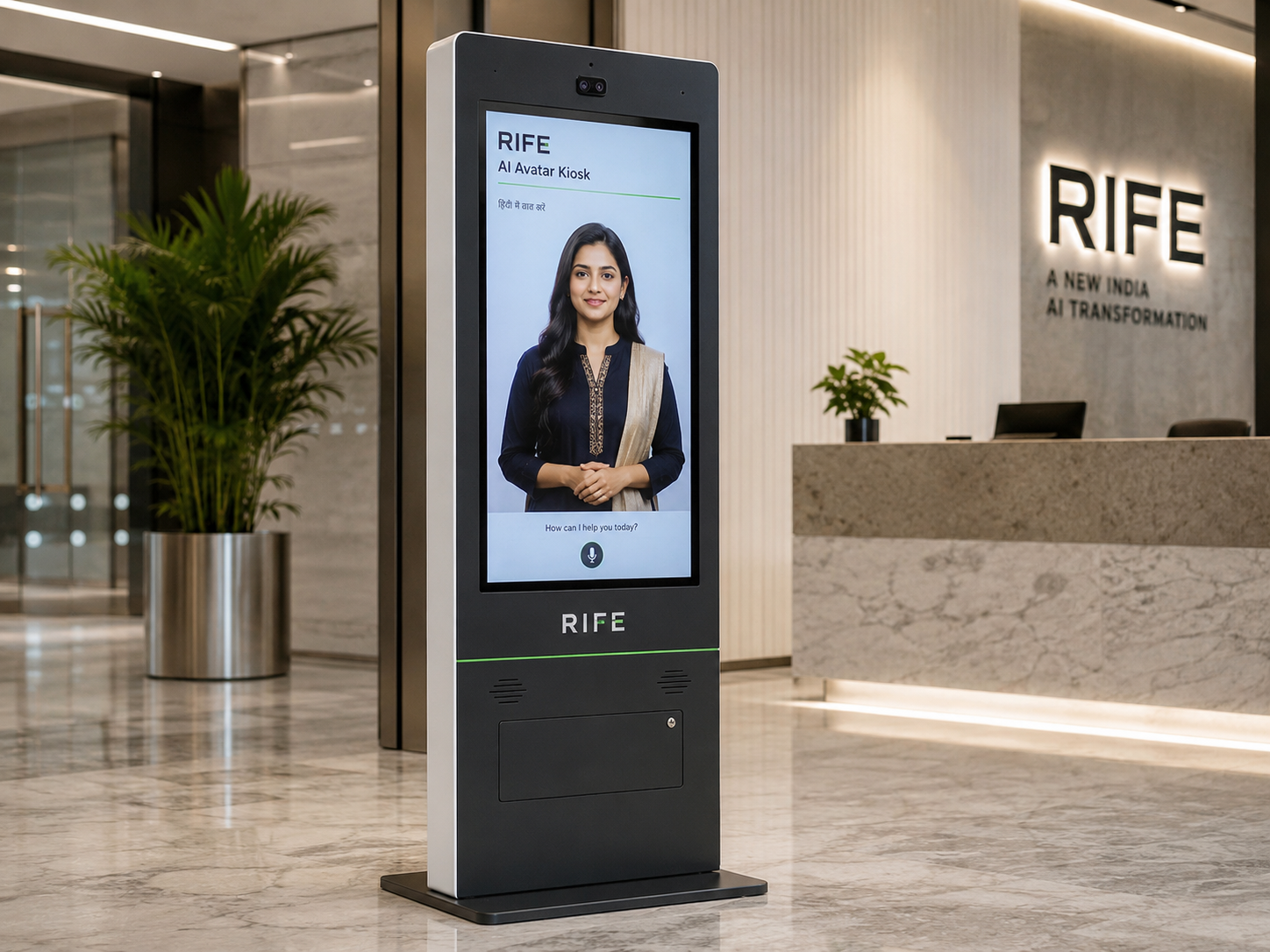
Use an AI avatar receptionist to greet visitors, explain approved information, support wayfinding and guide users through repeatable reception and self-service journeys.
The value is the interaction behind the face: approved knowledge, conversational explanation, visual guidance, repeatable orientation or training content, clear actions and human escalation when needed.
Appointment guidance, department information, wayfinding and approved patient-service information.
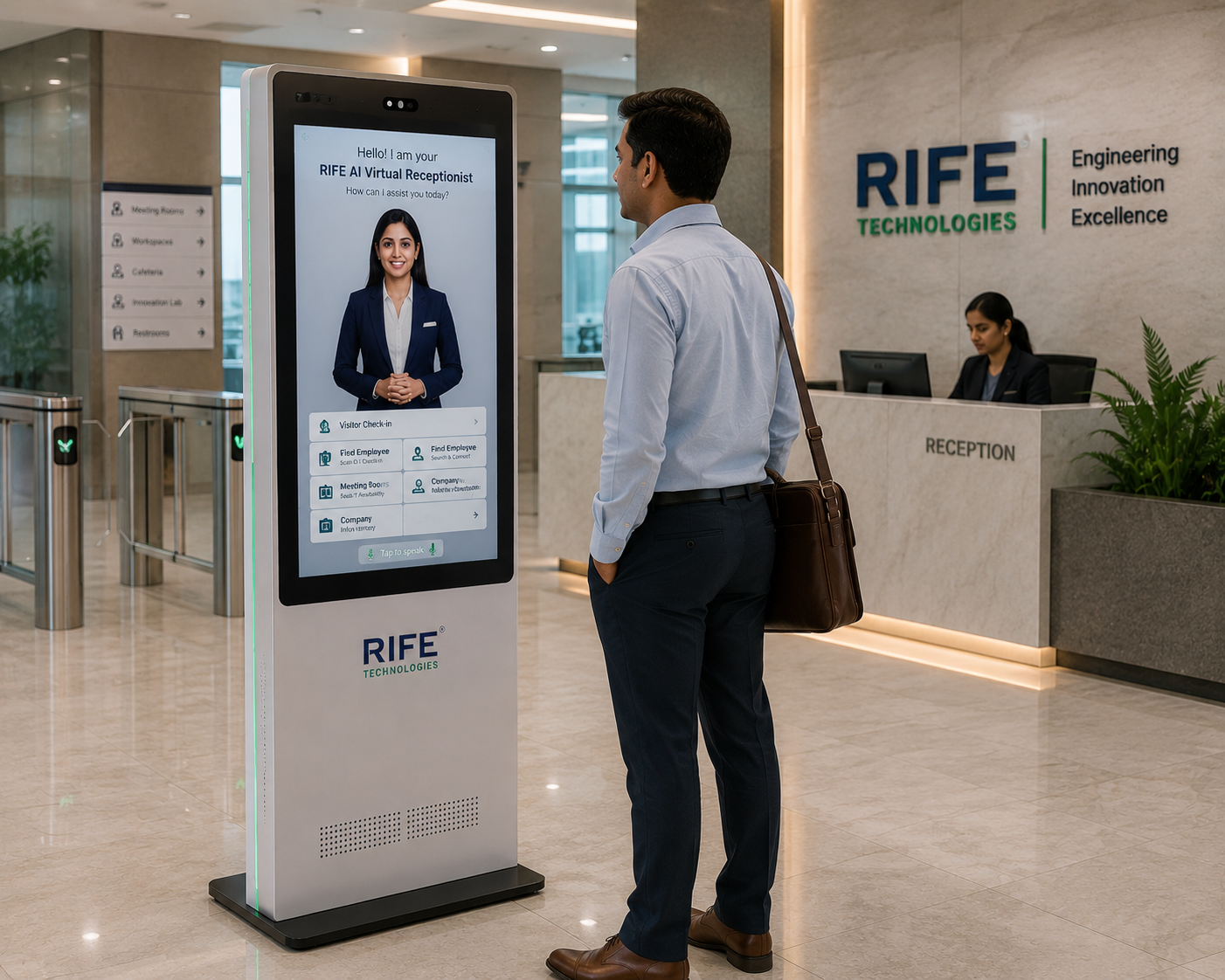
Visitor welcome, employee induction, policy and facility orientation, meeting guidance and front-desk support.
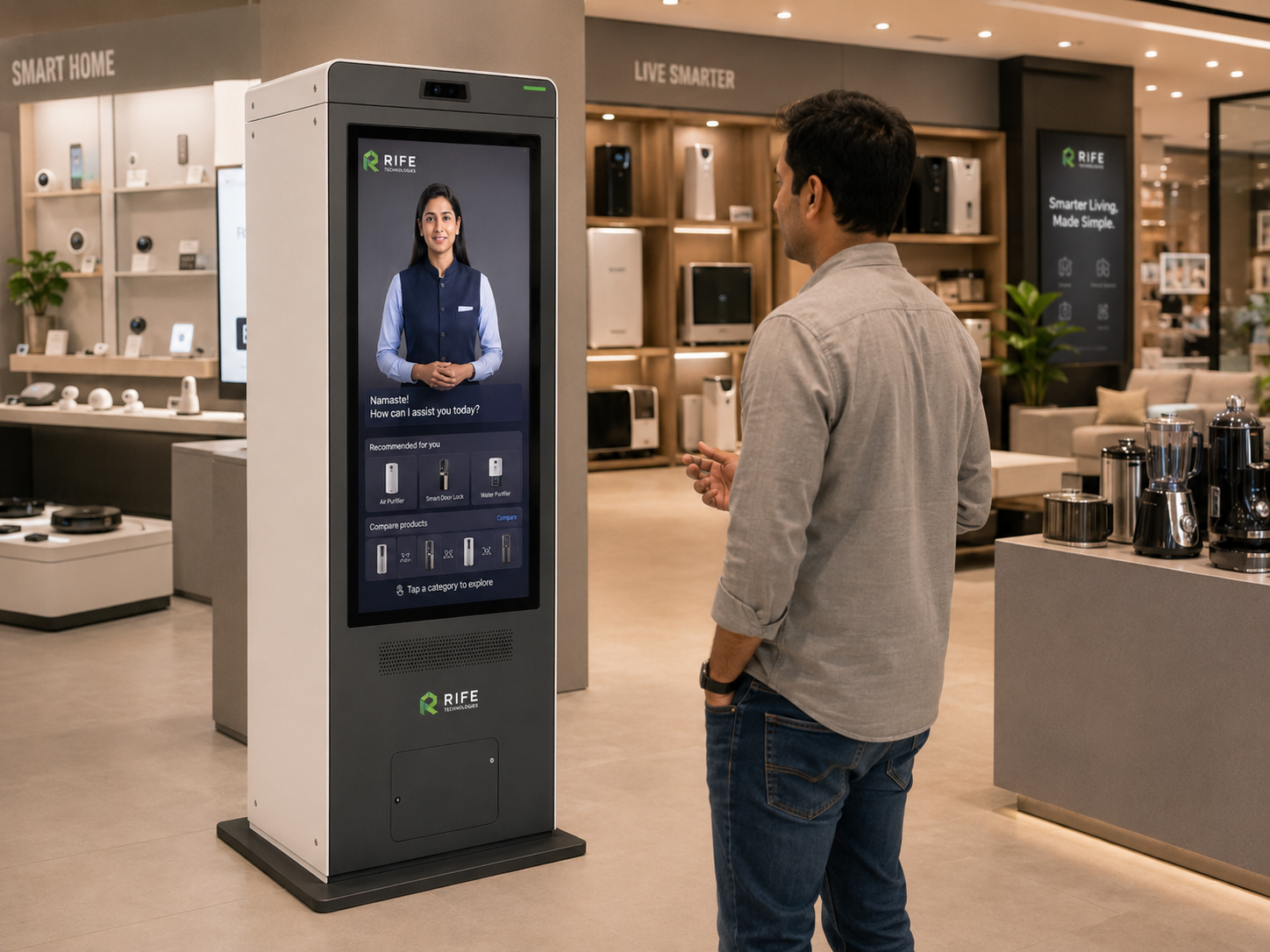
Conversational product education, feature explanation, promotions, store guidance and lead capture.
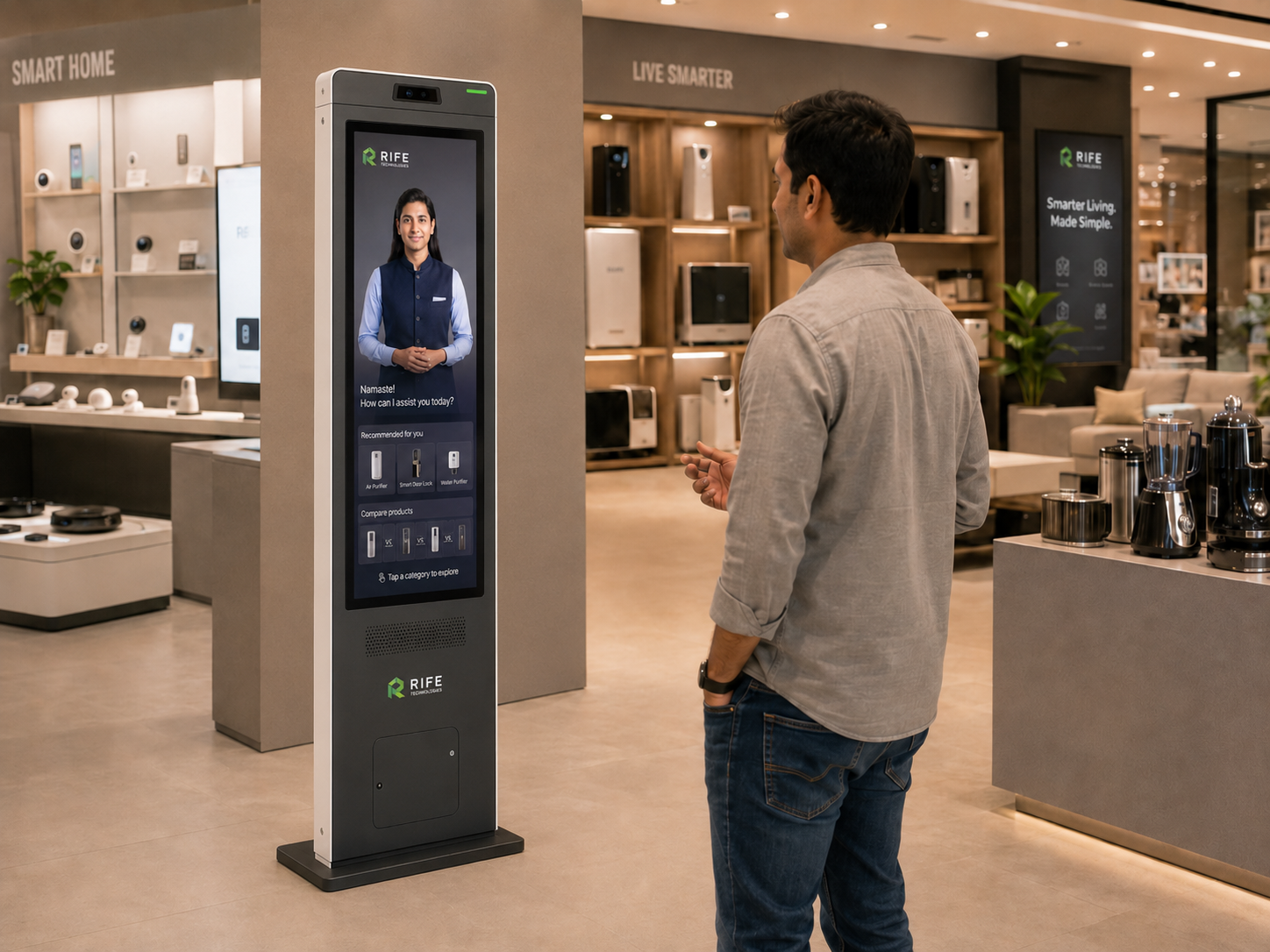
Directions, facility information and multilingual visitor assistance.
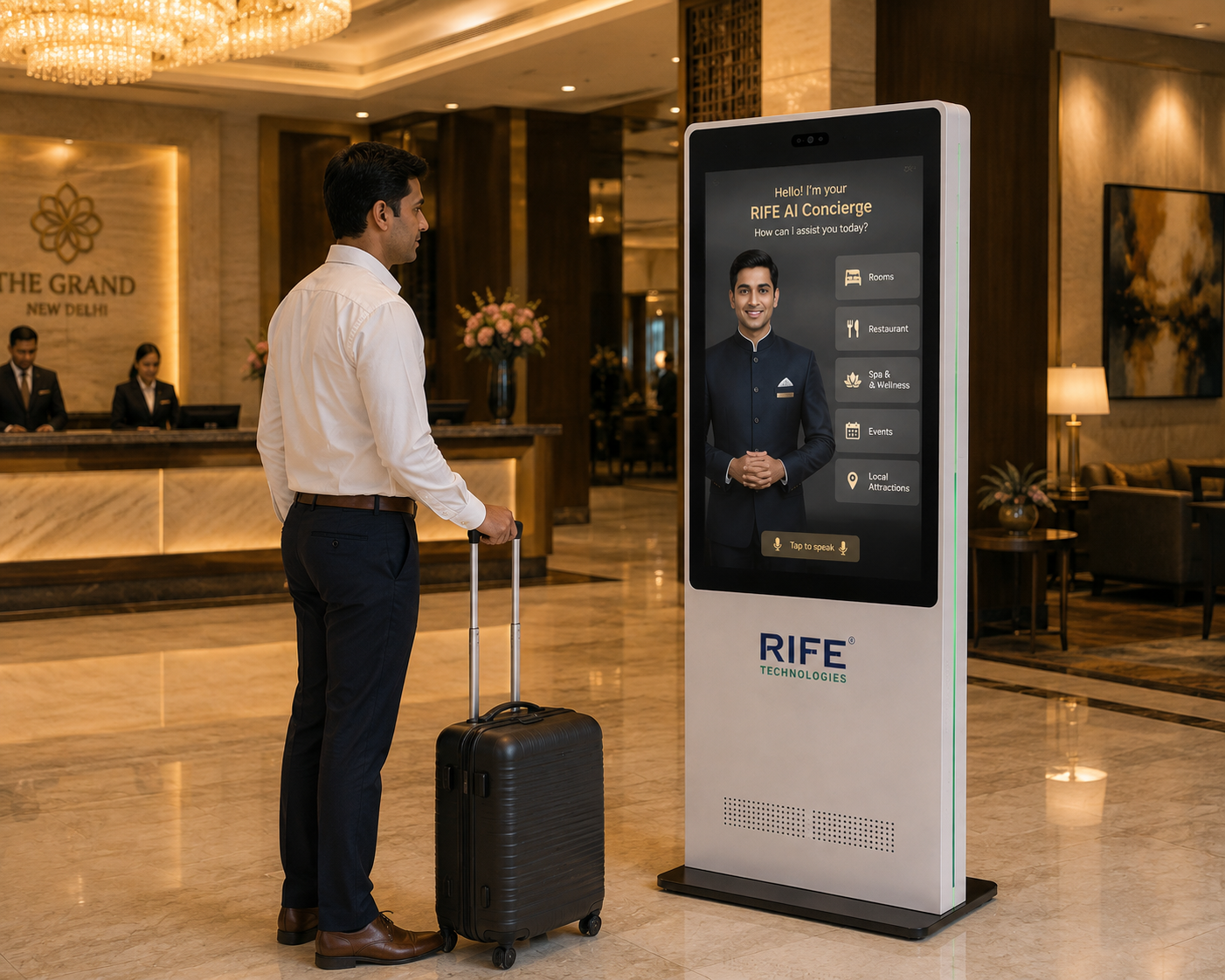
Guest information, amenities, local guidance and digital-concierge support.
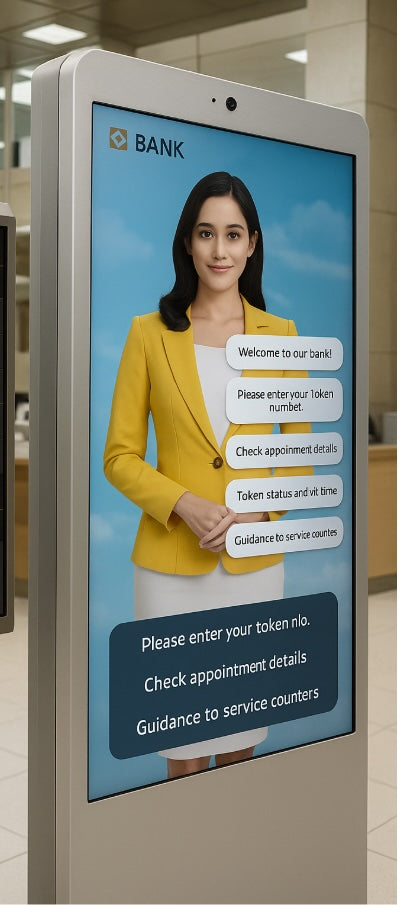
Explain approved service journeys and document requirements, guide branch visitors and hand sensitive needs to authorised channels.
Users can ask questions, choose topics and move through approved journeys while the avatar combines conversation with diagrams, maps, media, step-by-step instructions or learning content.
Ground the avatar in organisation-approved FAQs, procedures, policies, product knowledge, locations and training material so the same topic can be explained consistently and updated centrally.
Avatar appearance, language, tone, screen content and kiosk branding can be configured to match the deployment environment and customer journey.
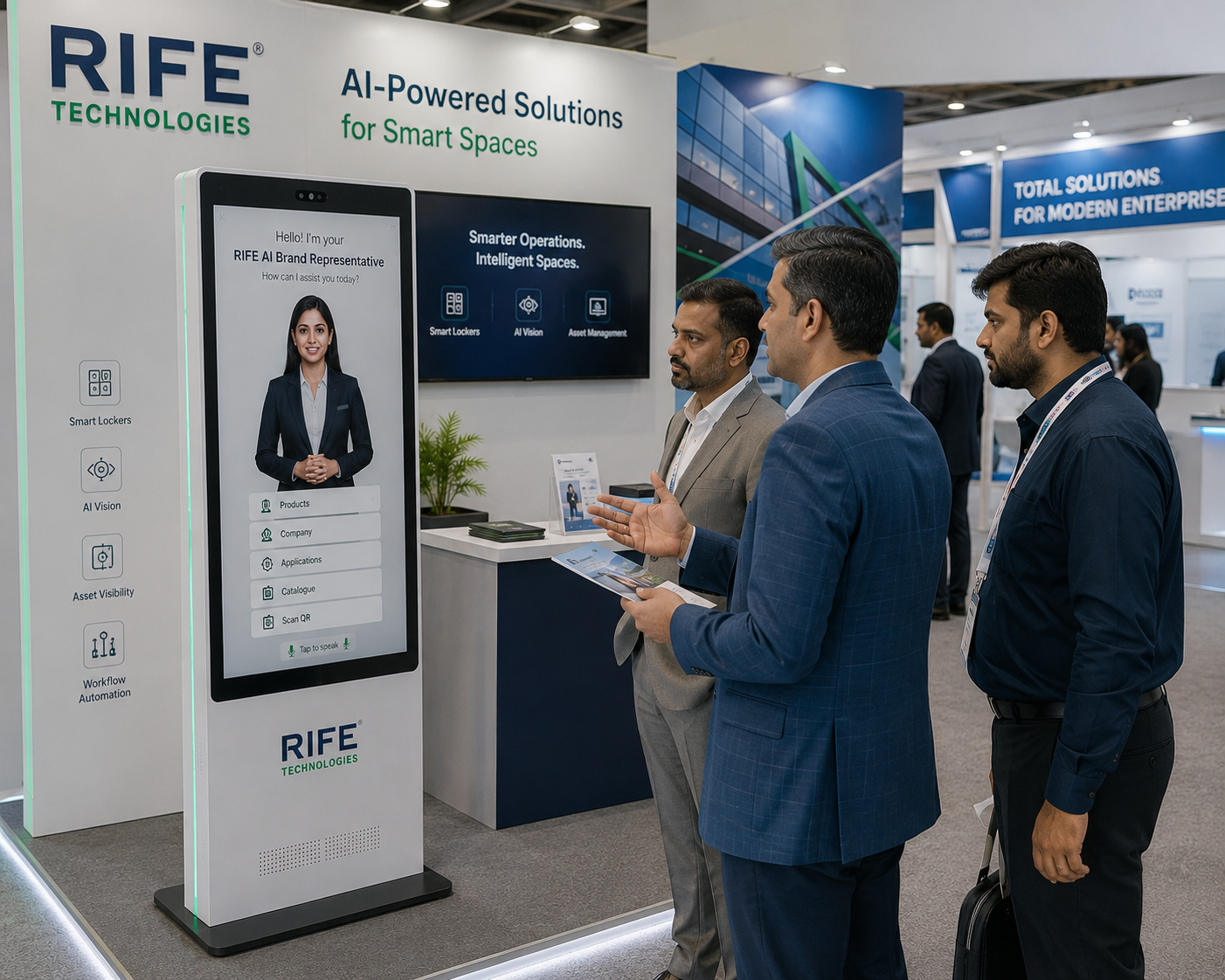
Where supported and approved, the kiosk can connect visitors to forms, QR journeys, appointment tools, queue systems, CRM or live staff hand-off.
The visitor starts by voice or touchscreen.
The avatar identifies the question or selected service journey.
It responds from approved knowledge and can present maps, media, instructions, orientation content, forms or next steps.
The kiosk completes the configured workflow or hands the visitor to an approved staff or system channel.
Welcome visitors and reduce repetitive front-desk questions.
Guide users to departments, counters, rooms or facilities.
Explain approved products, services, procedures and training material through conversation and visual media.
Welcome visitors, explain solutions and collect approved lead details.
Avatar persona, approved knowledge, visual learning content, language coverage, screen format, optional peripherals, integrations and deployment architecture are confirmed during project review.
It is a human-like digital assistant presented through a voice-and-touch interface. It can explain approved information conversationally, show visual guidance or learning material, guide users through configured journeys and escalate when human assistance is needed.
Selected languages can be configured when the required content, voice and deployment scope are approved.
Yes. Approved induction, product education, process explanation, safety orientation or other repeatable learning journeys can be configured when they fit the audience and project scope.
Yes. Avatar presentation, screen design, approved content and kiosk branding can be configured for the project.
Possible integrations are reviewed against the target system, available interface and security requirements before they are included in the project scope.
A staff escalation or live-assistance path can be designed when the deployment requires it and the required communication channel is available.
Tell us the audience, questions, training or orientation topics, preferred languages, avatar style, visitor journey and any approved systems that should be connected.