ARRIVAL
Patient Check-In Guidance
Guide visitors through approved arrival and registration steps where supported.
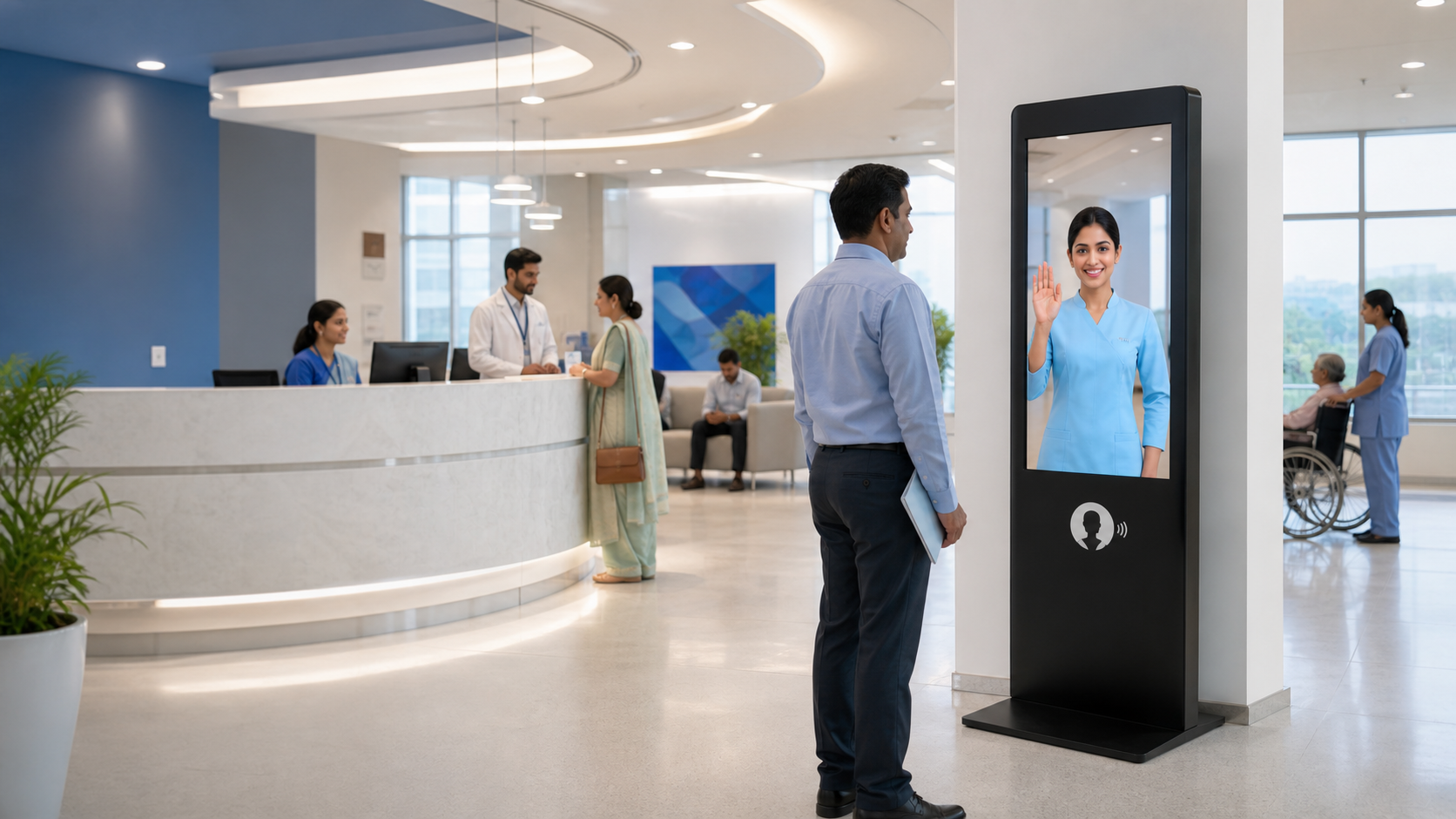
Support hospital reception and approved administrative journeys with a visible self-service point for check-in guidance, department information, queue guidance and wayfinding.
Hospital kiosks should simplify administrative journeys without implying clinical judgement. RIFE structures the interface around approved information, hospital workflows and staff escalation.
The useful kiosk is the one that removes friction from a specific journey while keeping approvals, privacy and system boundaries clear.
Guide visitors through approved arrival and registration steps where supported.
Present approved appointment and department guidance from connected or managed sources.
Show the next approved service point when queue information is available.
Help visitors locate departments, diagnostics, pharmacy and public facilities.
Use the kiosk for approved administrative information and directions while sensitive or clinical matters remain with authorised staff.
Appointment, queue, payment or registration connections are included only after the hospital system and security requirements are reviewed.
Patient chooses the required service or begins by voice/touch.
The kiosk matches the request to the approved hospital journey.
It presents directions, information or the configured next step.
Exceptions move to an approved hospital staff or system channel.
Arrival guidance and common visitor questions.
Directions and approved preparation information.
Location and service guidance.
Hospital directory and wayfinding support.
Capabilities depend on the approved workflow, selected kiosk configuration and available system interfaces.
Check-in can be included when the hospital registration or appointment system provides an approved integration path.
Queue information can be displayed or connected when the hospital has a supported queue system and the integration is approved.
The standard kiosk positioning is administrative information, reception and wayfinding. Clinical advice is not assumed.
Yes, approved maps and department directions can be configured into the visitor journey.
Share the site, user journey, required information, languages and systems that should be connected. RIFE can structure the suitable project configuration.