AI Kiosks in India: What They Are, How They Work & What Buyers Should Check
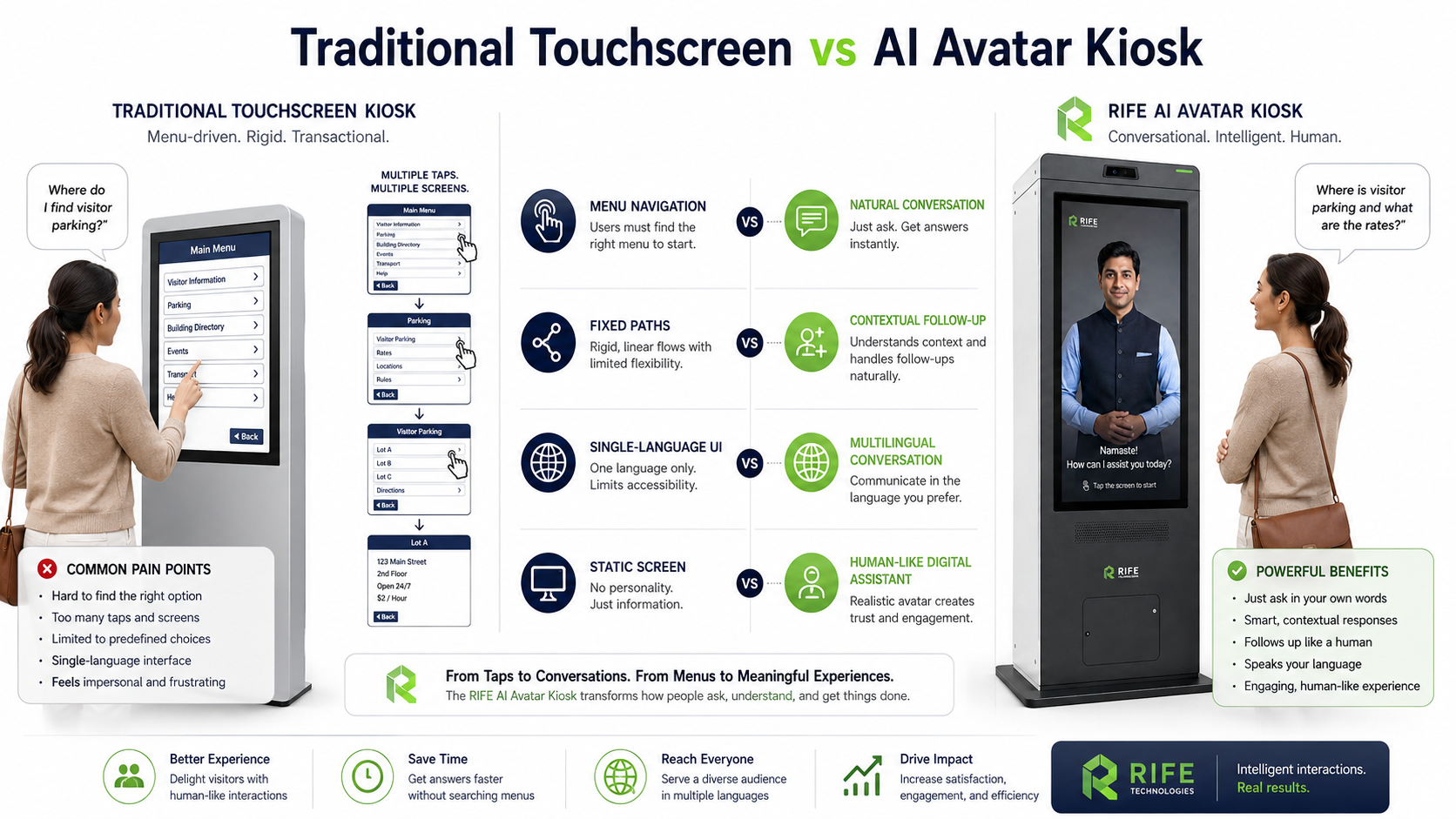
An AI kiosk is not simply a touchscreen with a chatbot. A useful enterprise deployment combines the right physical kiosk, approved knowledge, visitor interaction, escalation rules and any permitted business-system integrations around a defined workflow.
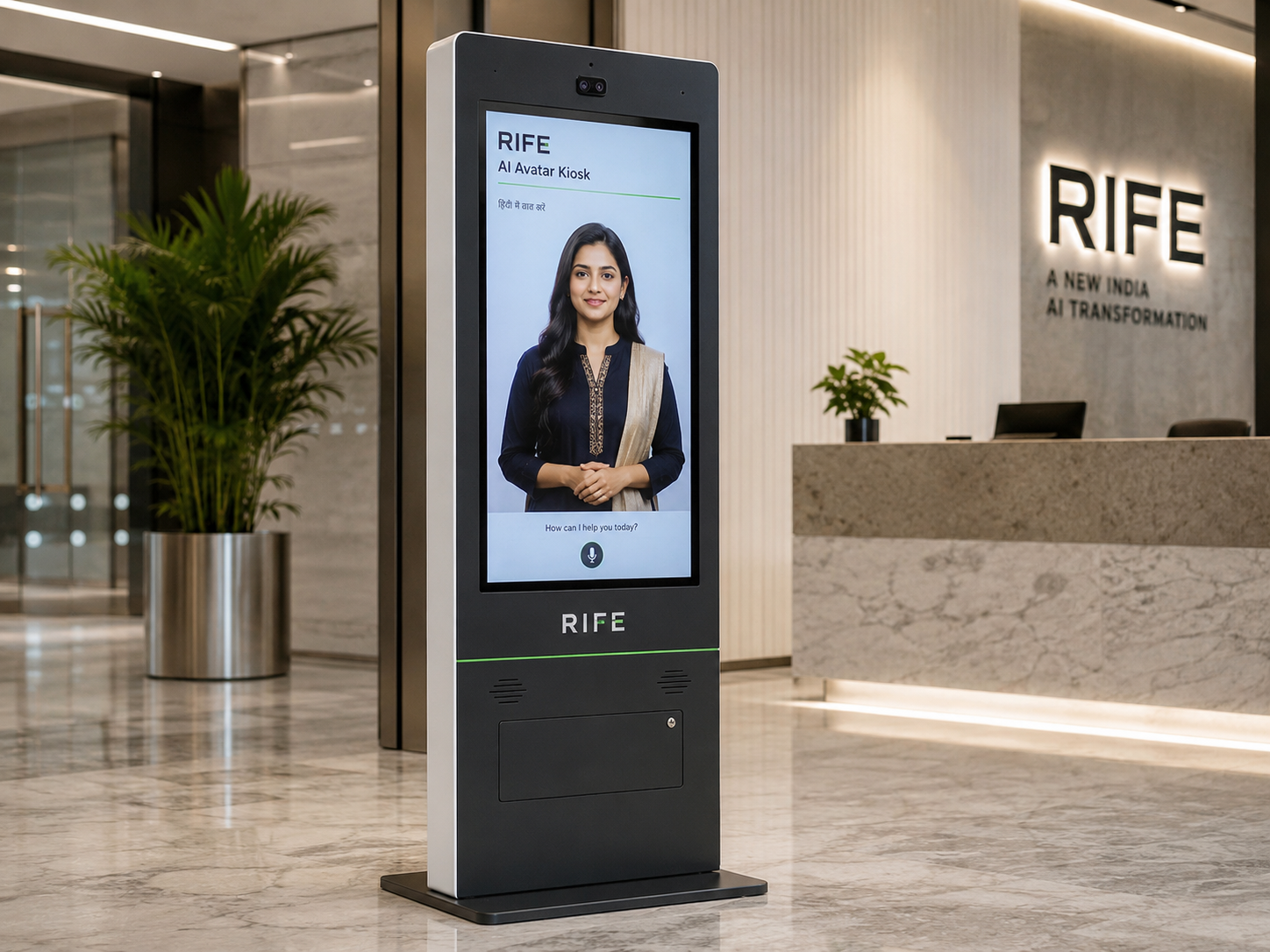
What is an AI kiosk?
An AI kiosk is a physical self-service interface that can combine touch, voice, approved organizational knowledge, forms and conversational AI for visitor or customer workflows.
The kiosk is the physical interface. The AI layer interprets questions and responds from approved information or triggers configured actions. A human-like avatar can be added, but it is not required for every project.
- Reception and visitor guidance
- Wayfinding and approved FAQs
- Lead or enquiry capture
- Configured forms and workflows
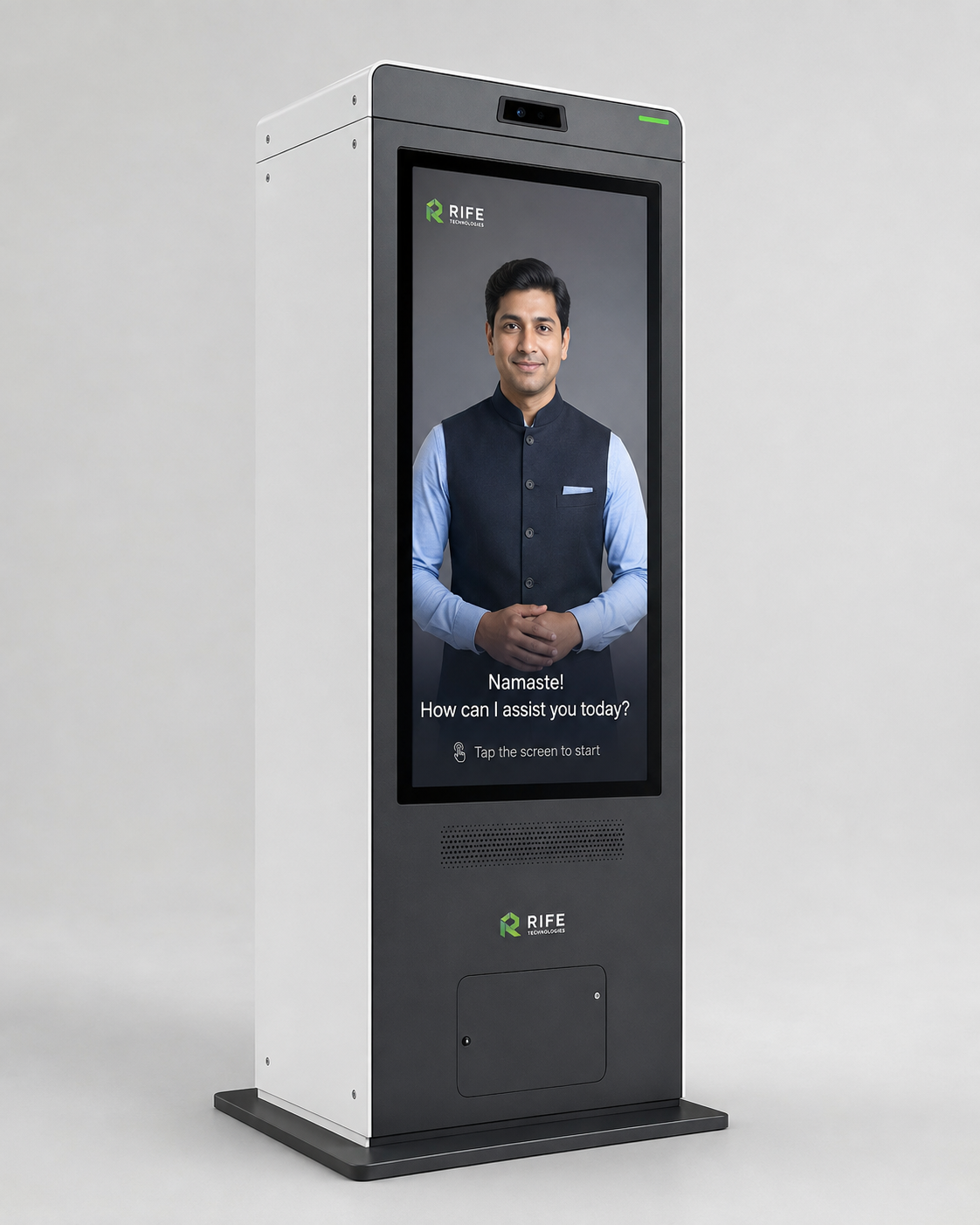
How does an AI kiosk work?
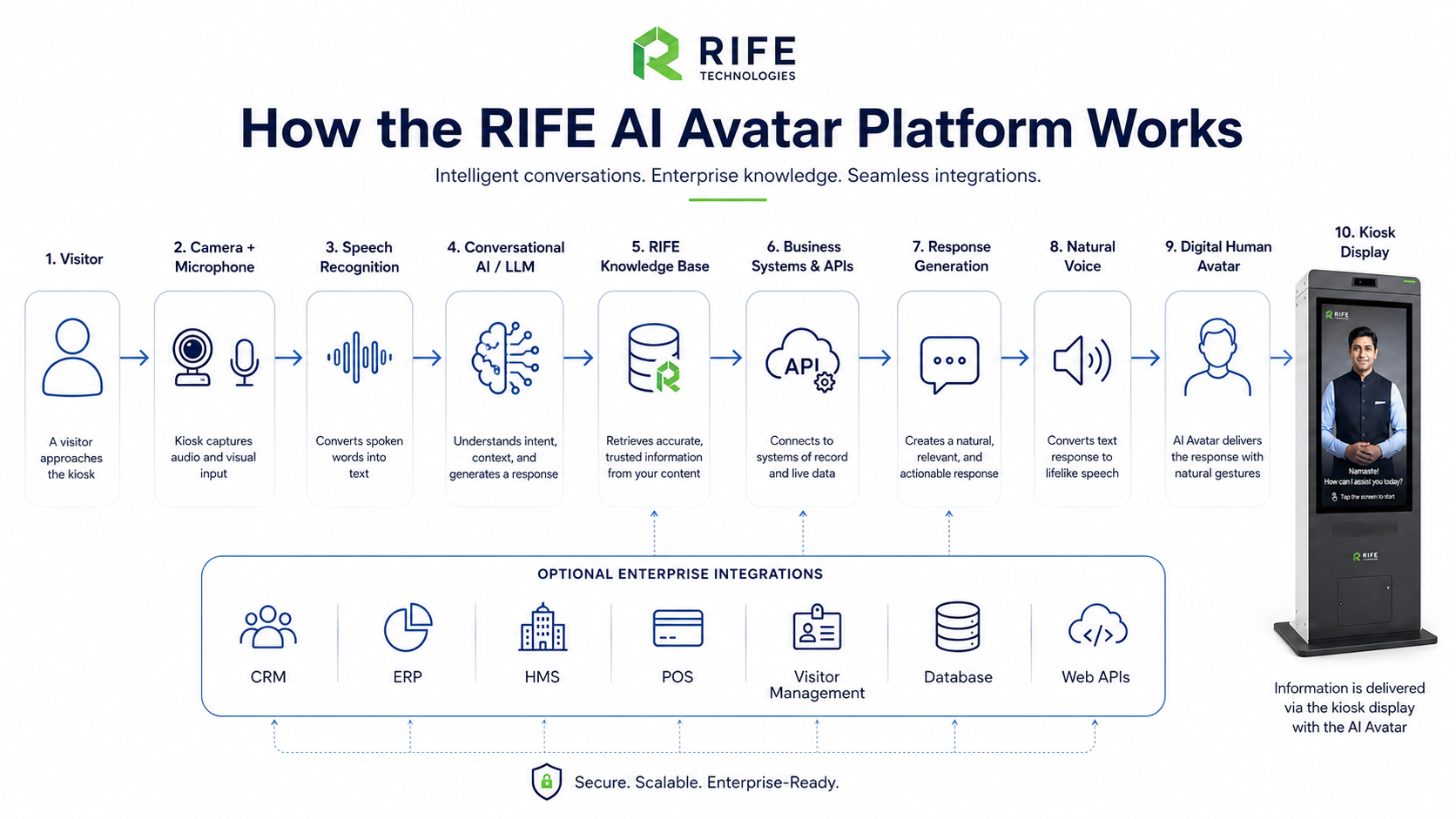
The visitor speaks or taps, the system identifies the request, checks approved knowledge or a connected workflow, returns an answer or action, and escalates when the request is outside scope.
The strongest deployment avoids unrestricted improvisation. Content sources, answer boundaries, data capture and human escalation should be designed before launch.
Where do AI kiosks fit best?
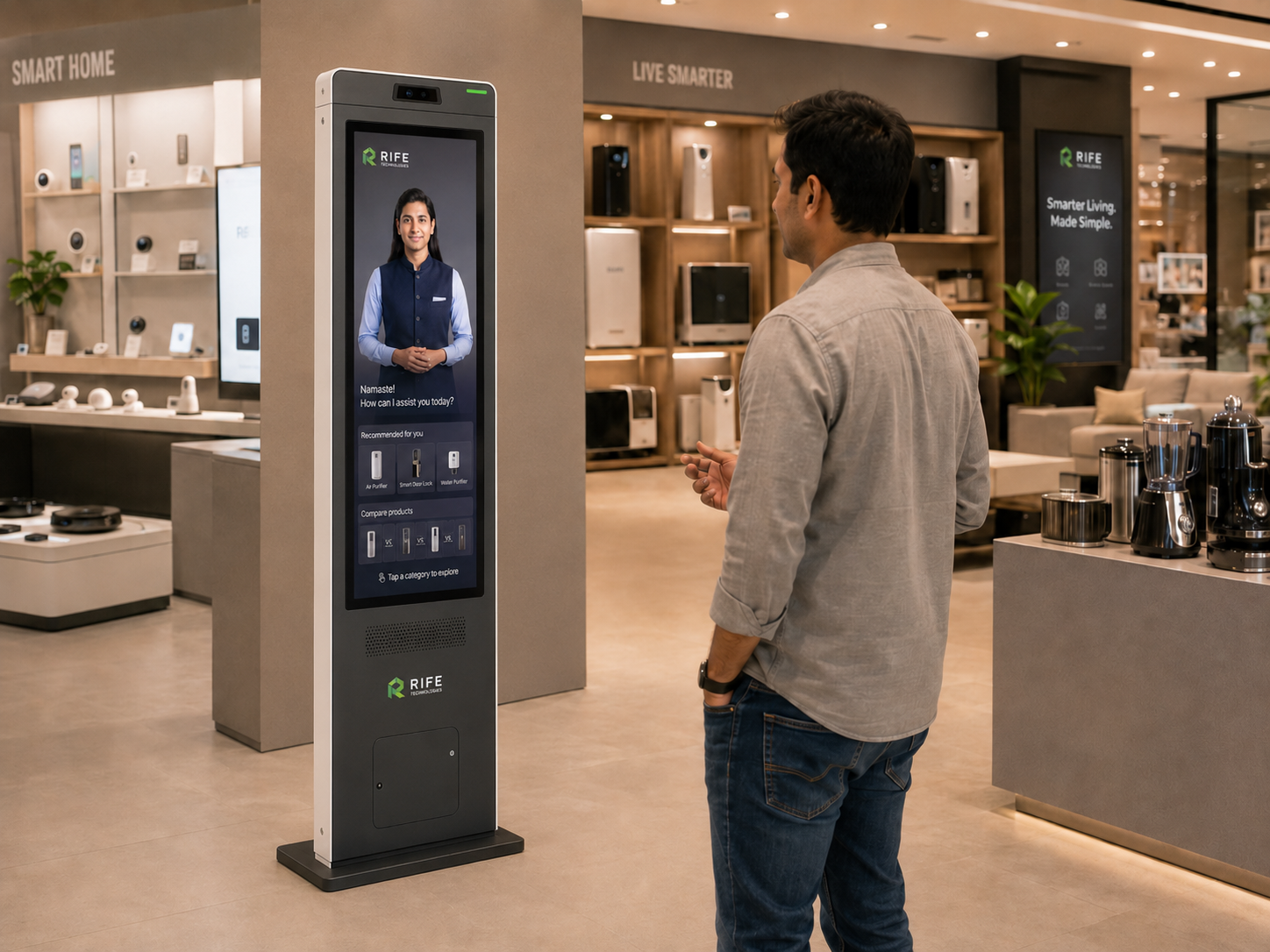
AI kiosks are strongest where people repeatedly need information, directions, forms or simple guided actions and the organization can define the approved knowledge clearly.
Typical environments include hospitals, hotels, corporate offices, universities, showrooms, exhibitions, public services, transport facilities and retail.
- Hospitals and clinics
- Hotels and hospitality
- Corporate reception
- Schools and universities
- Showrooms and exhibitions
- Public-service environments
What should a buyer verify before choosing one?
Verify the visitor journey, languages, approved content, privacy boundaries, escalation, hardware, integrations and who will keep the knowledge current.
A visually impressive avatar does not compensate for poor source content or an undefined operating model. The real buying decision is whether the complete workflow will work reliably at the site.
- Required questions and languages
- Touch, voice and accessibility needs
- CRM or workflow integrations
- Human hand-off path
- Content update ownership
- Support and deployment scope
Choose the commercial owner after the workflow is clear
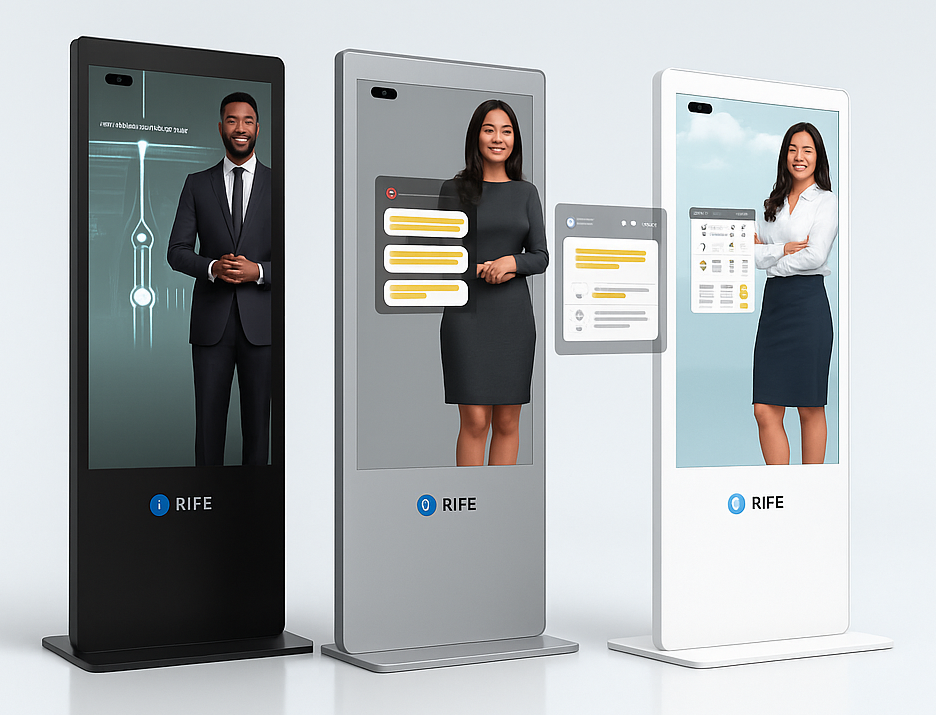
Once the workflow is defined, move to the RIFE AI Kiosk commercial page to select the physical format and project configuration.
The buyer guide explains the decision. The commercial owner page remains the place to review RIFE kiosk options and start a project conversation.
Frequently asked questions
Is an AI kiosk the same as a chatbot?
No. A chatbot is a conversational software interface. An AI kiosk combines a physical self-service device with software, content and optional conversational AI.
Does every AI kiosk need an avatar?
No. An avatar can improve a human-like reception experience, but some workflows are better served by a simpler touch or voice interface.
Can an AI kiosk connect to business systems?
Potentially, where the required system provides an approved interface and the integration, data handling and security scope are explicitly engineered.