Is Your Site Ready for an AI Kiosk?
A successful AI kiosk needs more than a power socket. Check the physical location, network, acoustics, accessibility, privacy, approved knowledge, integrations and operating ownership before installation.
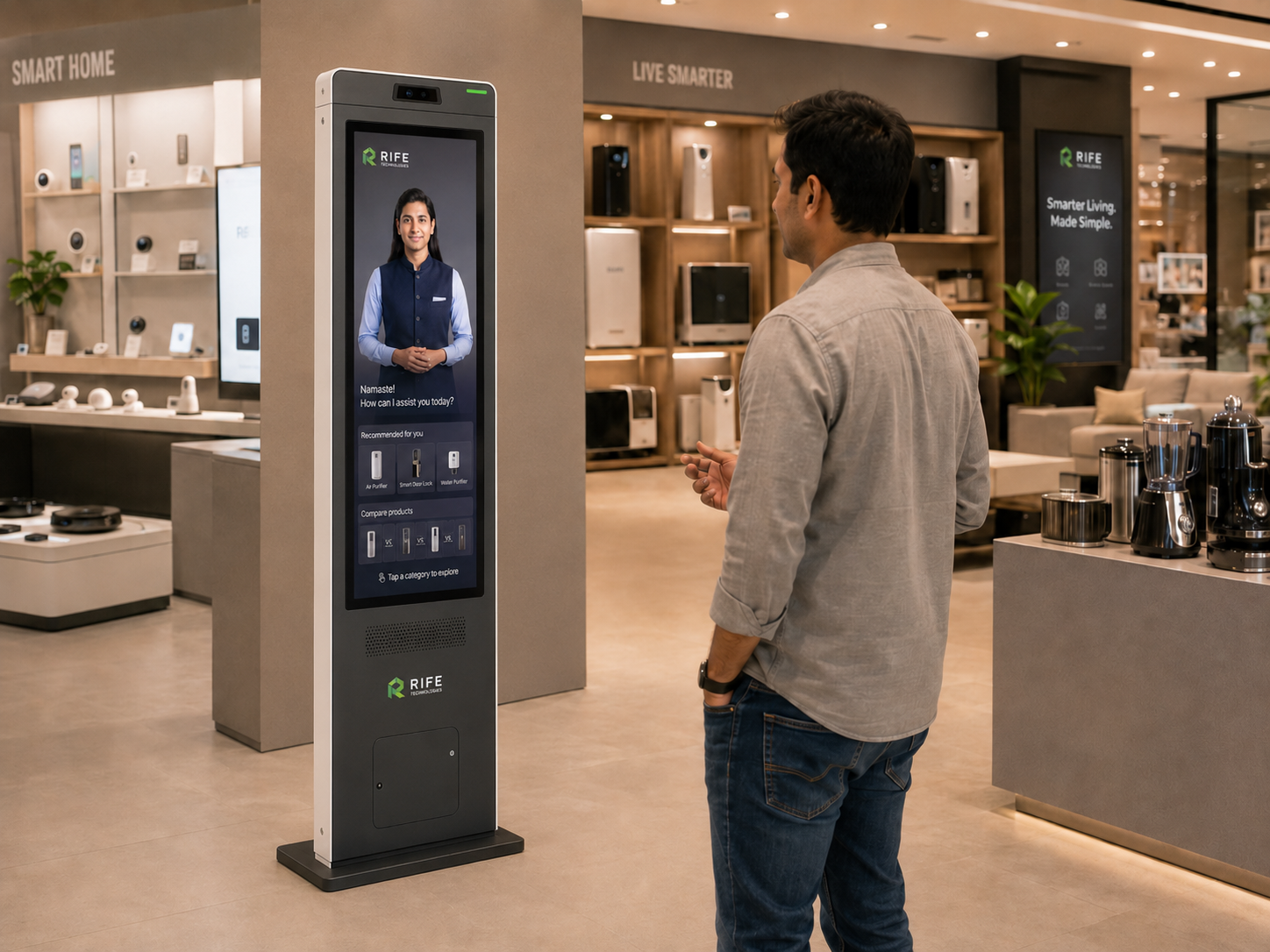
Is the kiosk in the right place?
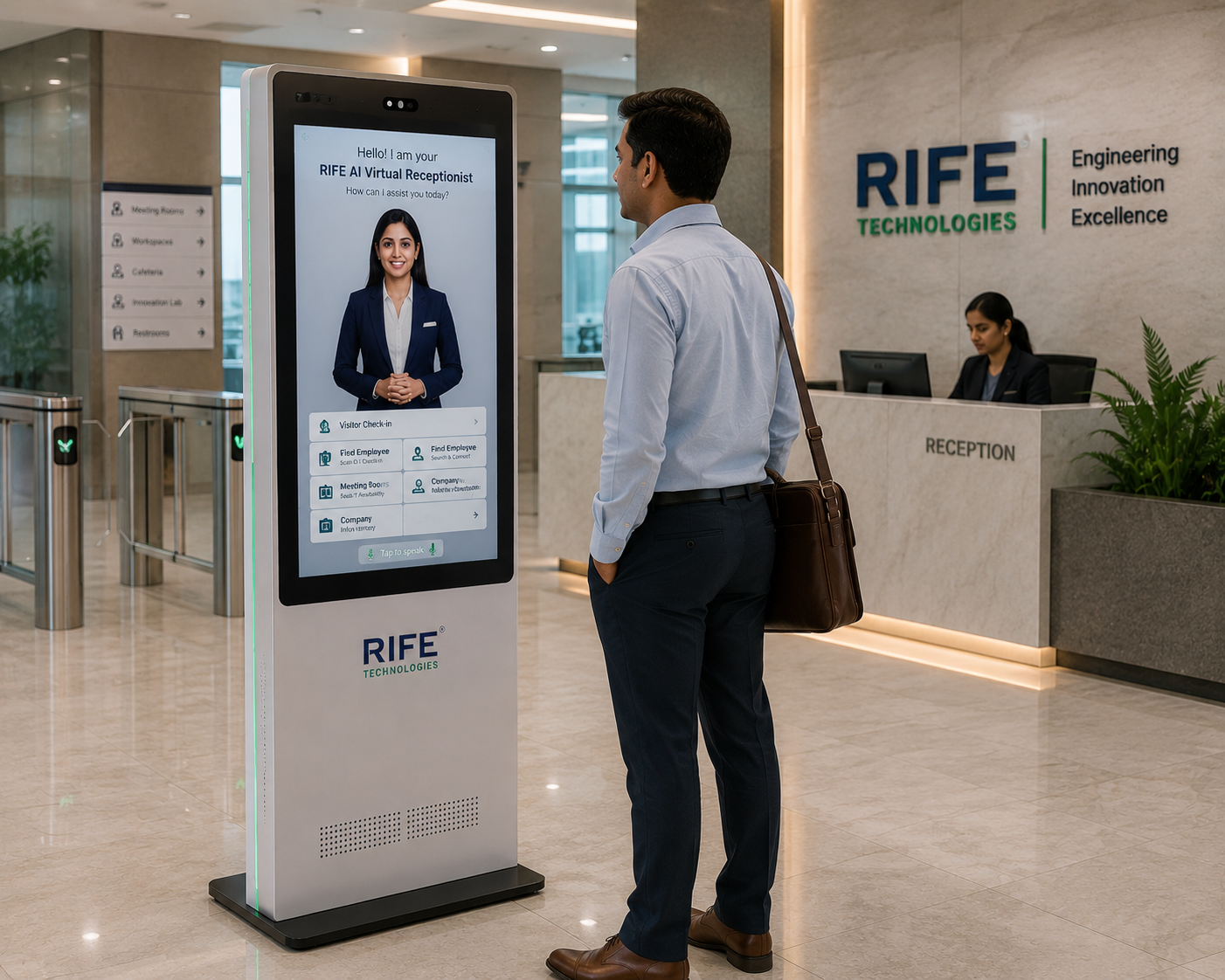
Place it where visitors naturally need assistance without blocking circulation, entrances or staffed service points.
Consider visibility, wheelchair approach, screen height, lighting, queue formation and whether visitors can comfortably speak to the system.
Are power and connectivity ready?
Confirm stable power, network coverage and any security requirements for the selected AI and connected systems.
Document what happens during network loss and which functions are local versus cloud-dependent.
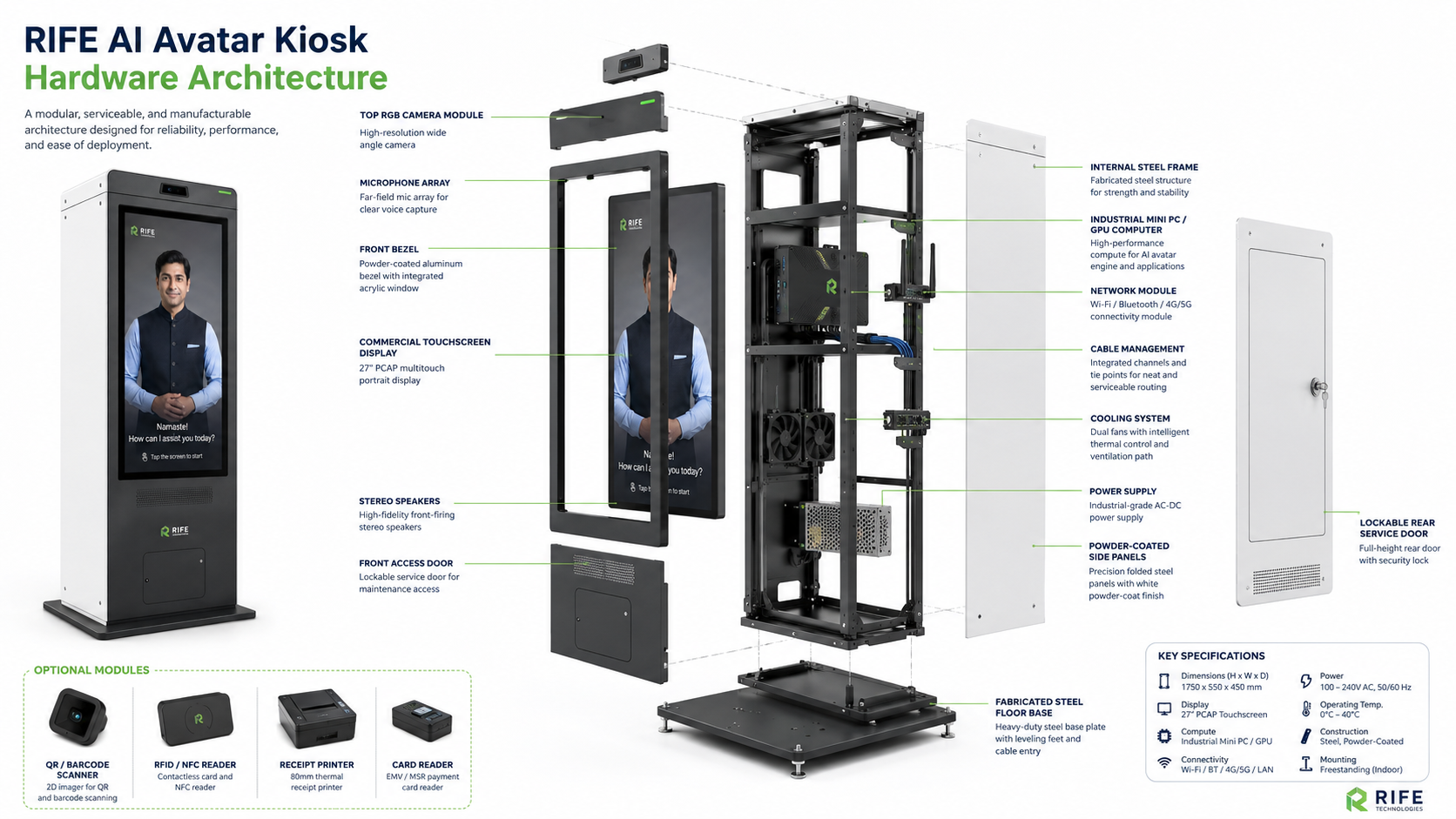
Will voice interaction work in the environment?
Test the actual ambient noise, distance, microphone direction and expected user behavior before relying on voice as the only interface.
Busy transport hubs, exhibitions and lobbies may need touch fallback, directional audio or a quieter placement.

Is the knowledge base ready?
The organization should have approved, current information for the questions the kiosk is expected to answer.
Define who owns updates, how quickly changes are published and what the kiosk should say when information is unavailable.
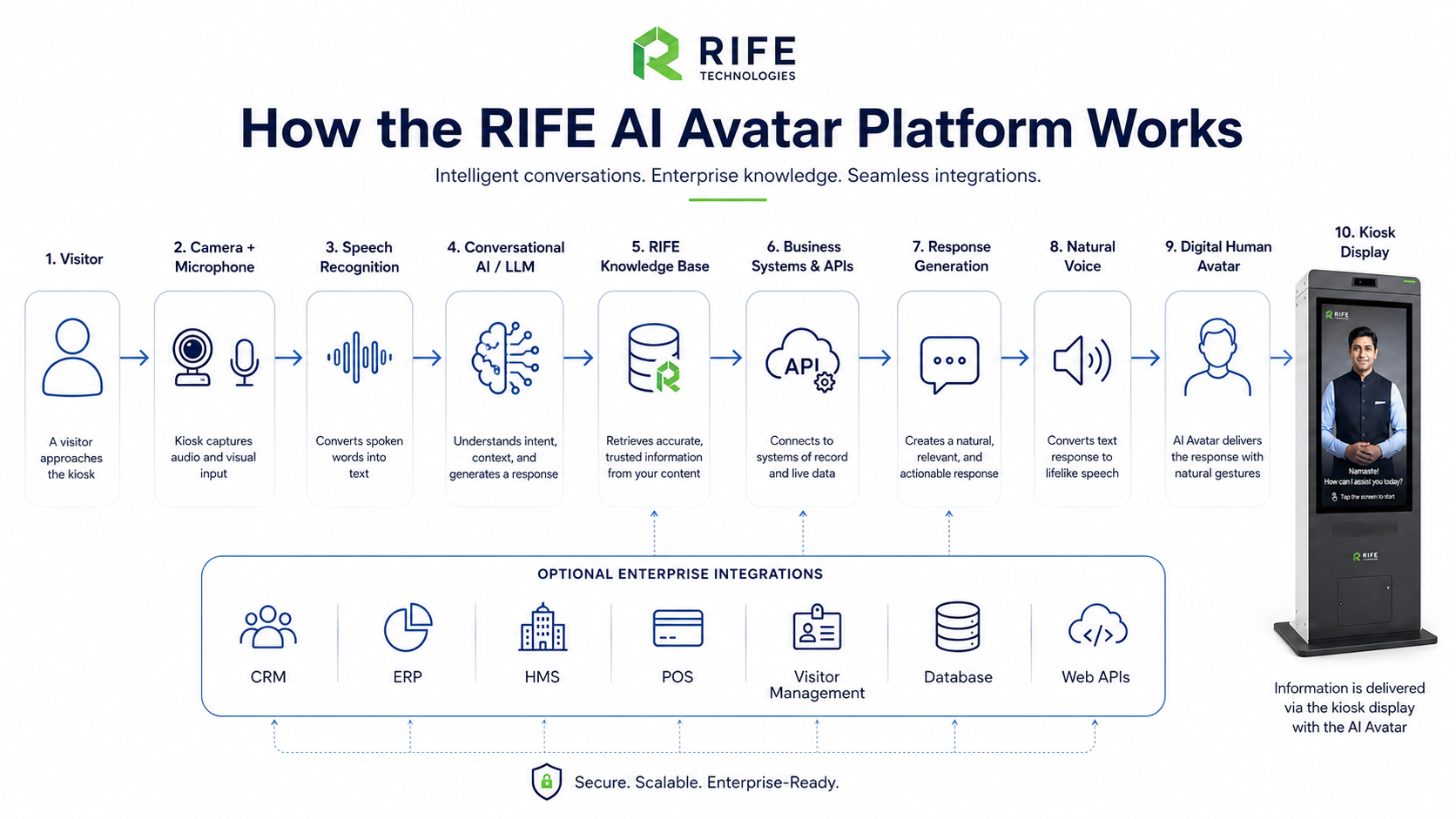
Are privacy and data boundaries clear?
Decide what data is captured, why it is needed, where it goes, how long it is retained and whether sensitive information should be excluded entirely.
Do not assume face recognition, emotion analysis or identity processing unless those functions are explicitly scoped, justified and reviewed.
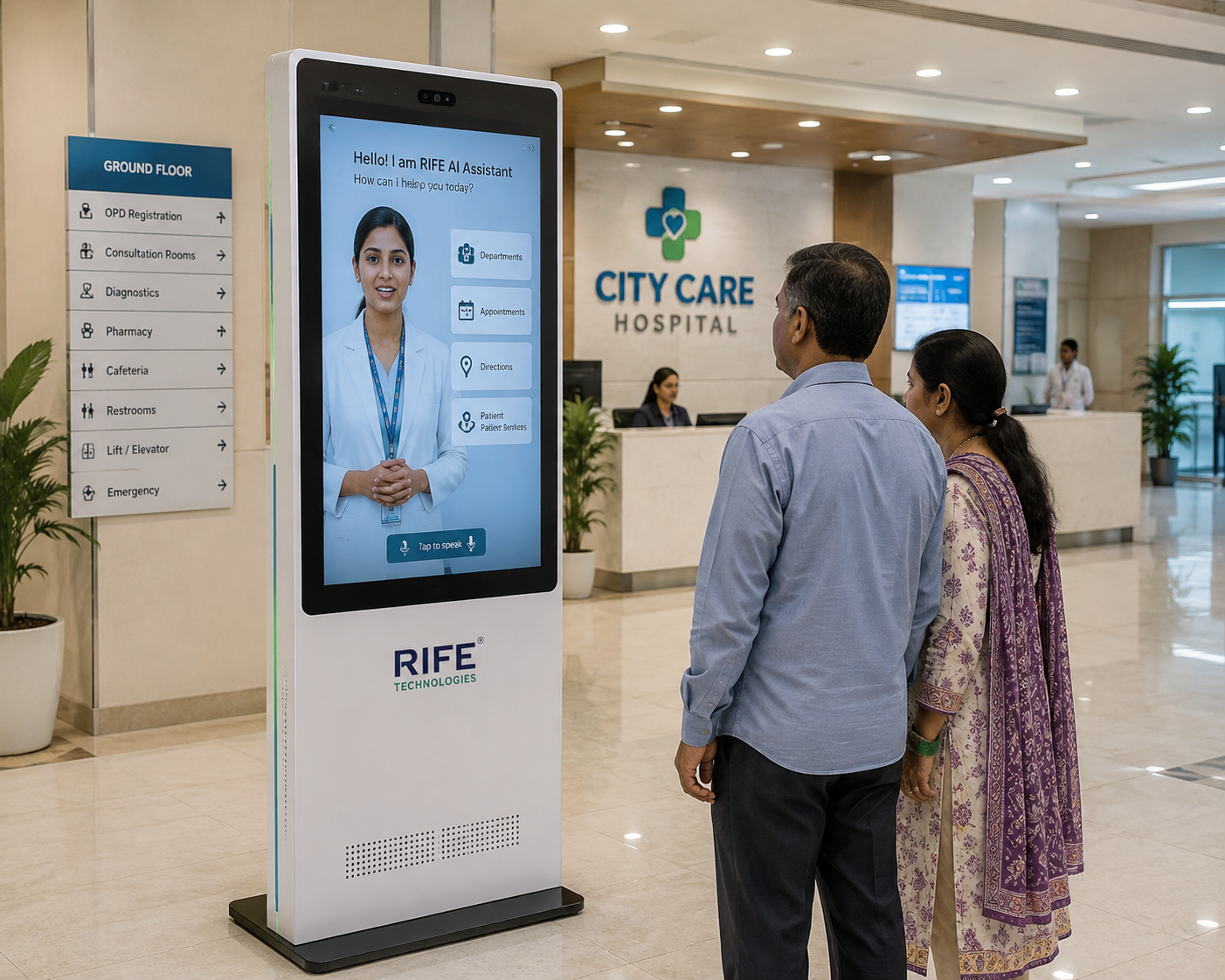
Who owns the kiosk after go-live?
Assign responsibility for content, hardware checks, software access, escalations and vendor support.
A simple operating checklist and named owner reduce the risk that the kiosk becomes outdated or unavailable.
Frequently asked questions
Do I need a site survey?
A site review is useful whenever placement, acoustics, accessibility, connectivity or integrations could affect the deployment.
Can a kiosk be moved later?
Physical relocation may be possible, but network, power, visitor flow and any location-specific workflow should be revalidated.
What is the biggest non-hardware risk?
Poor or outdated source content is a major risk because the kiosk can only be as useful and accurate as the knowledge and workflow it is given.